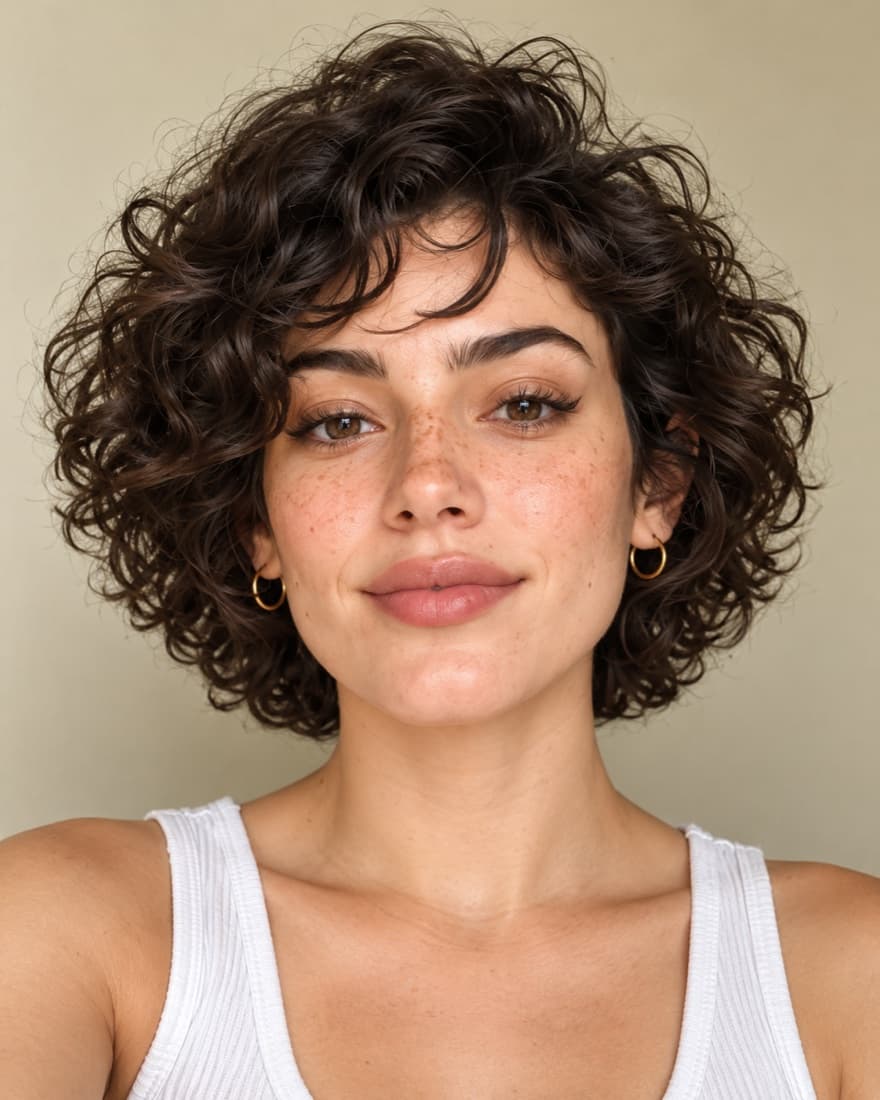
How do I use the celebrity look alike finder?
Using the FaceTwin celebrity look alike finder takes three steps. First, confirm you are 18 or older and choose a clear, front-facing selfie of yourself, or take one with your camera. Second, let your browser load the face model and read your photo; it locates your face and converts it into a 128-number descriptor without sending anything to a server. Third, read your results: the five closest of 2,333 public figures, each with a similarity percentage, a short note on the measured traits you share, and a link to learn who they are. You can switch the list between women, men or everyone and save your top three as a share card. A typical best match lands around 80%, so anything above that is a strong result. The finder is free, needs no account, and you can rerun it with as many photos as you like.
- Step 1 photo · step 2 scan · step 3 results
- Top 5 of 2,333 public figures
- Filter women / men / everyone + share card
- Typical best match ≈ 80%
Keep exploring
Find your lookalike in three steps
The finder is built for speed: there is no form to fill in, no email to confirm and no queue. The heavy lifting happens on the device you are holding.
- Choose your photo. Tick the 18+ box, then upload a selfie or open your camera. A straight-on photo with your whole face visible works best.
- Let it scan. The face model downloads once, finds your face, checks that the photo is usable and turns your features into a descriptor. After the first visit the model is cached, so later runs start almost instantly.
- Read your matches. Your five nearest public figures appear in order, each with a percentage and the traits you share. Tap a name to read about the person, change the filter, or create a share card.
If the finder asks for a different photo, it usually means it saw more than one face, a face turned too far to the side, or a face too small in the frame. Crop closer or face the camera and try again.
What the finder gives you
Every run returns the same five pieces of information, so you can compare runs with different photos side by side.
| Result | What it tells you |
|---|---|
| Top 5 matches | The five public figures out of 2,333 whose descriptors are nearest to yours, best match first |
| Similarity % | A friendly version of the distance between descriptors; about 80% is a typical best match, 90%+ is striking |
| Shared traits | One line on what you measurably have in common, such as face shape, eye tilt, brow arch or jaw angle |
| Women / men / everyone | A filter that re-ranks the same search inside one group, or across the whole index |
| Share card | An image of your top three you can save or send, without your photo being uploaded anywhere |
The thumbnails next to each name load directly from Wikimedia Commons with the author and licence shown, because the index stores descriptors and attributions rather than celebrity photos.
How the finder searches 2,333 faces
Under the hood the finder is a nearest-neighbor search. A face-recognition network has been trained so that two photos of the same person produce lists of numbers that sit close together, while photos of different people land further apart. Each list has 128 numbers, and we computed one in advance for every public figure in the index.
When your descriptor is ready, the finder measures its distance to all 2,333 stored descriptors, sorts them and keeps the five smallest distances. That is why the search is so fast: comparing a few thousand short lists of numbers is trivial work for a phone. The distance is then mapped to a percentage, and a second, simpler step measures both faces with landmark geometry to write the shared-traits line.
Because the network was trained to tell identities apart, it pays attention to structure — the spacing of the eyes, the width of the jaw relative to the cheekbones, the length of the nose — rather than to clothing or background.
Tips for sharper matches
- Hold the phone at eye level and look straight into the lens; a tilted chin changes face length more than you would expect.
- Stand facing a window or another soft light source so both sides of your face are lit evenly.
- Relax your face. A closed-mouth, neutral expression gives the most repeatable descriptor.
- Move hair off your brows and jaw, and take off sunglasses or hats that shade the eyes.
- Skip beauty filters and heavy retouching — they reshape exactly the proportions the model reads.
- Hold the camera a little further away and crop, rather than shooting very close, which widens the nose and cheeks.
Why matches change from photo to photo
Run the finder on three different selfies and you will often see some names repeat while others swap in and out. That is normal. Each photo produces a slightly different descriptor, because pose, lighting, expression and lens distance all move the numbers a little. When several public figures sit at similar distances from you, a small shift is enough to reorder them.
Treat the results like a vote. A name that appears in your top five on two or three photos is a far more reliable twin than a name that showed up once at the top. If one photo gives very different results from the rest, look at it again: it is usually the one with a turned head, a big smile or harsh shadows.
Privacy: what stays on your device
The finder runs in your browser. Your selfie, the landmarks placed on it and your 128-number descriptor are created and compared locally, and none of them are sent to FaceTwin or stored. You can even switch off your connection once the model has loaded and the finder keeps working. Please only use photos of yourself — the 18+ confirmation covers your own face, and results are for entertainment rather than identification. Public figures in the index do not endorse FaceTwin and can ask for their entry to be removed.
Frequently asked questions
Is the celebrity look alike finder free?
Yes. The top five matches, similarity percentages, shared traits, the women/men/everyone filter and the share card are all free, with no account and no ads.
Is my photo uploaded?
Not for local lookalikes or face analysis: the model runs in your browser, so your selfie, landmarks and descriptor stay on your device. AI portraits, including the first free one, and full reports send your photo through our server to the AI provider after sign-in and separate upload consent. Reports also send your numeric measurements. FaceTwin does not save the original photo; it is discarded from request memory after processing.
How many celebrities does the finder search?
2,333 public figures with Wikipedia articles and freely licensed portraits on Wikimedia Commons — actors, musicians, athletes and other well-known people.
How long does a search take?
The first run waits for the face model to download. After that it is cached, and finding your top five takes about a second.
What is a good similarity score?
A typical best match is around 80%. Above 90% is a striking resemblance, and under 70% means you share only one or two features.
Why does the finder show different people for different photos?
Pose, light, expression and camera distance shift your descriptor slightly, which can reorder close matches. Names that repeat across several photos are your most reliable twins.
Can I use the finder on my phone?
Yes. It works in modern mobile browsers, and you can take a selfie with the camera directly instead of uploading a file.
More from the same selfie
Last updated 2026-10-08. FaceTwin is for entertainment and is not identity recognition, medical or cosmetic advice.