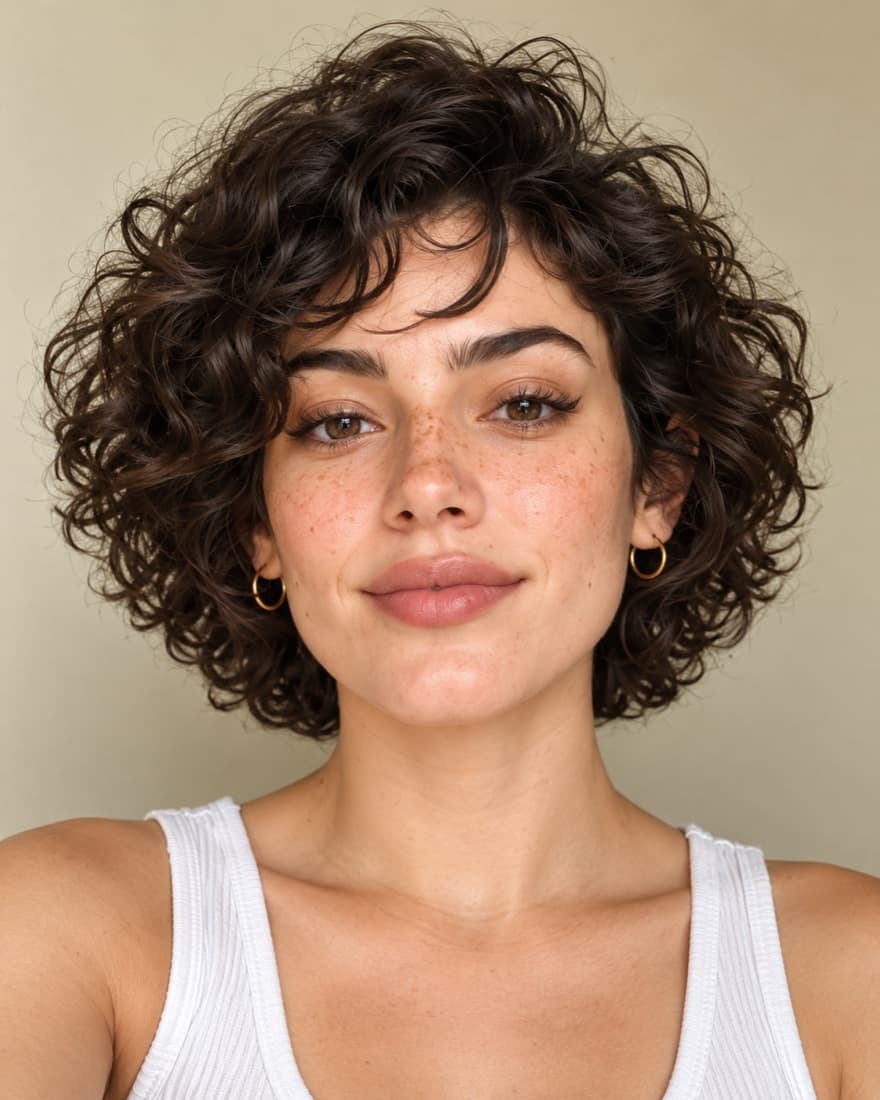
How do you make a caricature from a photo with FaceTwin?
To make a caricature from a photo with FaceTwin, upload a clear selfie, open the AI caricature tab, choose one of six styles — big-head caricature, comic book, anime, 3D animated, pencil sketch or chef caricature — sign in with Google and confirm a one-time upload consent. A 1024×1024 portrait is ready in about 15–40 seconds. Your first portrait is free in full resolution with no watermark; after that each portrait costs 10 credits, with one-time packs from $4.99 for 50 credits and no subscription. There are no prompts to write: each style is tuned to keep your face shape, eyes, skin tone, hair and accessories recognisable. Your photo is used once and deleted right after generation, never stored or used for training, and the result stays downloadable for seven days.
- 6 styles, 1024×1024, no watermark
- First portrait free, then 10 credits
- Ready in about 15–40 seconds
- Photo deleted right after generation
How to make a caricature from a photo
- Upload a clear selfie — the same photo also gives you free lookalikes and a face analysis.
- Open the AI caricature tab and pick a style.
- Sign in with Google (this keeps the first portrait free and one per person).
- Confirm the upload consent. Your photo is sent once to our image model and deleted right after.
- In 20–40 seconds your portrait appears. Download it in full resolution — it stays in your account for seven days.
There is no prompt to write and nothing to tweak. Each style has a tuned prompt that keeps your face shape, eye shape, skin tone, hairstyle and accessories, and exaggerates in a good-natured way.
Six caricature styles
| Style | What you get | Great for |
|---|---|---|
| Big-head caricature | Classic boardwalk caricature: oversized head, playful exaggeration, marker-and-gouache texture | Gifts, birthdays, profile pictures |
| Comic book | Bold inked lines, halftone dots and flat colours | Avatars, posters |
| Anime | Clean line art, cel shading, expressive eyes | Social profiles, Discord |
| 3D animated | A friendly animated-film character with soft studio light | Fun avatars, kids’ cards |
| Pencil sketch | Graphite portrait on textured paper | Framing, minimalist profiles |
| Chef caricature | You as a cheerful big-head chef — more professions coming | Foodie profiles, birthday cards, team pages |
Why our caricature from an image looks like you
General image generators often drift: you ask for a caricature and get a stranger with your hair colour. FaceTwin sends your photo as the only visual reference and instructs the model to keep the identity cues that make you recognisable — face outline, eye shape, brows, skin tone and hair — while exaggerating the features that are already distinctive. Because your face analysis is computed first, we know your face shape and proportions, which keeps the exaggeration flattering instead of random.
If a portrait ever fails or the model declines the image, your credits are returned automatically and your free portrait is restored.
Pricing: first portrait free, then 10 credits
Your first portrait in any style is free in full resolution without a watermark — you only need to sign in with Google so we can keep it to one per person. After that each portrait costs 10 credits. Credits come in one-time packs (50 for $4.99, 120 for $9.99, 300 for $19.99), never a subscription, and unused credits can be refunded within 14 days of purchase.
| Feature | Typical AI image site | FaceTwin |
|---|---|---|
| Free allowance | A few low-res or watermarked images a month | First HD portrait free, no watermark |
| Account | Required up front, often with a subscription | Google sign-in only when you create |
| Prompts | You write and tweak them | None — pick a style |
| Your photo | Often kept in a gallery or used for training | Used once, deleted, never used for training |
Tips for the best caricature
- Use a sharp, well-lit photo with your whole face and some hair visible.
- Avoid sunglasses, heavy filters and very wide-angle selfies.
- Show what you want exaggerated — a big smile makes a big-smile caricature.
- Try the same photo in two styles; the comic and big-head styles exaggerate the most, sketch the least.
Please only upload photos of yourself. We do not create images of celebrities or of anyone who has not agreed to it.
Frequently asked questions
How do I turn a photo into a caricature?
Upload a selfie above, open the AI caricature tab, pick a style and confirm. Your caricature is ready in 20–40 seconds.
Is the caricature maker free?
Your first portrait is free in full resolution with no watermark (Google sign-in required, one per person). Further portraits cost 10 credits, from $4.99 for 50 credits.
Can I make a caricature from an image without writing a prompt?
Yes. Each style uses a tuned prompt; you only choose the style.
What happens to my photo?
For portraits, your photo is uploaded once after you agree, sent to our image model, and deleted right after generation. It is never stored in your account or used for training. Your finished portrait is kept for seven days so you can download it.
Is this the same as a ChatGPT caricature?
It is the same idea — an AI caricature from your photo — but with styles tuned to keep your likeness, no prompt writing, and your face analysis used to keep the exaggeration flattering.
What if I don’t like the result?
If generation fails, credits return automatically. For any other problem, email us within 14 days and we will help or refund unused credits.
More from the same selfie
Last updated 2026-10-04. FaceTwin is for entertainment and is not identity recognition, medical or cosmetic advice.