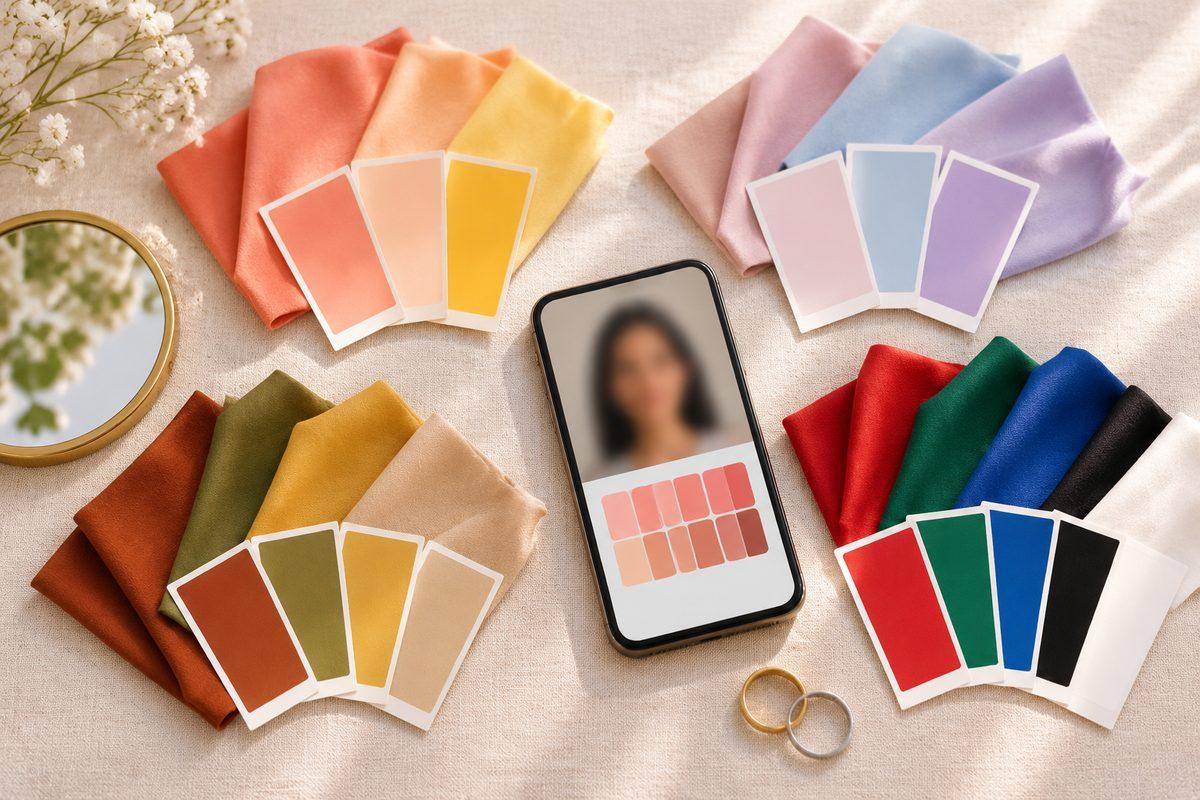
How do I get a color analysis from a photo?
Take a selfie facing a window in daylight with no flash, filter or heavy makeup, then add it to FaceTwin’s color analysis. Your browser finds 68 face landmarks, samples skin from both cheeks, the forehead and the jaw, the color of both irises and your hair at the hairline, and converts them to CIELAB. From that it reads four things — undertone (warm–cool), value (light–deep), chroma (clear–soft) and contrast — and matches them against the 12 seasons. You get your season, the runner-up season, 8 colors to try and a photo check that tells you if the light or a filter may have skewed the result. Adding 2–3 photos averages out lighting differences. It is free, needs no account and never uploads the photo.
- 12 seasons: Light/True/Bright Spring, Light/True/Soft Summer, Soft/True/Deep Autumn, Deep/True/Bright Winter
- Samples: 4 skin areas, both irises, hairline + temples
- Four readings on a cool–warm, deep–light, soft–clear, low–high scale
- Same photo → same result (no randomness)
- Photo, landmarks and colors never leave your device
Color seasons
How the color analysis works
Seasonal color analysis sorts natural coloring into 12 seasons along four questions: is it warm or cool, light or deep, clear (bright) or soft (muted), and is the contrast between skin, hair and eyes high or low? FaceTwin measures those four things from your photo instead of asking you to guess.
- The face model finds 68 landmarks on your face in your browser.
- Skin is sampled from both cheeks, the forehead and the jaw; pixels that are shiny, shadowed or not skin-colored (lips, hair strands, glasses) are dropped and the median is kept.
- Eye color is sampled inside both irises (without the white of the eye or the catchlight); hair color from the hairline and both temples. If hair can’t be separated from skin or background, it is left out.
- Every sample is converted to CIELAB, a color space built around how people see color differences. Hue angle gives undertone, lightness gives value, chroma gives clear vs soft, and the lightness gap between skin and hair/eyes gives contrast.
- The four readings are compared with the 12 season profiles. The closest is your season; the second closest is your runner-up — usually a neighbouring “sister” season that shares your dominant trait.
The same photo always gives the same result — there is no randomness. Different photos of you can differ when the light differs, which is why the tool checks each photo and lets you average up to three.
How it compares with other ways to get your colors
| Option | What you get | Cost | Speed | Your photo |
|---|---|---|---|---|
| FaceTwin (free part) | Season + runner-up, 4 readings, 8 colors, photo check | Free, no sign-up | Seconds | Never uploaded |
| In-person draping | An analyst drapes fabric in daylight | Usually the most expensive option | An appointment | No photo needed |
| Human analyst online | An analyst reviews your photos and sends a report | One-time fee | Often about a day | Uploaded and stored for the review |
| Photo quiz / self-test | Answer questions about veins, jewelry, tanning | Free | Minutes | No photo |
Self-tests are easy to second-guess — vein color and “gold or silver” are hard to judge on yourself. A human analyst can see things a camera misses, but needs your photos and time. FaceTwin measures the colors directly, instantly and privately, and tells you when the photo itself is the problem.
What the full report will include
Your season, runner-up, four readings and 8 colors stay free. The full report goes further for the season you get:
- 40+ personal colors built from your season’s 10 hero colors (tints, shades and softened tones), with hex codes
- Colors to avoid near your face, and what to wear them with instead
- Makeup ranges: lipstick, blush and eyeshadow
- Hair color shades to choose and to avoid
- Jewelry metal and glasses frame colors
- Outfit color combinations and a phone-sized color card to shop with
It will be a one-time purchase, not a subscription. Until it opens, each season page already shows that season’s 10 hero colors, avoid list, makeup, hair, metals and frames for free.
The 12 seasons at a glance
| Season | Dominant trait | Typical coloring |
|---|---|---|
| Light Spring | light and warm | Light, delicate colouring with a warm, golden glow |
| True Spring | warm and bright | Clearly warm colouring with life and sparkle |
| Bright Spring | clear and warm | High-energy colouring |
| Light Summer | light and cool | Soft, light, cool colouring |
| True Summer | cool and soft | Clearly cool colouring that stays gentle |
| Soft Summer | soft and cool | Muted, smoky, slightly cool colouring |
| Soft Autumn | soft and warm | Gentle, earthy, slightly warm colouring |
| True Autumn | warm and rich | Fully warm, earthy colouring |
| Deep Autumn | deep and warm | Rich, dark, warm colouring |
| Deep Winter | deep and cool | Dark, intense, cool-leaning colouring |
| True Winter | cool and clear | Fully cool, crisp colouring |
| Bright Winter | clear and cool | Vivid, high-contrast colouring |
Each family has three seasons. Springs are warm and clear-to-light, Summers cool and soft-to-light, Autumns warm and soft-to-deep, Winters cool and clear-to-deep. The season with the strongest single trait wins: very light coloring is a Light season whatever the undertone leans to, very muted coloring is a Soft season, and so on.
What a photo can and can’t tell you
A photo analysis is an estimate. Professional analysts drape fabric under daylight and judge how your skin reacts — evenness, shadows, glow — which a camera only partly captures. We don’t claim to replace that, and we don’t claim certification.
- Warm indoor bulbs push results toward warm seasons; shade and screens push toward cool ones. The photo check flags a strong cast.
- Beauty filters and vivid camera modes inflate chroma, pushing toward Bright seasons. Use the plain camera.
- Foundation and bronzer change the skin sample. Bare skin is best.
- Dyed hair changes contrast and warmth — set your natural hair color in the menu.
- A close call between two seasons is normal: you will often look good in both. Try colors from both palettes against your face in daylight.
Frequently asked questions
Is color analysis accurate from a photo?
It is a good estimate, not a guarantee. A photo can be thrown off by the light, the camera’s white balance, filters, makeup and dyed hair — the same things that fool people looking at you in a shop. FaceTwin reduces this by sampling several skin areas (both cheeks, forehead and jaw) instead of one spot, using medians that ignore shine and shadow, checking the whole photo for a color cast, and letting you add up to 3 photos that get averaged. If the photo check flags a problem, retake it in daylight. An in-person drape test with real fabric in daylight is still the reference method.
Do you store my photo?
No. The free analysis runs in your browser tab: the photo is decoded on your device, the face model finds the landmarks locally and the colors are sampled locally. No photo, landmark, color sample or result is sent to a server. Close the tab and it is gone. You can check this in your browser’s network panel — no image request leaves the page.
Is it a subscription?
No. The season result, the four readings and the 8 representative colors are free with no sign-up. The full report (40+ colors, makeup, hair, jewelry, frames and outfits) will be a one-time purchase — no subscription and no auto-renewal.
What if I dye my hair?
Seasons describe your natural coloring, so choose your natural hair color in the “Natural hair color” menu before you add photos — the analysis then uses that instead of the dyed color it sees. If you wear a hat, are bald or the hair is out of frame, the tool works from skin and eyes alone. Your season does not change when you dye your hair, but your best hair dye shades follow your season (each season page lists them).
How should I take the photo?
Face a window in daylight (not direct sun), turn off the flash, beauty mode and filters, and use the plain camera. Remove makeup if you can, pull hair back from the cheeks and look straight at the camera so both cheeks get the same light. A white or grey wall behind you helps. Take 2–3 photos at different times or windows and add them all — the readings are averaged.
Is my photo uploaded?
Not for local lookalikes or face analysis: the model runs in your browser, so your selfie, landmarks and descriptor stay on your device. AI portraits, including the first free one, and full reports send your photo through our server to the AI provider after a free first-portrait request or a credit purchase, and separate upload consent. Reports also send your numeric measurements. FaceTwin does not save the original photo; it is discarded from request memory after processing.
More from the same selfie
Related by topic
Personal color analysis
The data behind the scores: FaceTwin facts · face shape statistics
Last updated 2026-10-18. FaceTwin is for entertainment and is not identity recognition, medical or cosmetic advice.