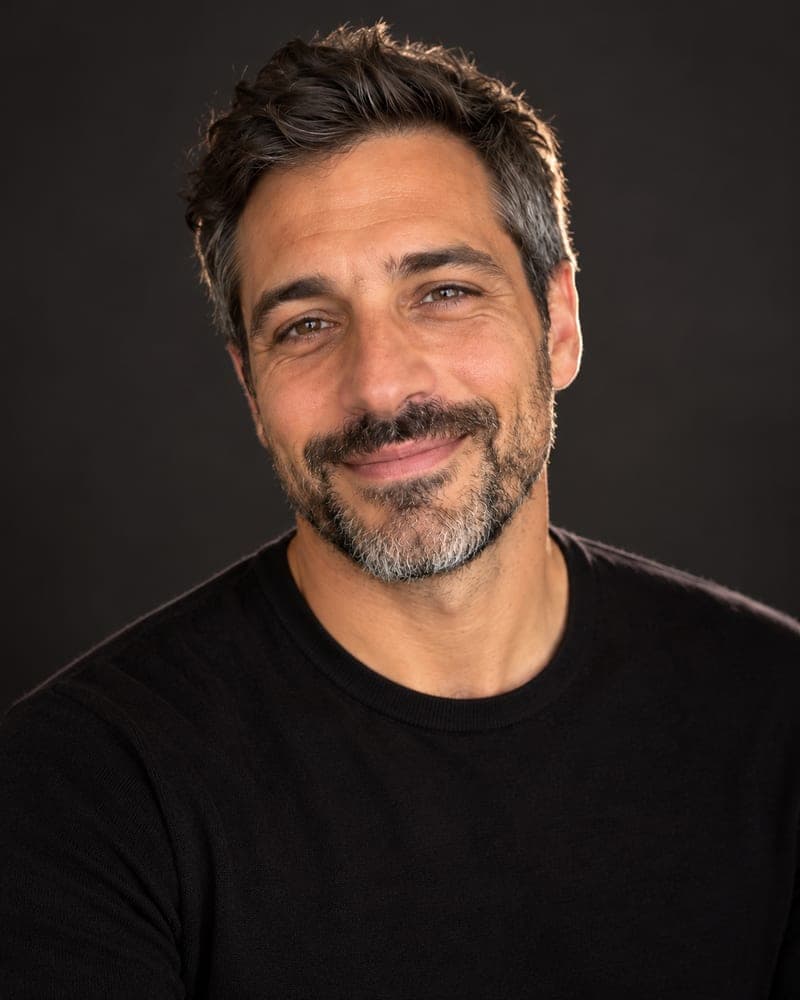
What is a PFP and how do I make one from my photo?
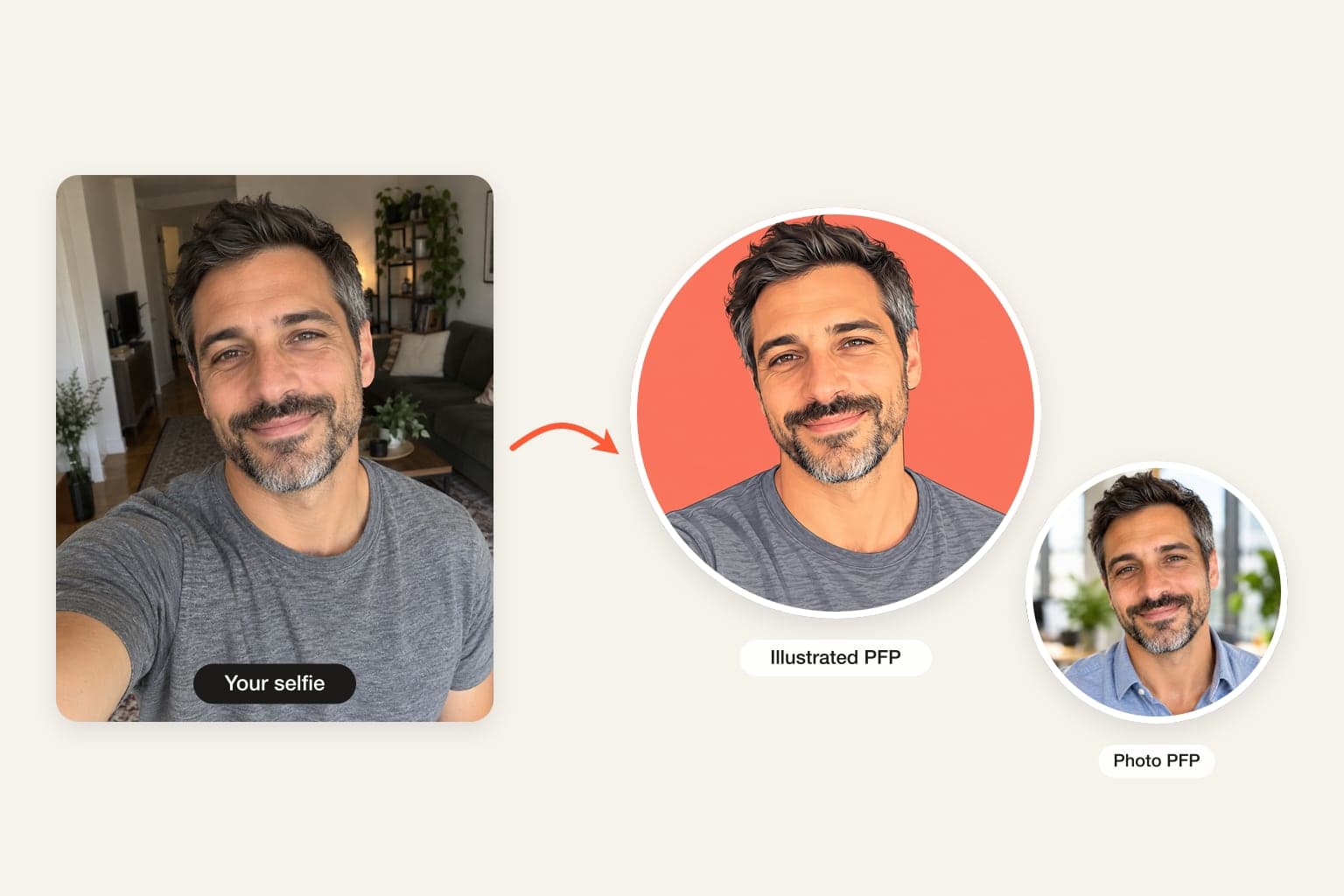
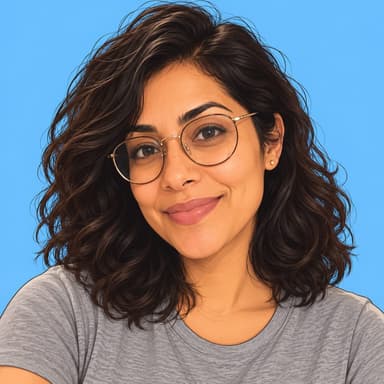
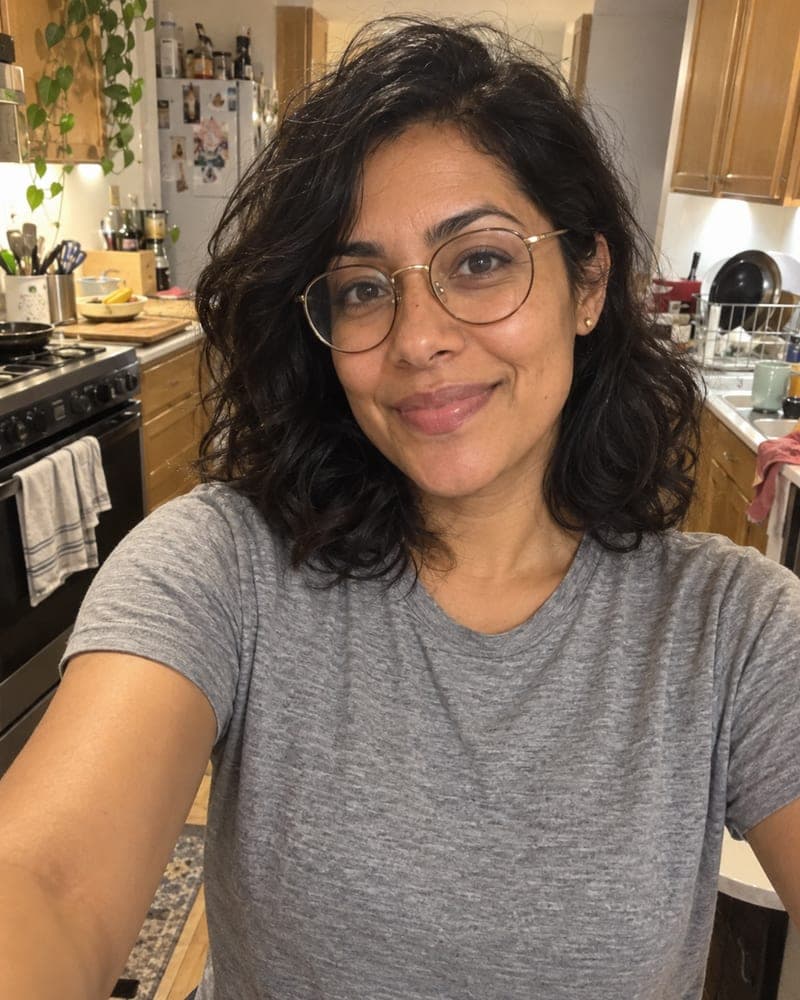
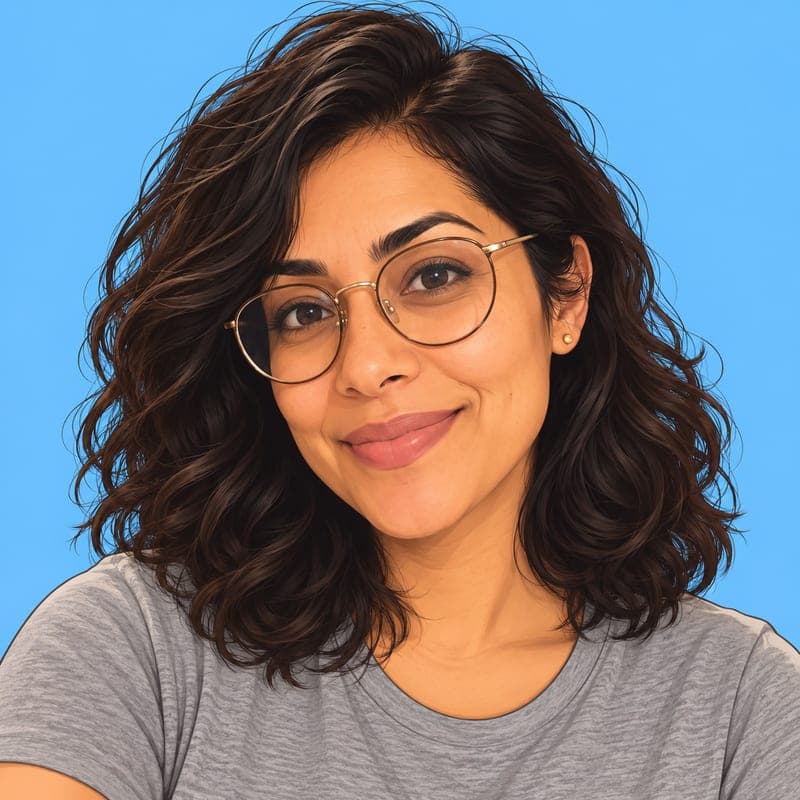
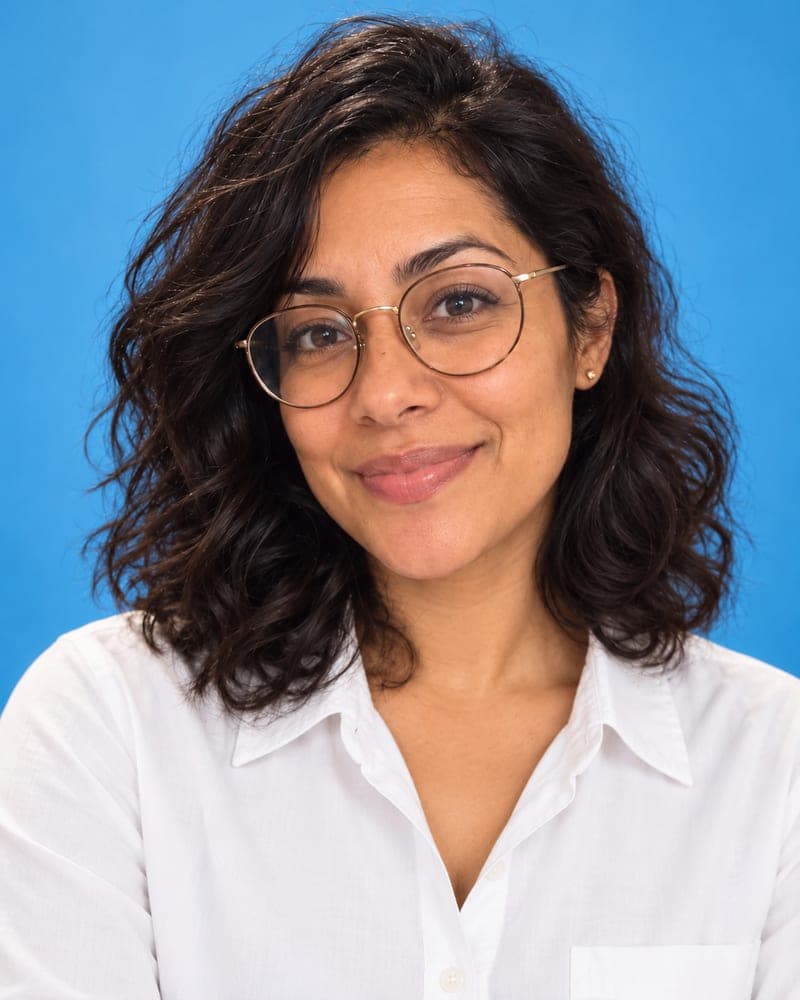
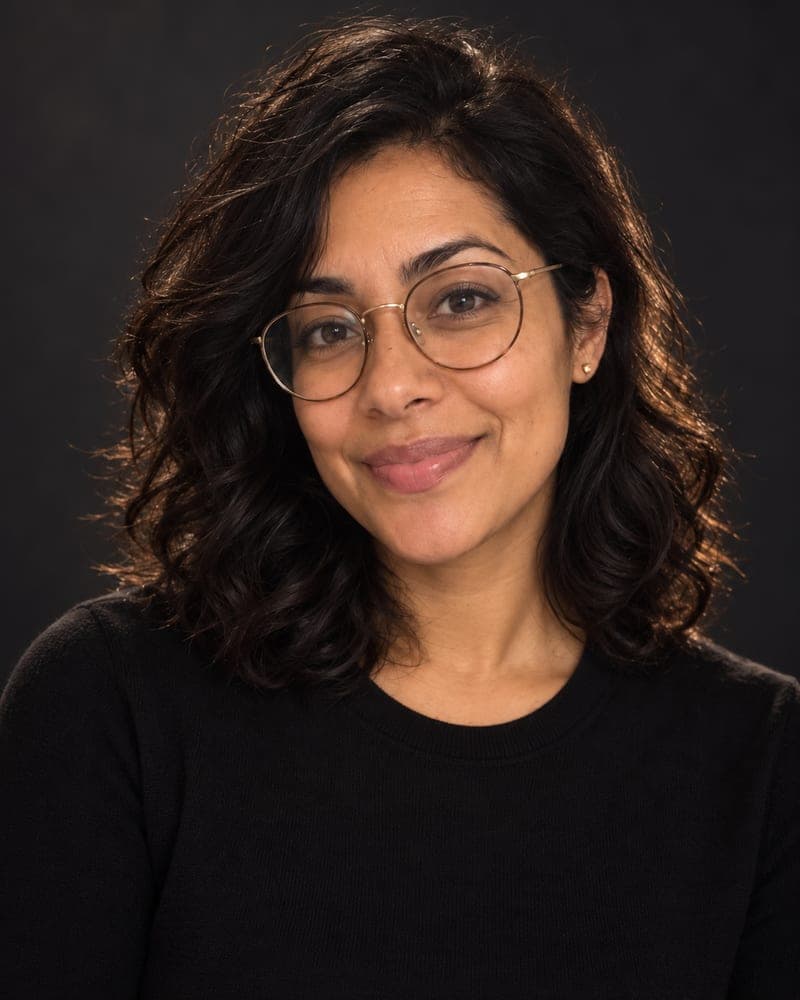
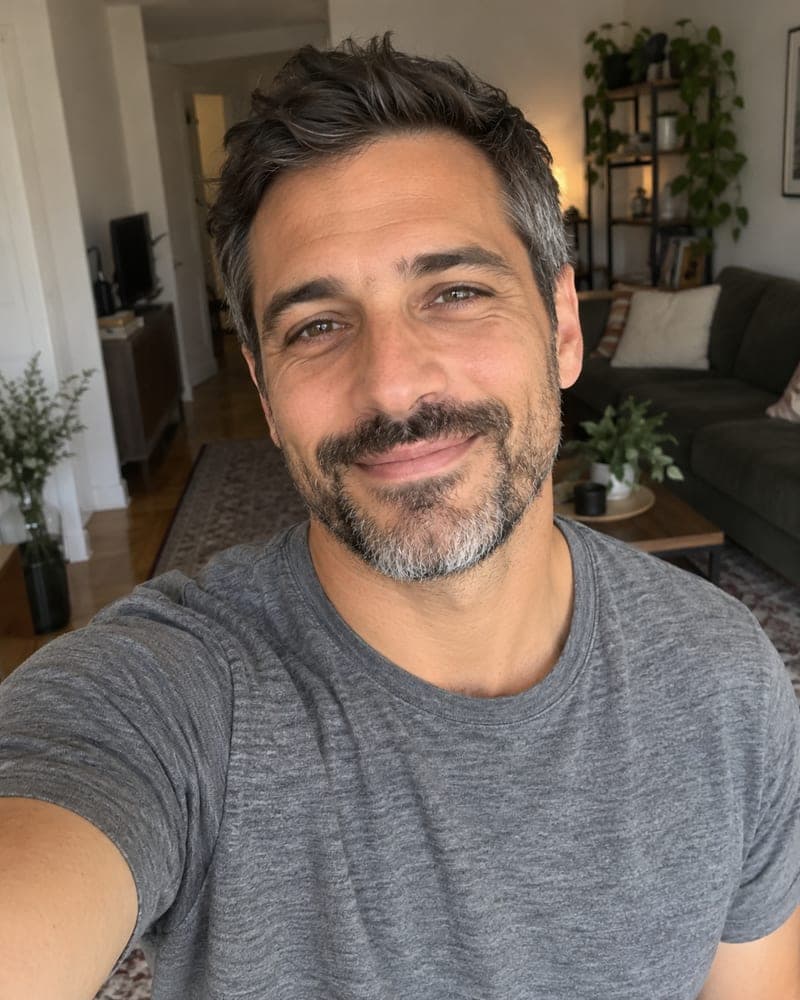
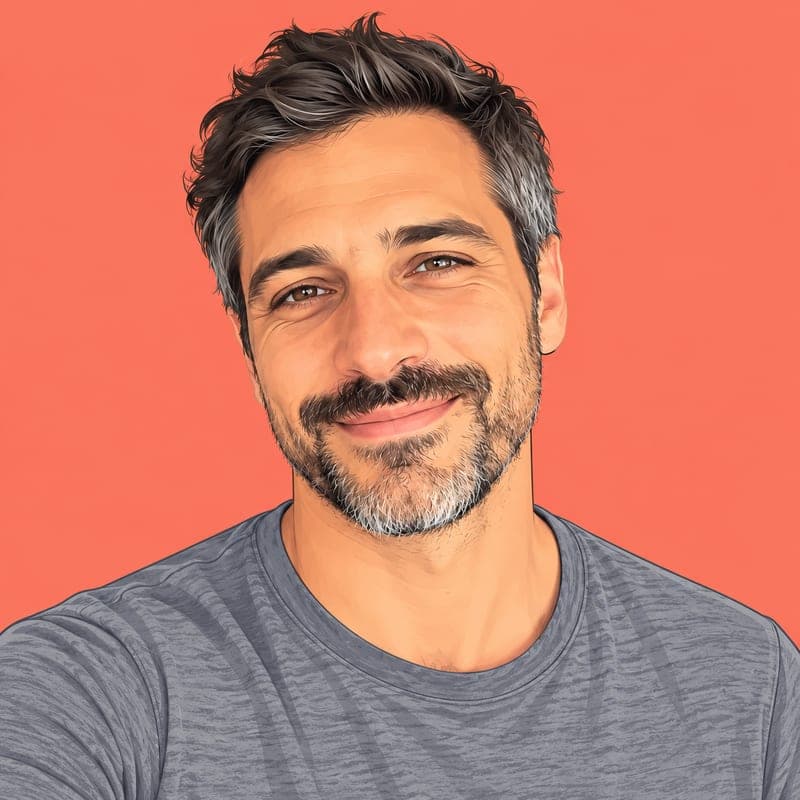
PFP stands for profile picture — the small image next to your name on Discord, X, Slack, Twitch, Reddit or a game. To make one with FaceTwin, keep Illustrated PFP selected, tick the consent box and upload one clear selfie. In about 15 seconds the AI draws you as a clean illustrated avatar: natural proportions, flat colours with soft shading, crisp outlines and a sky-blue background that stays readable even at 32 pixels. It keeps what makes you recognisable — face shape, eye shape, skin tone, hairstyle and glasses — so friends know it is you without seeing your real photo. Your first square HD PFP is free with no watermark and no account. $1.99 covers two more looks, such as a sky-blue photo PFP. FaceTwin does not keep your original selfie.
- Illustrated PFP preselected; photo looks too
- 1024×1024 square, circle-safe
- First one free in HD; 2 more for $1.99
- No account, selfie not stored
More AI headshot and profile picture tools
Make a PFP in three steps
- Keep Illustrated PFP selected, or choose Sky-blue colour or Dark studio for a photo PFP.
- Tick the consent box and upload a selfie — face the camera, good light, one person.
- Download your free HD PFP and set it. Want a matching photo or illustrated version? $1.99 covers two more looks.
What makes a PFP work at tiny sizes
A PFP is seen at 32–128 pixels most of the time, next to dozens of others. The ones people remember have a single clear face, strong contrast between face and background, few small details and one signature colour. FaceTwin’s illustrated style uses flat shapes, bold outlines and one solid background colour for exactly that reason — it survives being shrunk to a dot in a member list.
- Head and shoulders, centred, with room for a circle crop.
- One solid background colour — sky blue by default.
- Your most recognisable features kept: hair, glasses, beard, face shape.
- No text or logos, which turn to mush at small sizes.
AI PFP generator vs avatar builders
| FaceTwin AI PFP | Avatar builder apps | Commissioned artist | |
|---|---|---|---|
| Starts from | Your selfie | Pick features by hand | Your photos + a brief |
| Looks like you | Yes, from your actual face | Roughly, if you match each feature | Yes |
| Time | About 15 seconds | 10–30 minutes of clicking | Days to weeks |
| Price | First one free in HD, then from $1.99 | Free with ads or subscription | $20–$150 |
Builders are fun for cartoonish avatars that only loosely resemble you. An artist gives you a unique style. The AI PFP sits in between: recognisably you, instantly, for less than a coffee.
Where to use your PFP
Discord servers and DMs, X and Bluesky, Slack and Teams when your company allows avatars, Twitch and YouTube channels, Reddit, Steam and other gaming profiles, GitHub, forums and newsletters. Upload the square file and let each app crop it to a circle. Want a funnier one? Try the cartoon portrait or the caricature maker; for a work profile, a photo headshot from the AI headshot generator is the safer pick.
Why a PFP instead of your real photo
An illustrated PFP keeps you recognisable to friends while giving strangers less to reverse-search, which is why many people prefer one on public platforms. It also keeps a consistent look across apps even when your real photos change. Make it from your own selfie only, and you must be 18 or older.
Privacy: what happens to your selfie
Your selfie is sent through FaceTwin’s server to the AI image provider only after you tick the consent box. FaceTwin does not save the original photo: it is used once in memory to make the headshot and then discarded. The result is kept for seven days so you can download it, then deleted. It is never used to train a model, never shown in a gallery and never sold. Use only your own photo — you must be 18 or older.
Frequently asked questions
How much does the PFP maker cost?
The first PFP is free: full HD with no watermark, one per browser while the daily free quota lasts, no account needed. After that, $1.99 covers two more looks from the same selfie. Five pictures cost $4.99. One-time payments, no subscription; a failed generation never uses credits.
Is this an NFT or crypto PFP?
No. It is a normal image file of you — a JPG you download and upload to any app. Nothing is minted or sold.
Will it still look like me?
That is the main rule in the prompt: keep the same face shape, eyes, nose, mouth, skin tone and texture, hairline, hairstyle, facial hair, glasses and age, and change only the outfit, background, lighting and framing. No face slimming or heavy smoothing. Your first headshot is free in HD, so judge it before you pay; if one scene misses, $1.99 covers two more scenes.
Can I get an anime or 3D PFP instead?
Yes — the caricature maker has anime, 3D animated, comic and sketch styles, and the cartoon portrait page makes a flat cartoon avatar. This page focuses on a clean illustrated PFP plus two photo looks.
Can I make a headshot of someone else?
Only of yourself, and you must be 18 or older. The consent box asks you to confirm the photo is of you. Do not upload a colleague, a stranger, a public figure or a child — for a team page, ask each person to make their own.
Is my photo uploaded?
Not for local lookalikes or face analysis: the model runs in your browser, so your selfie, landmarks and descriptor stay on your device. AI portraits, including the first free one, and full reports send your photo through our server to the AI provider after a free first-portrait request or a credit purchase, and separate upload consent. Reports also send your numeric measurements. FaceTwin does not save the original photo; it is discarded from request memory after processing.
More from the same selfie
Related by topic
Headshots and profile pictures
The data behind the scores: FaceTwin facts · face shape statistics
Last updated 2026-10-18. FaceTwin is for entertainment and is not identity recognition, medical or cosmetic advice.