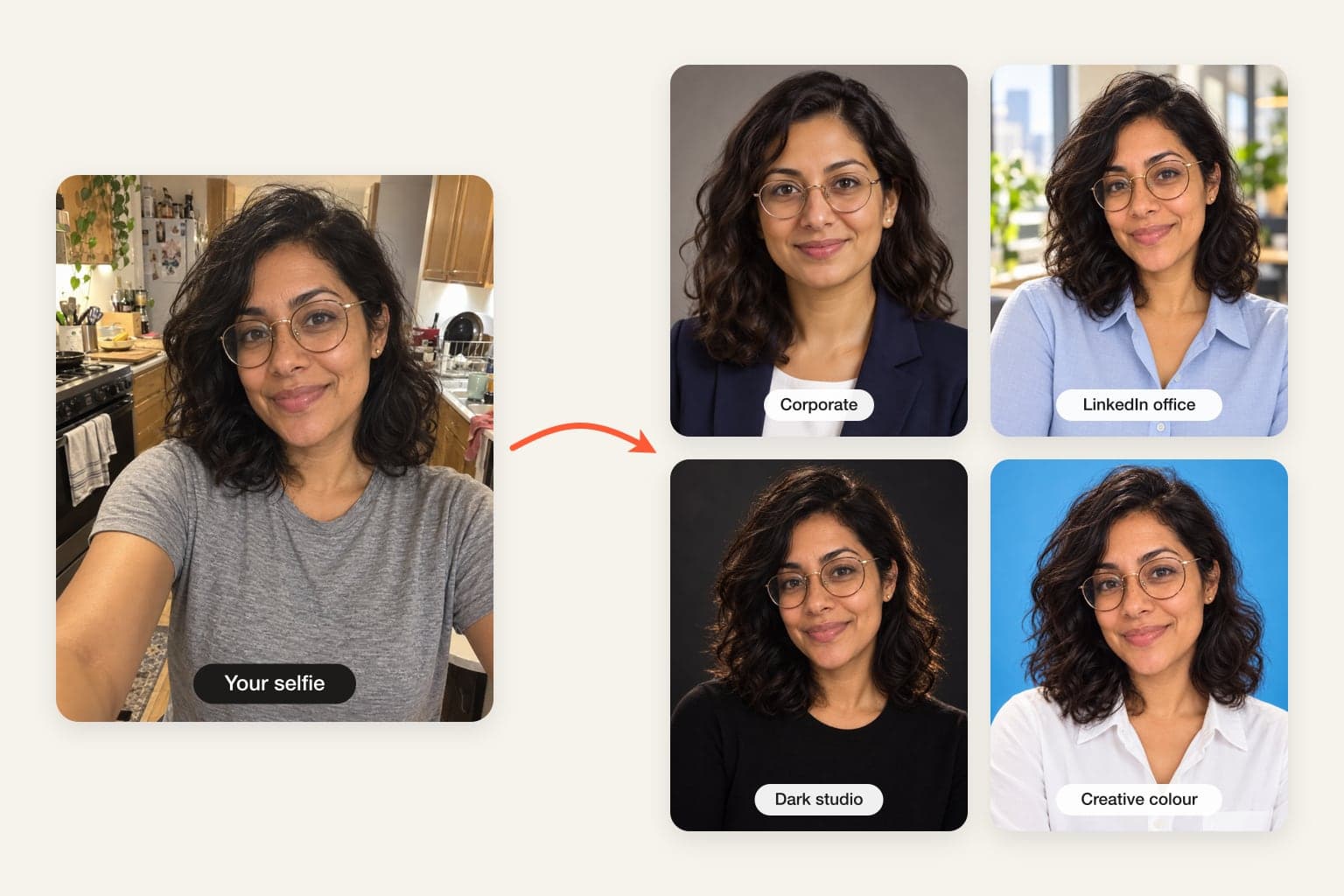

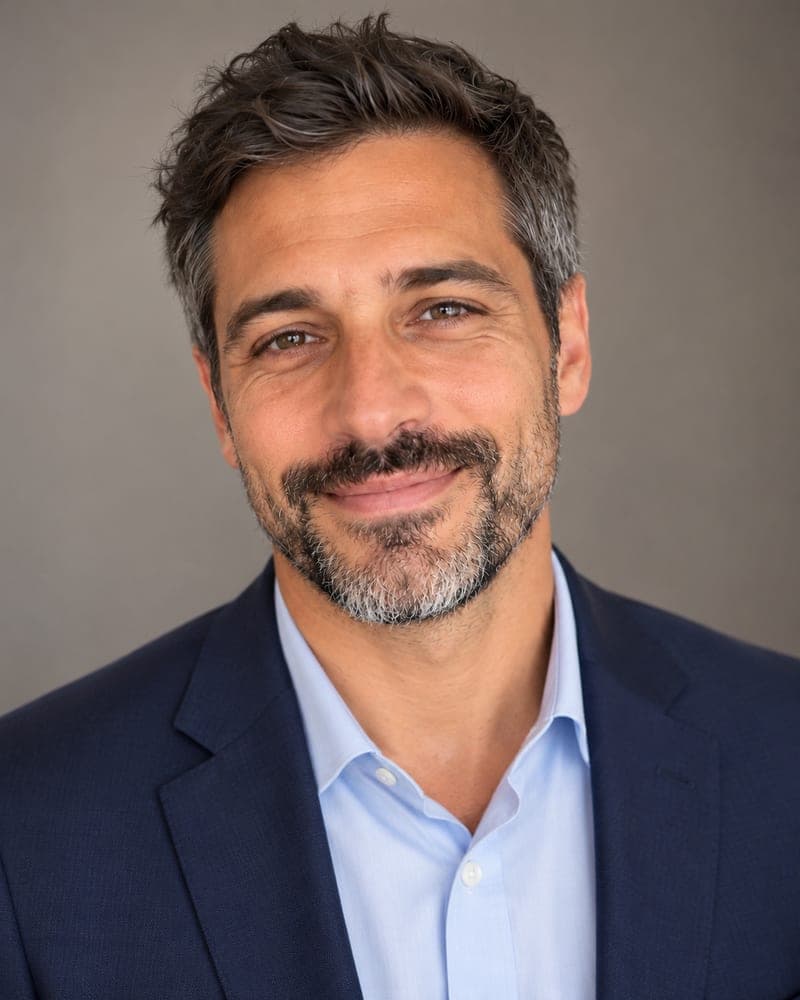
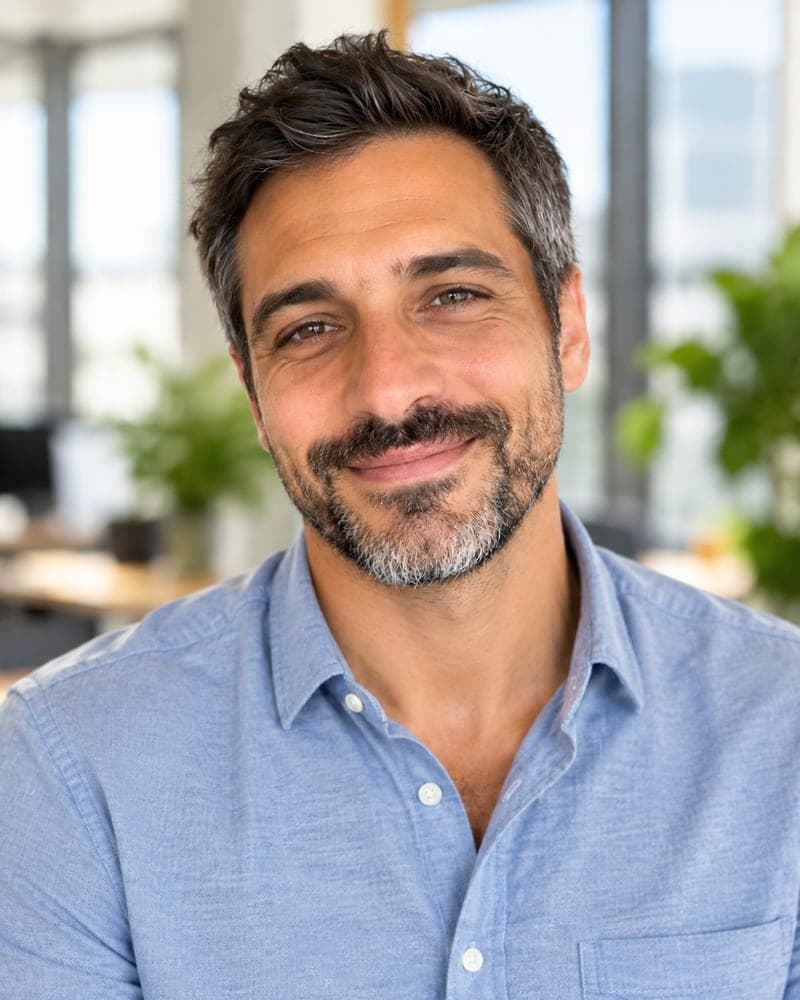
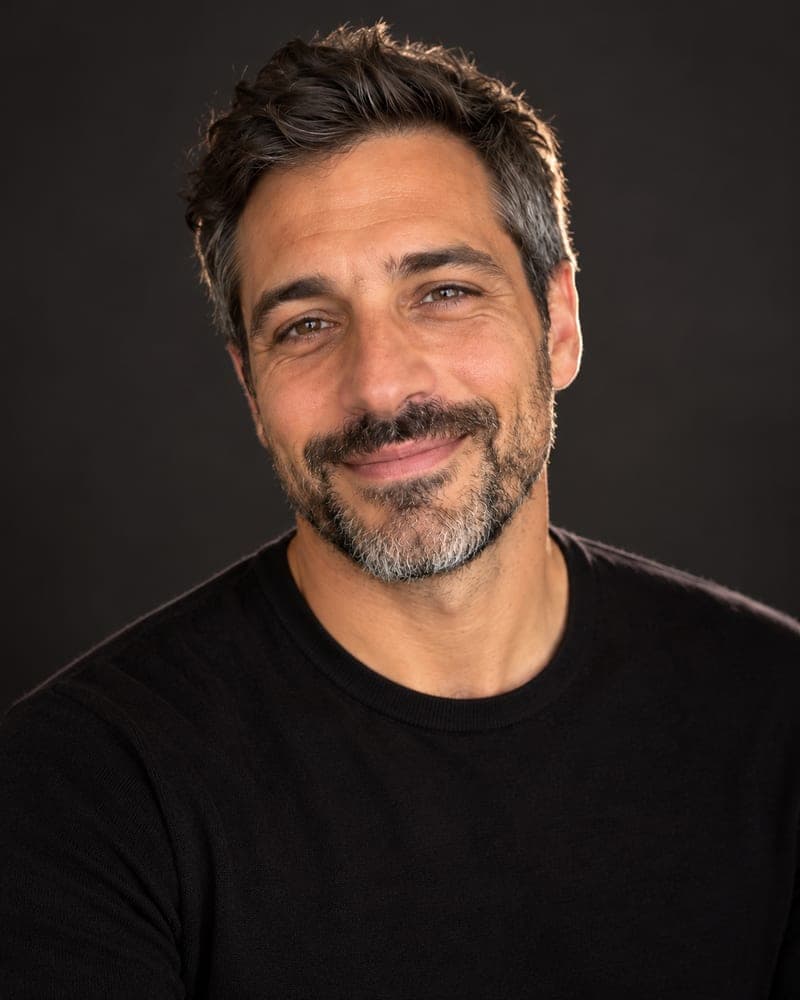
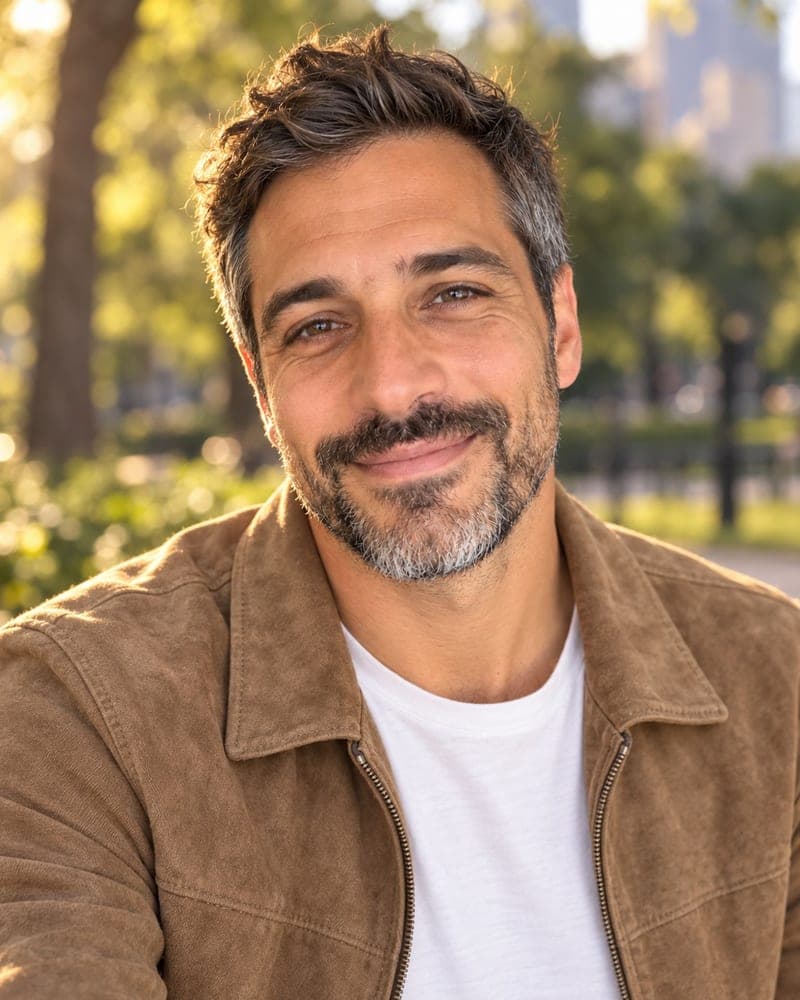
Is there a truly free AI headshot generator?
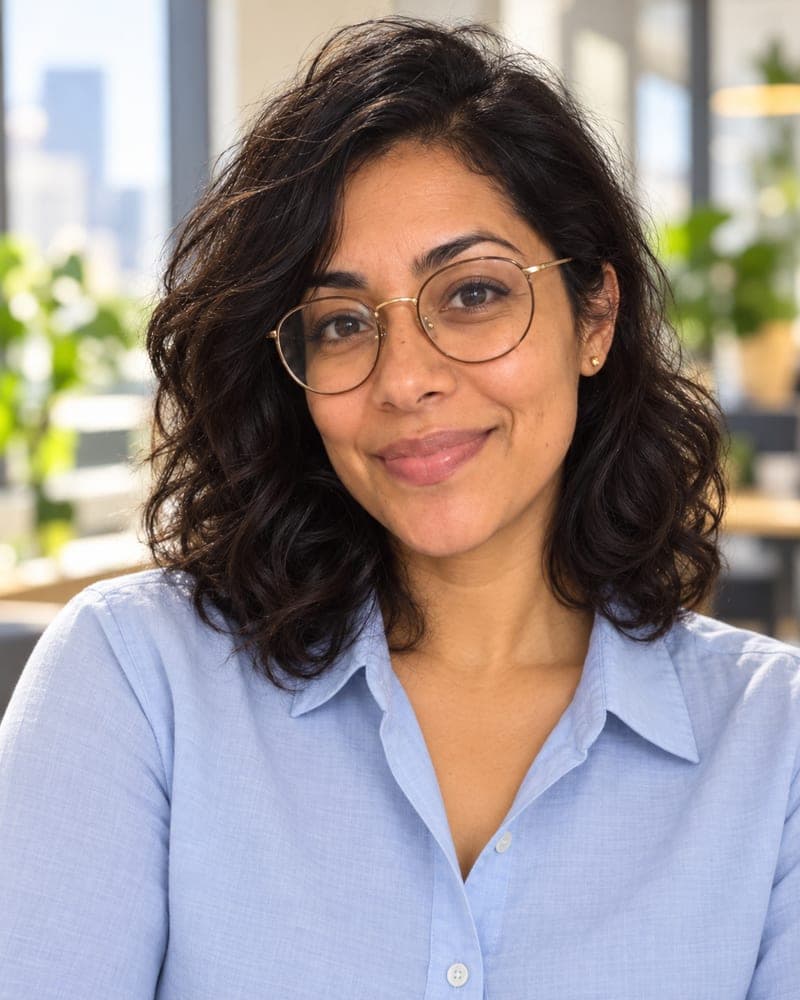
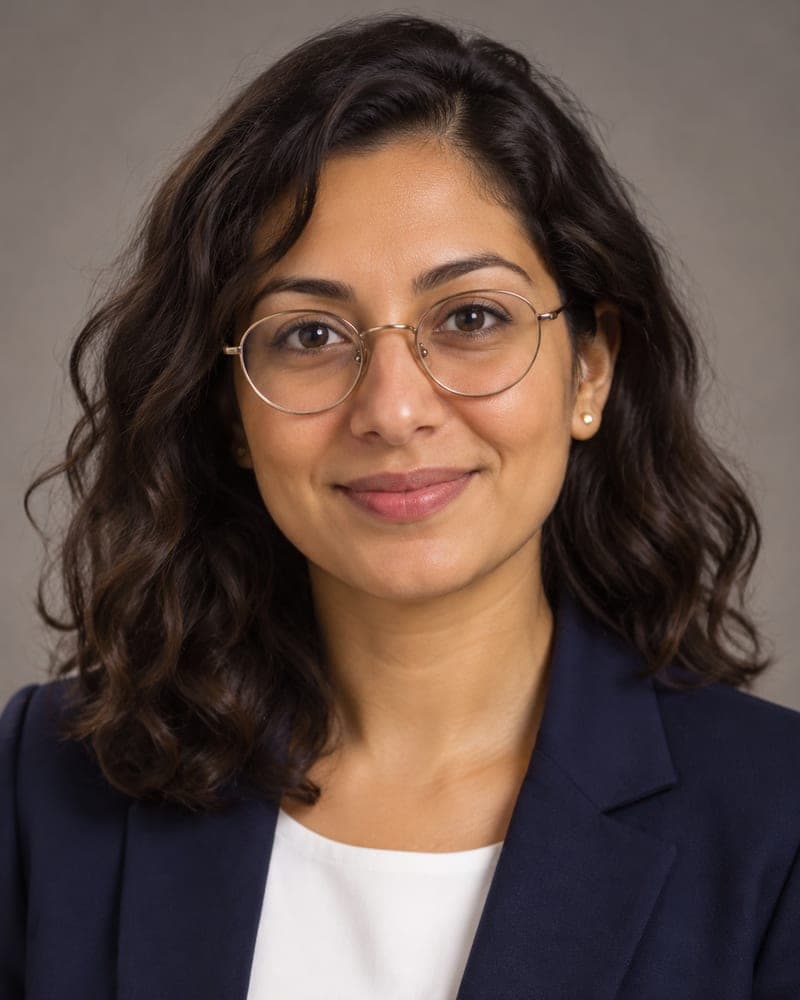
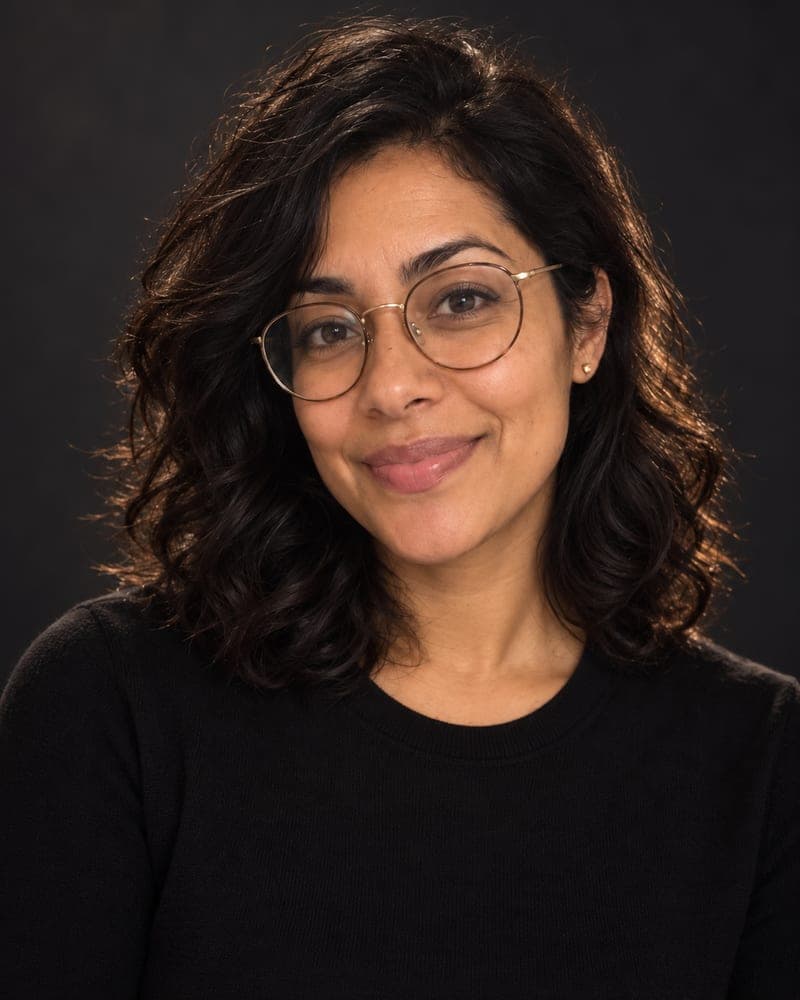
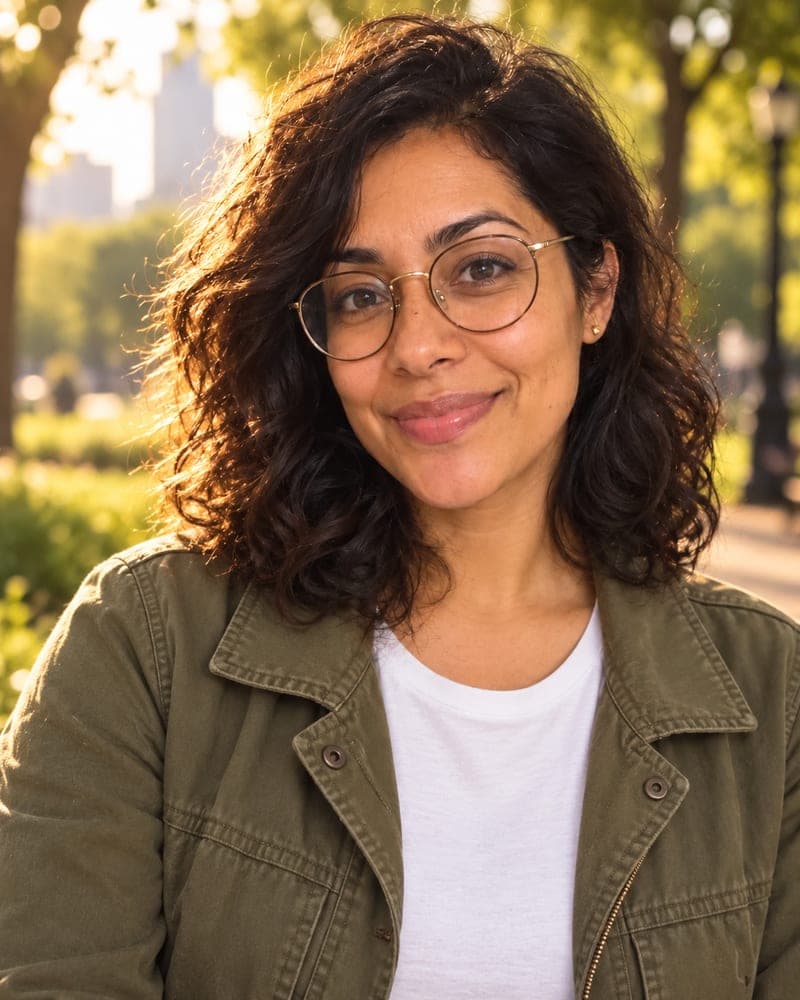
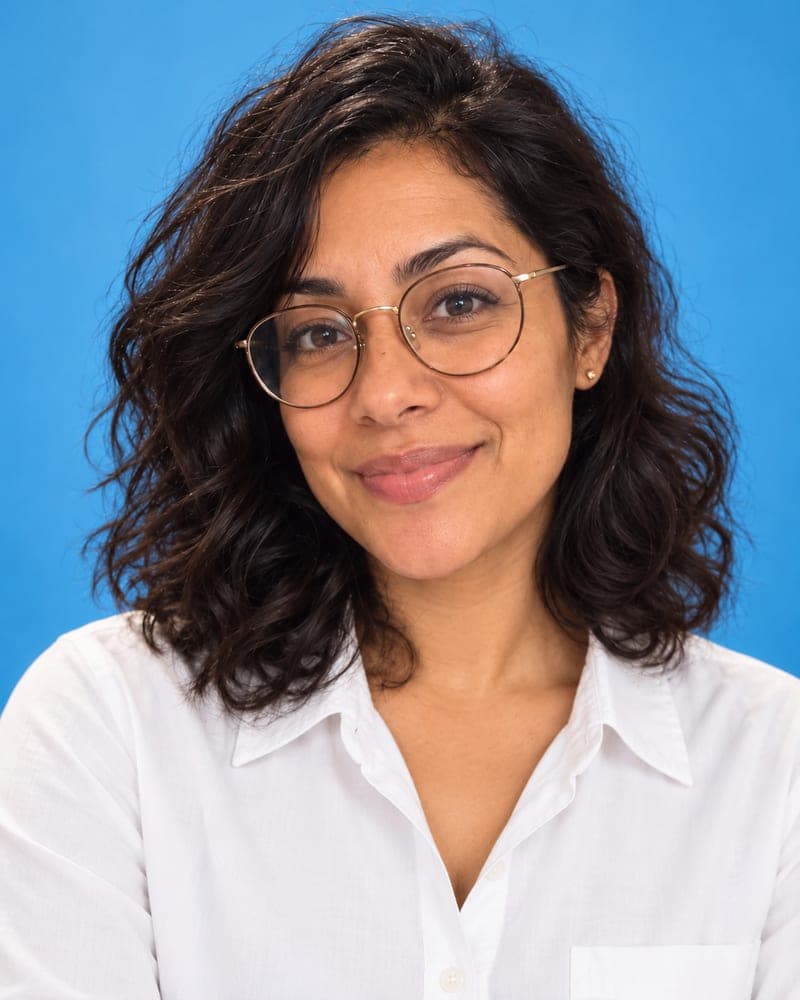
Short answer: To get a free AI headshot, upload one clear selfie to FaceTwin and pick a scene — LinkedIn office, corporate, dark studio, golden hour or sky-blue. In about 15 seconds you get a full HD headshot with no watermark and no account. More scenes from the same selfie cost $1.99 for two or $4.99 for five, with no subscription.
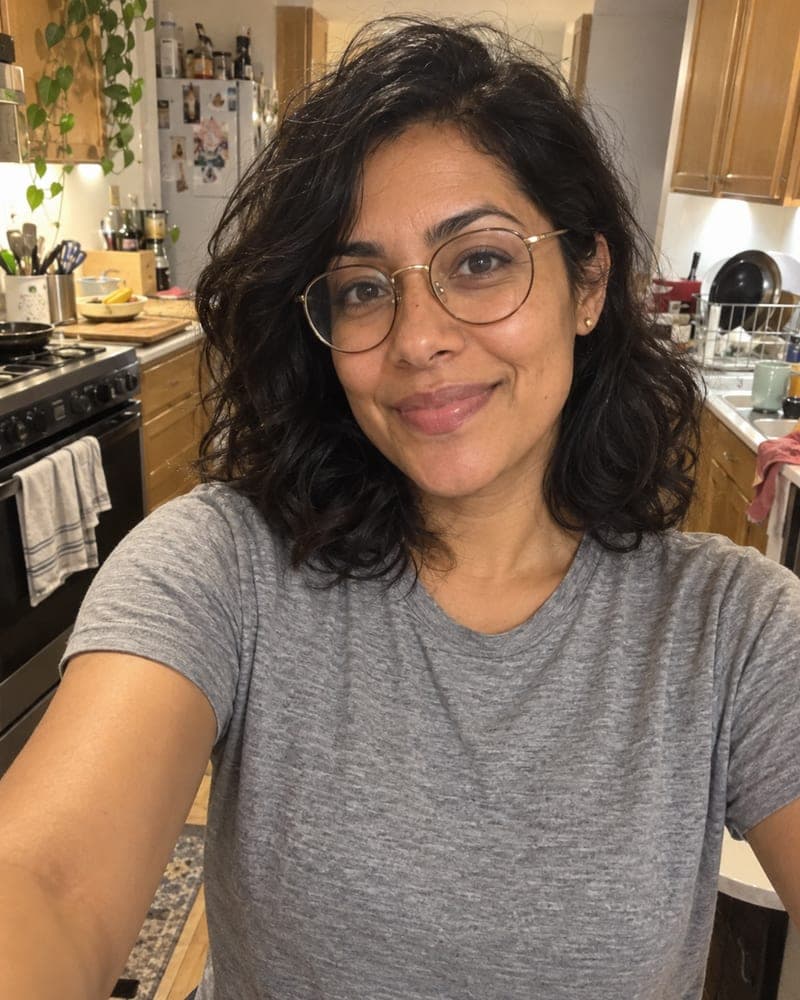
Yes, with limits worth checking. Many “free AI headshot” sites only show a small or watermarked preview and charge $29–$59 for the batch, and most ask for 10–20 selfies and an account first. FaceTwin’s first headshot is free in full HD with no watermark, no account and no e-mail: tick the consent box, upload one clear selfie, pick a scene and wait about 15 seconds. The image model keeps your face shape, eyes, skin texture, hairline, glasses and age and changes only the outfit, backdrop, light and framing. One free headshot per browser while the daily free quota lasts. If you want more scenes from the same selfie, $1.99 covers two more and $4.99 covers five, as one-time payments. Your original photo is not stored, and the result stays downloadable for seven days.
- First headshot free: full HD, no watermark
- No account, no e-mail, no 20-photo upload
- 2 more for $1.99; 5 for $4.99 — no subscription
- Original not stored; result kept 7 days
More AI headshot and profile picture tools
What “free” usually means for AI headshots — and what it means here
| FaceTwin | Typical “free” AI headshot site | |
|---|---|---|
| What is free | One full HD headshot | A low-res or blurred preview |
| Watermark on the free result | None | Usually |
| Account or e-mail | Not needed | Required before upload |
| Photos to upload | 1 selfie | 10–20 selfies |
| Wait | About 15 seconds | 15–60 minutes |
| Cost after free | $1.99 for two more, $4.99 for five | $29–$59 per batch, sometimes a subscription |
The trade-off is honest: you get one headshot per scene rather than a 100-photo batch, and you choose the scenes yourself. For a LinkedIn photo, a CV or a team page, one good headshot is usually all you need.
Make a free AI headshot in three steps
- Pick a scene: LinkedIn office, Corporate, Dark studio, Golden hour or Sky-blue colour.
- Tick the consent box and upload one selfie — facing the camera, in window light, glasses on if you usually wear them.
- Download your HD headshot in about 15 seconds. No watermark, no account.
What is the best app for AI headshots?
Judge any AI headshot app — paid or free — on the same five points before you hand over your face or your card:
- Likeness: does it still look like you, without slimming, smoothing or a new nose? Ask to see a full-size result first.
- Real free result: is the free headshot full size and watermark-free, or only a teaser?
- Effort: one selfie, or a 20-photo upload and an hour’s wait?
- Price shape: a one-time payment, or a subscription that renews?
- Privacy: is your photo deleted, or kept and used to train models?
FaceTwin was built around those five: identity-keeping prompt, a free HD result, one selfie, one-time prices and no storage of the original.
Tips for a better free headshot
- Stand facing a window; avoid overhead light that shadows the eyes.
- Hold the phone at eye level, a little more than arm’s length away, or use the back camera with a timer.
- Neutral expression with a slight smile reads best on LinkedIn.
- Wear what you’d wear to work if you like your own clothes — the Corporate scene changes them, the others keep a similar look.
Privacy: what happens to your selfie
Your selfie is sent through FaceTwin’s server to the AI image provider only after you tick the consent box. FaceTwin does not save the original photo: it is used once in memory to make the headshot and then discarded. The result is kept for seven days so you can download it, then deleted. It is never used to train a model, never shown in a gallery and never sold. Use only your own photo — you must be 18 or older.
Frequently asked questions
Is the AI headshot really free?
The first one is: full HD, no watermark, no account, one per browser while the daily free quota lasts. Further headshots from the same selfie cost $1.99 for two or $4.99 for five. There is no subscription, and a failed generation never costs anything.
Do I need to sign up or give my e-mail?
No. You can make and download your free headshot without an account or an e-mail address.
Can I use the free headshot on LinkedIn?
Yes. It is yours to use on LinkedIn, a CV, a company page or a speaker bio. It is an AI-edited photo of you, so use it where an edited photo is acceptable.
Why do other AI headshot apps ask for 10–20 photos and an hour?
Many headshot services train a small custom model on your face first, which needs a batch of photos and 15–60 minutes. FaceTwin edits one selfie directly with an image model that keeps your face and changes only clothing, backdrop, light and framing, so a headshot takes about 15 seconds. The trade-off: you get one headshot per scene rather than a 100-photo batch, and you pick the scenes yourself.
Will it still look like me?
That is the main rule in the prompt: keep the same face shape, eyes, nose, mouth, skin tone and texture, hairline, hairstyle, facial hair, glasses and age, and change only the outfit, background, lighting and framing. No face slimming or heavy smoothing. Your first headshot is free in HD, so judge it before you pay; if one scene misses, $1.99 covers two more scenes.
Can I make a headshot of someone else?
Only of yourself, and you must be 18 or older. The consent box asks you to confirm the photo is of you. Do not upload a colleague, a stranger, a public figure or a child — for a team page, ask each person to make their own.
Is my photo uploaded?
Not for local lookalikes or face analysis: the model runs in your browser, so your selfie, landmarks and descriptor stay on your device. AI portraits, including the first free one, and full reports send your photo through our server to the AI provider after a free first-portrait request or a credit purchase, and separate upload consent. Reports also send your numeric measurements. FaceTwin does not save the original photo; it is discarded from request memory after processing.
More from the same selfie
Related by topic
Headshots and profile pictures
The data behind the scores: FaceTwin facts · face shape statistics
Last updated 2026-10-18. FaceTwin is for entertainment and is not identity recognition, medical or cosmetic advice.