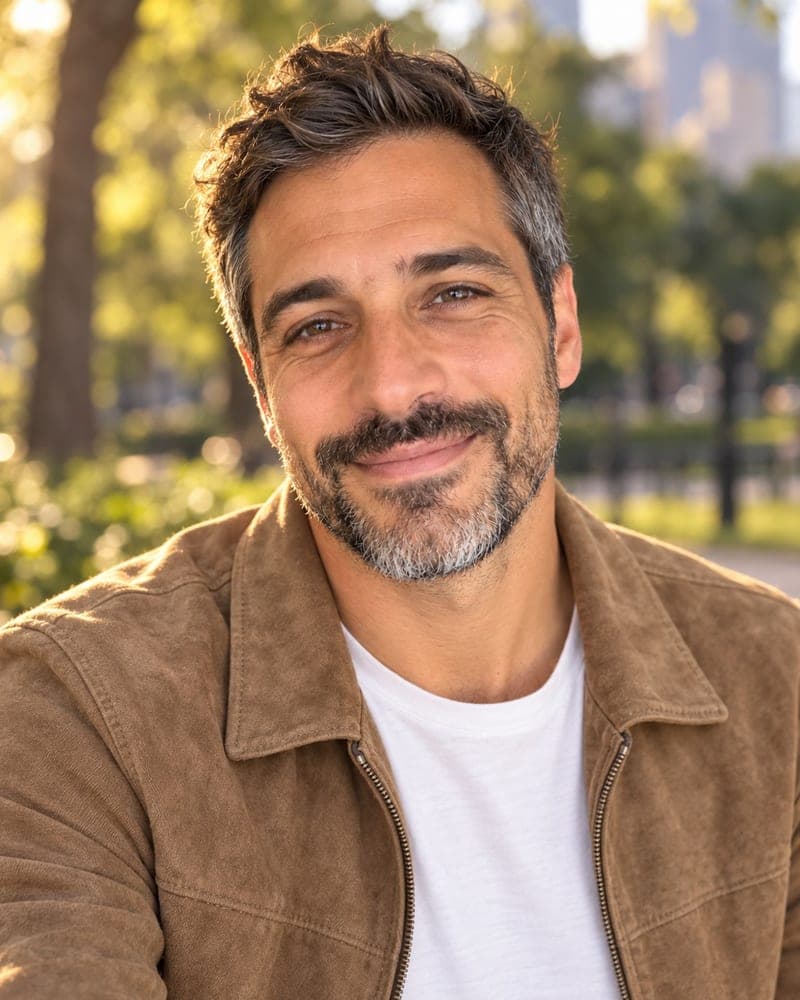
How does an AI headshot generator work?
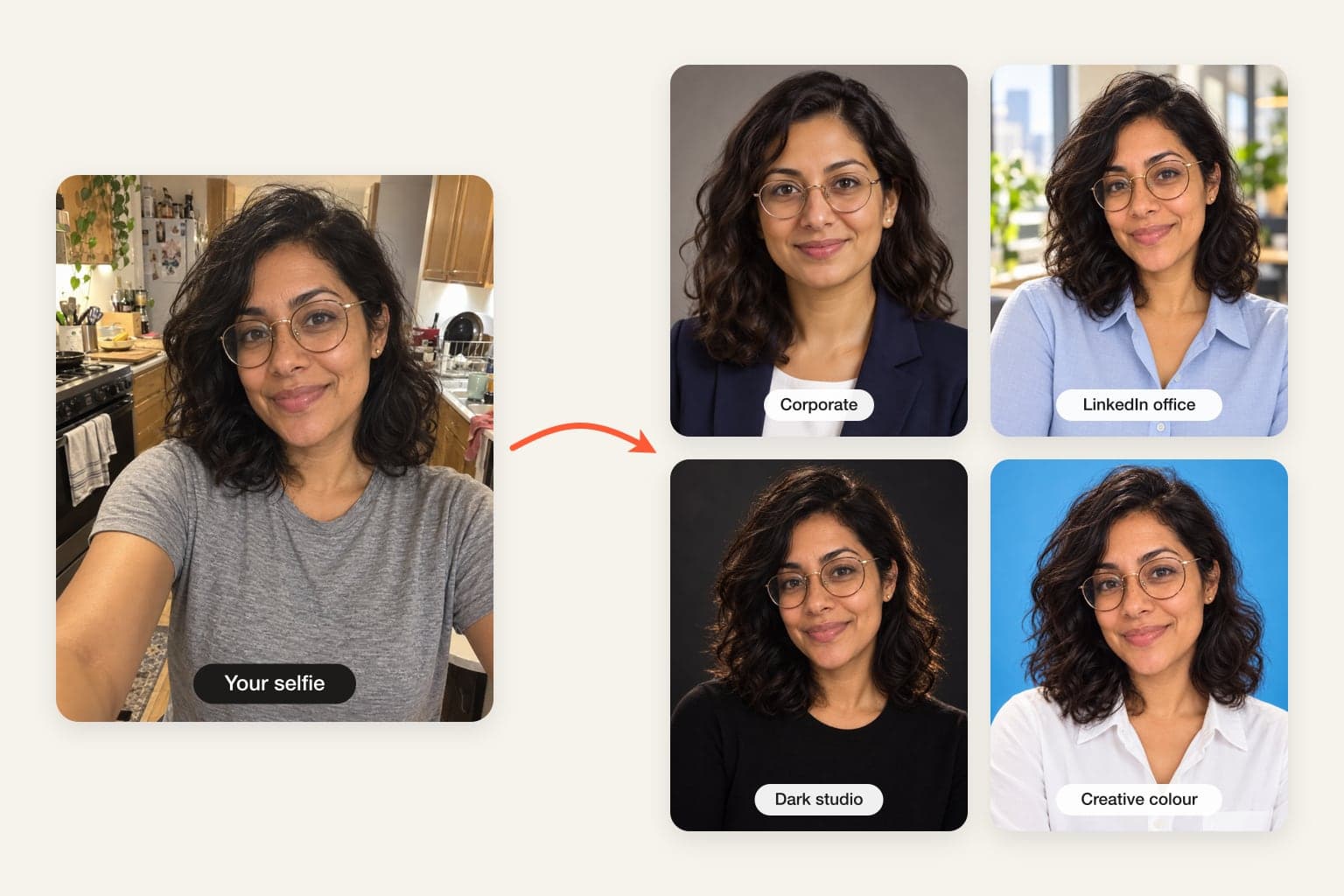
An AI headshot generator takes an ordinary photo of you and produces a portrait that looks like it came from a photographer’s studio. With FaceTwin you tick the consent box, upload one clear selfie, choose a scene and wait about 15 seconds. The image model uses your selfie as its only reference and is told to keep your identity exactly — face shape, eyes, skin texture, hairline, glasses and age — while it changes only the outfit, the backdrop, the lighting and the framing. Your first headshot is free in full HD with no watermark and no account. If you want more scenes from the same selfie, $1.99 covers two. Five headshots cost $4.99. FaceTwin does not keep your original photo, and the result stays downloadable for seven days.
- One selfie, about 15 seconds per headshot
- First one free in HD, no watermark, no account
- 2 more for $1.99; 5 for $4.99
- Original photo not stored; result kept 7 days
More AI headshot and profile picture tools
Make an AI headshot in three steps
- Pick a scene above: Corporate (navy blazer, warm grey backdrop), LinkedIn office, Dark studio, Golden hour outdoors or Sky-blue colour.
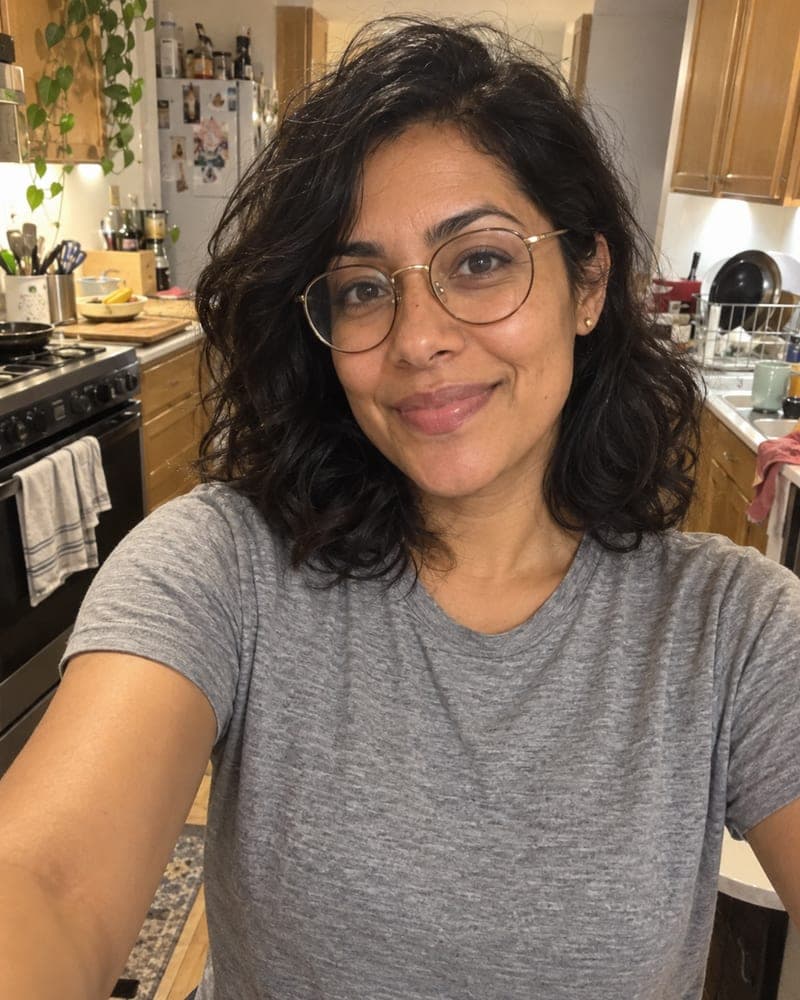
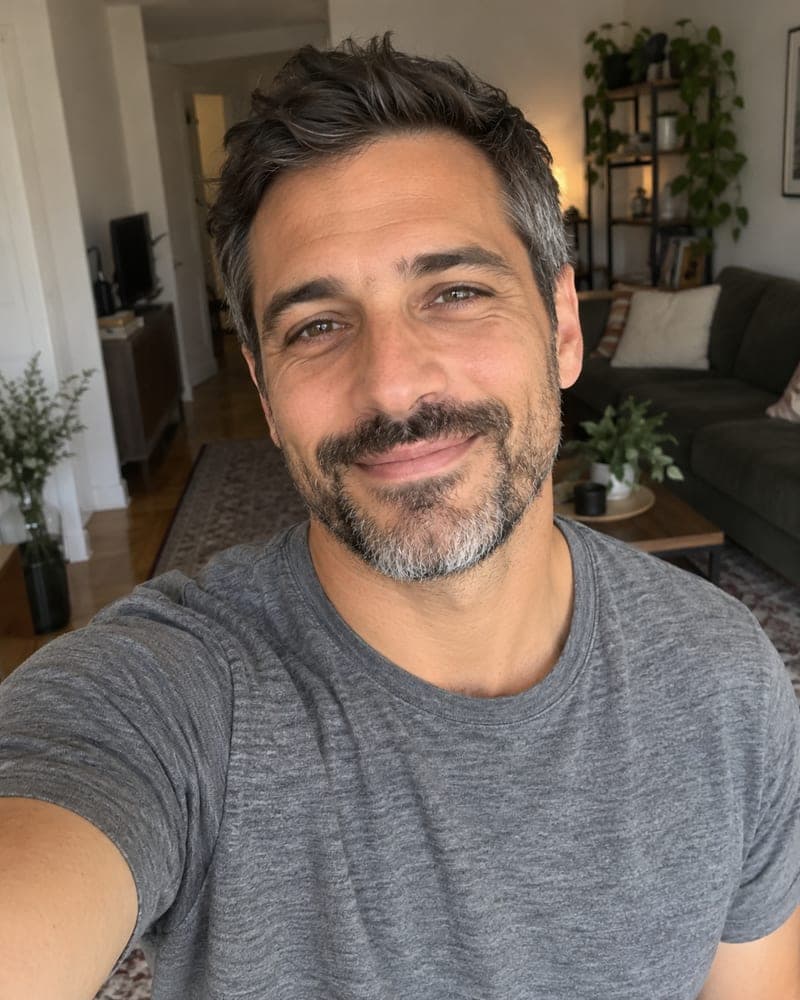
- Tick the consent box and upload one selfie — or take one with your phone. Face the camera, use window light, and keep your glasses on if you usually wear them.
- Your first headshot is ready in HD in about 15 seconds, free and without a watermark. Then make other scenes right here from the same selfie — no second upload.
The first headshot is free in full HD with no watermark: you judge the likeness first and pay only if you want more scenes.
Five scenes, chosen for where headshots actually get used
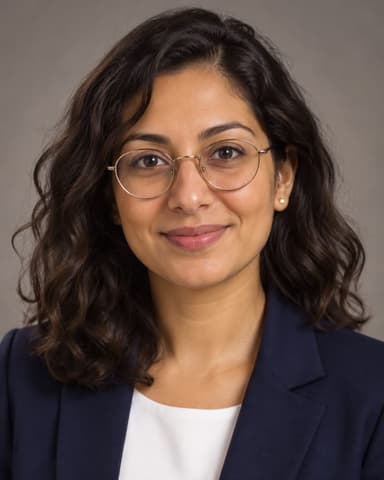
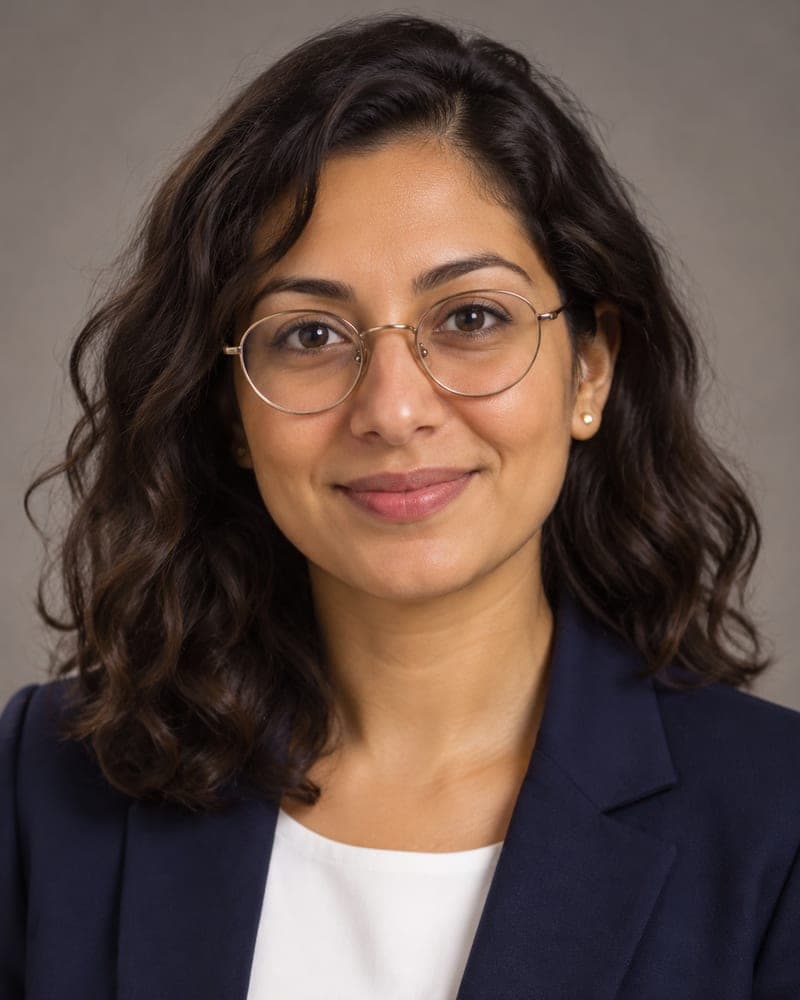
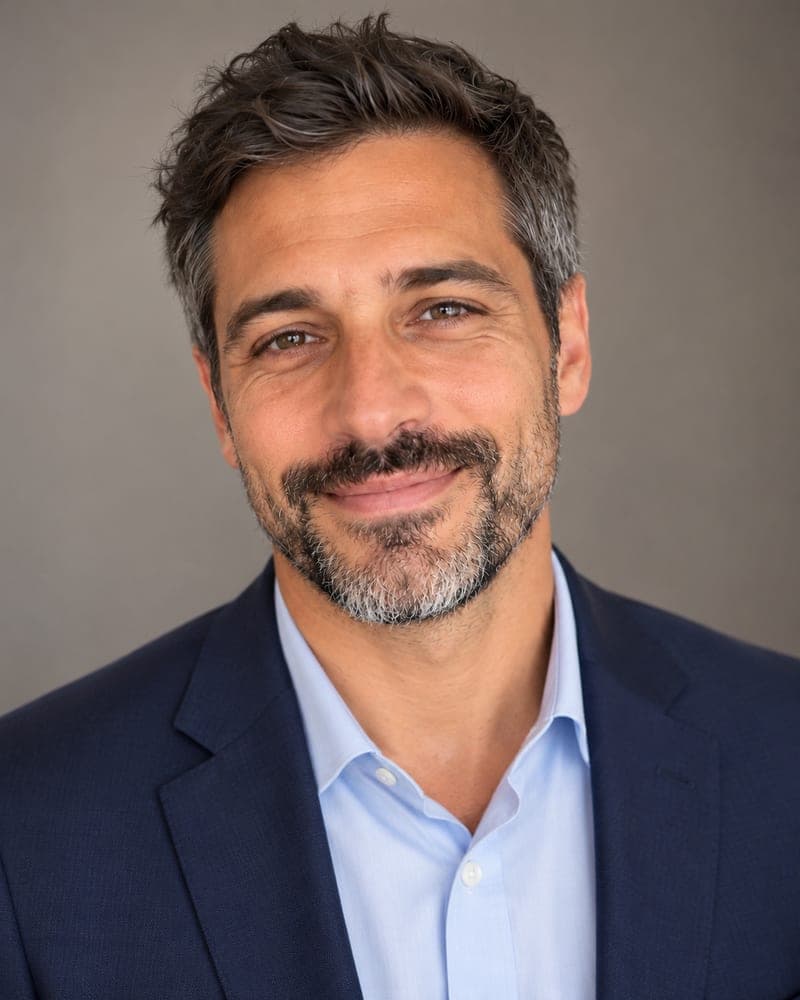
- Corporate — navy blazer, light shirt, warm grey seamless backdrop, soft key light. For company sites, proposals, banking, law and consulting.
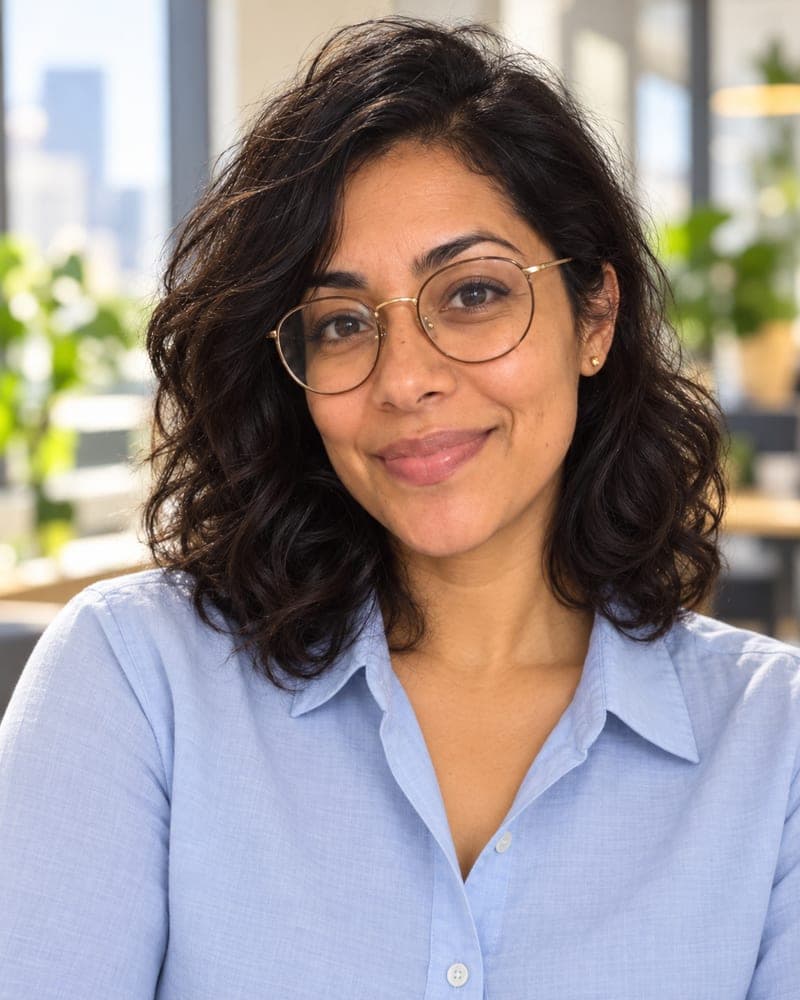
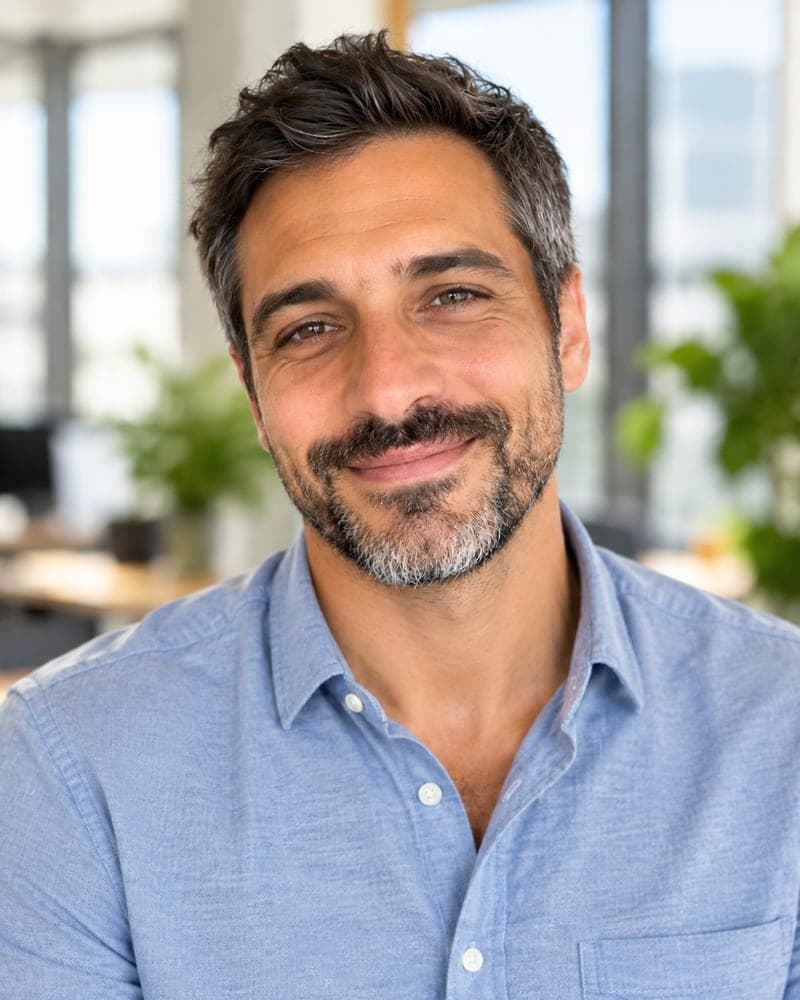
- LinkedIn office — smart-casual clothes in a bright office softly out of focus. Approachable rather than stiff; the most common LinkedIn look.
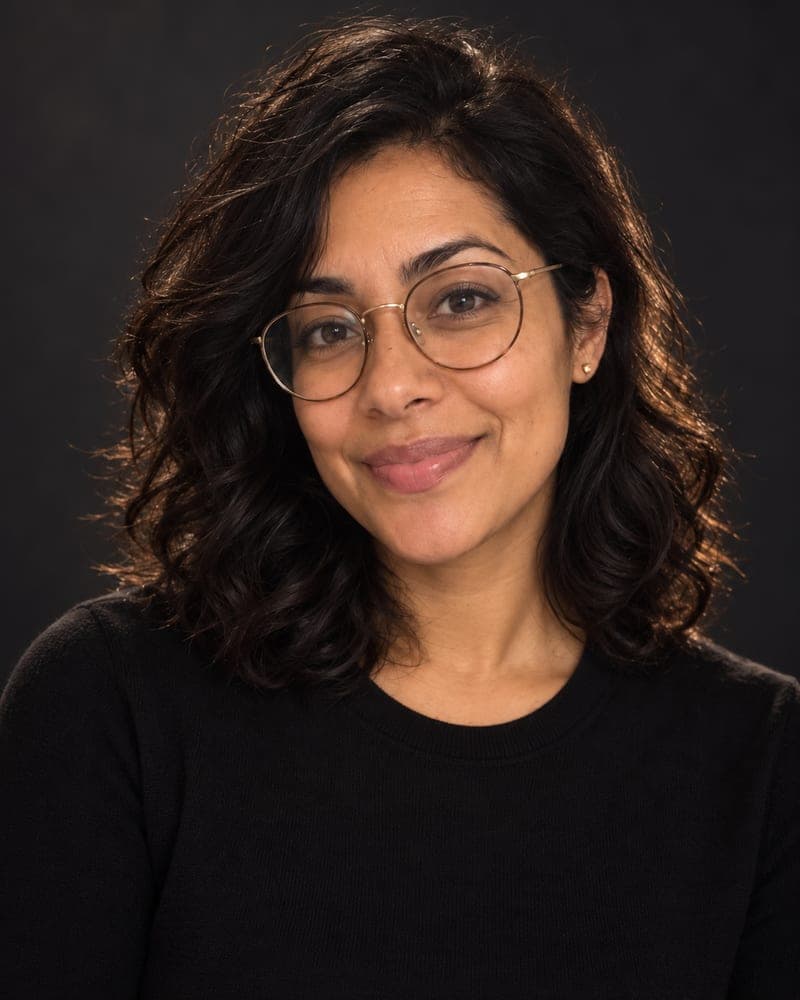
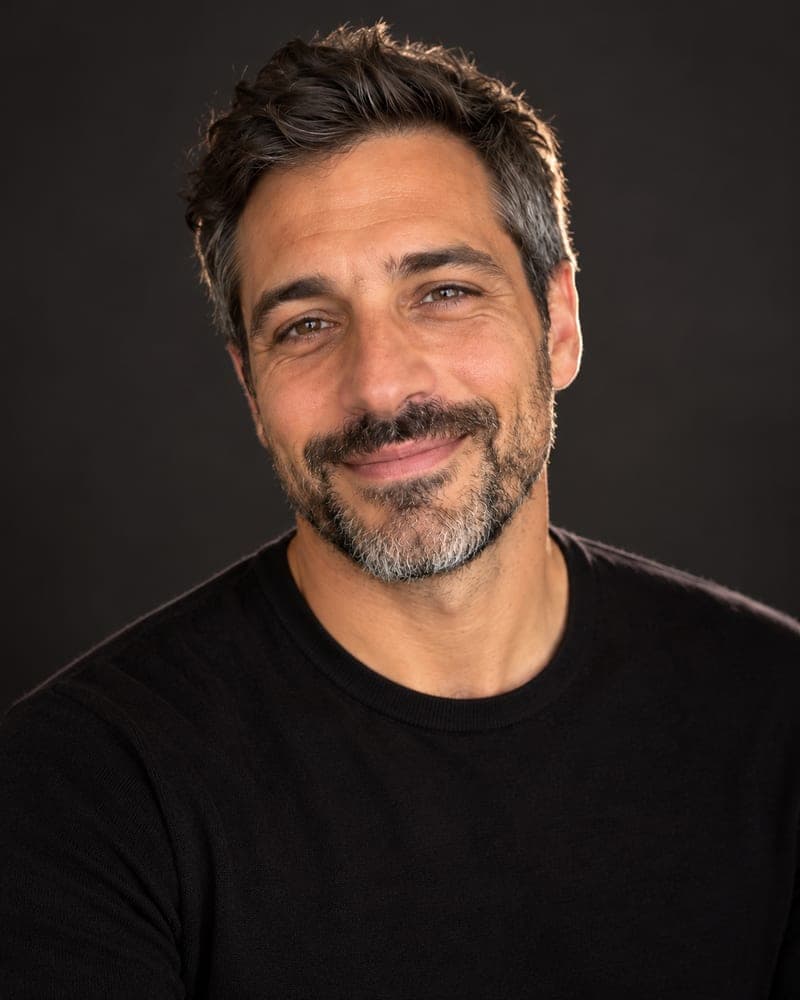
- Dark studio — black top, charcoal backdrop, rim light. Editorial and confident, good for speaker bios, podcasts and press kits.
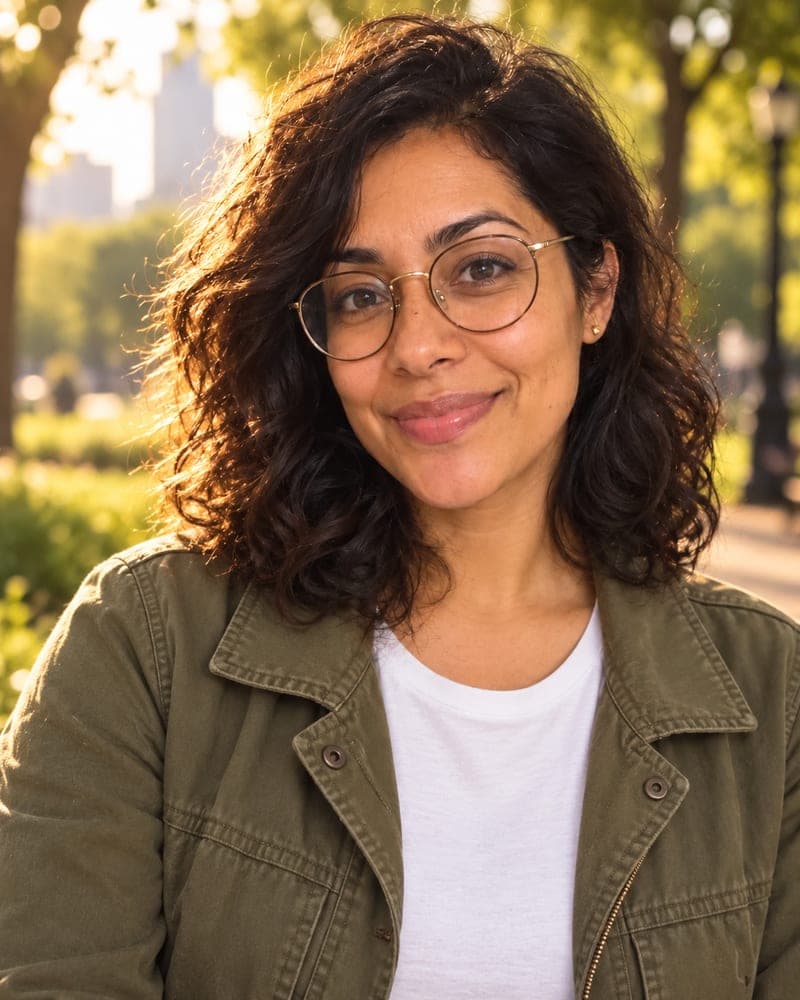
- Golden hour — relaxed jacket, city-park bokeh, warm side light. Friendly photos for real-estate agents, coaches and dating-adjacent profiles.
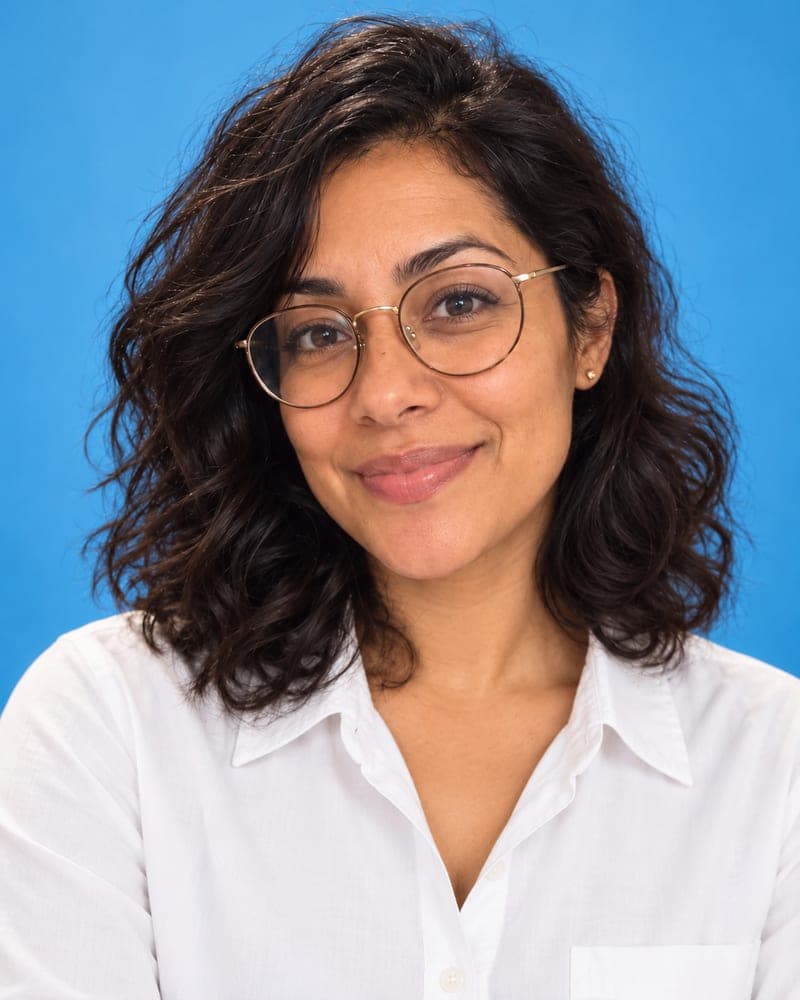
- Sky-blue colour — crisp outfit on a bold blue seamless. Creative-industry and start-up team pages where a plain grey would feel dull.
Each page on FaceTwin preselects a different scene, but every scene is available on every headshot page.
AI headshot vs a photographer vs a 20-photo headshot app
| FaceTwin | Typical AI headshot app | Photographer | |
|---|---|---|---|
| Photos you upload | 1 selfie | 10–20 selfies | None — a session |
| Time to first result | About 15 seconds | 15–60 minutes | Days (booking + edit) |
| See it before paying | Yes, first one free in HD | Rarely | Proofs after the session |
| Price | $1.99 per HD headshot, $4.99 for five | $29–$59 per batch | $150–$400 |
| Account | Not needed | Required | — |
A photographer is still the best choice for a magazine cover or an executive portrait you will use for years. Batch apps give you more variety per order. FaceTwin is for when you need a good headshot today, from the selfie you already have, and want to see it before paying.
How to get the most realistic AI headshot
Realism comes from the input. The model keeps what it sees, so a sharp, evenly lit selfie gives sharper skin texture and truer colour than a dark or filtered one.
- Stand facing a window; avoid overhead light that puts shadows under your eyes.
- Hold the phone at eye level, about an arm’s length away — wide-angle close-ups make noses look bigger.
- Use a recent photo with your current hair, beard and glasses; the headshot will match them.
- No beauty filters or portrait mode blur — they confuse the edit and can make skin look plastic.
- Neutral or small smile works best; a big laugh can look odd in a formal scene.
What the AI changes — and what it leaves alone
Changed: clothing, background, lighting direction and colour, crop and framing (head and shoulders, 4:5 portrait). Kept: your face shape, eyes, nose, mouth, skin tone and natural texture, hairline and hairstyle, facial hair, glasses and apparent age. Retouching is limited to what a portrait photographer would do — no slimming, no reshaping, no new makeup. If you notice a change you did not ask for, try another scene or a clearer selfie; $1.99 covers two more scenes.
Privacy: what happens to your selfie
Your selfie is sent through FaceTwin’s server to the AI image provider only after you tick the consent box. FaceTwin does not save the original photo: it is used once in memory to make the headshot and then discarded. The result is kept for seven days so you can download it, then deleted. It is never used to train a model, never shown in a gallery and never sold. Use only your own photo — you must be 18 or older.
Frequently asked questions
How much does an AI headshot cost here?
The first headshot is free: full HD with no watermark, one per browser while the daily free quota lasts, no account needed. After that, $1.99 covers two more headshots from the same selfie. A $4.99 pack covers five headshots. These are one-time payments with no subscription, and a failed generation never uses credits.
Why do other AI headshot apps ask for 10–20 photos and an hour?
Many headshot services train a small custom model on your face first, which needs a batch of photos and 15–60 minutes. FaceTwin edits one selfie directly with an image model that keeps your face and changes only clothing, backdrop, light and framing, so a headshot takes about 15 seconds. The trade-off: you get one headshot per scene rather than a 100-photo batch, and you pick the scenes yourself.
Will it still look like me?
That is the main rule in the prompt: keep the same face shape, eyes, nose, mouth, skin tone and texture, hairline, hairstyle, facial hair, glasses and age, and change only the outfit, background, lighting and framing. No face slimming or heavy smoothing. Your first headshot is free in HD, so judge it before you pay; if one scene misses, $1.99 covers two more scenes.
What size is the HD headshot?
A 4:5 portrait, around 1024 pixels wide — sharp enough for LinkedIn, company websites, email signatures, CVs and small prints. It downloads as a JPG with no watermark.
Can I make a headshot of someone else?
Only of yourself, and you must be 18 or older. The consent box asks you to confirm the photo is of you. Do not upload a colleague, a stranger, a public figure or a child — for a team page, ask each person to make their own.
Is my photo uploaded?
Not for local lookalikes or face analysis: the model runs in your browser, so your selfie, landmarks and descriptor stay on your device. AI portraits, including the first free one, and full reports send your photo through our server to the AI provider after a free first-portrait request or a credit purchase, and separate upload consent. Reports also send your numeric measurements. FaceTwin does not save the original photo; it is discarded from request memory after processing.
More from the same selfie
Related by topic
Headshots and profile pictures
The data behind the scores: FaceTwin facts · face shape statistics
Last updated 2026-10-18. FaceTwin is for entertainment and is not identity recognition, medical or cosmetic advice.