How do I make a caricature from an image?
Short answer: To make a caricature from an image, upload any JPG, PNG or WebP up to 10 MB with one clear face — a phone photo, screenshot, scan or crop from a group shot. FaceTwin’s AI draws a big-head caricature in about 15 seconds; the first 1024×1024 HD image is free with no watermark and no account, and more are from $1.99.
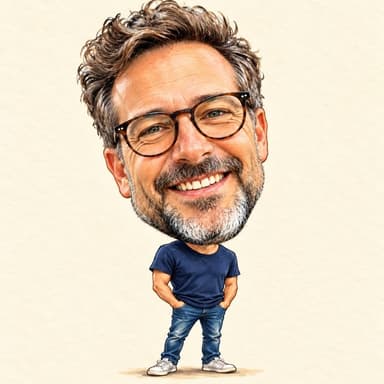
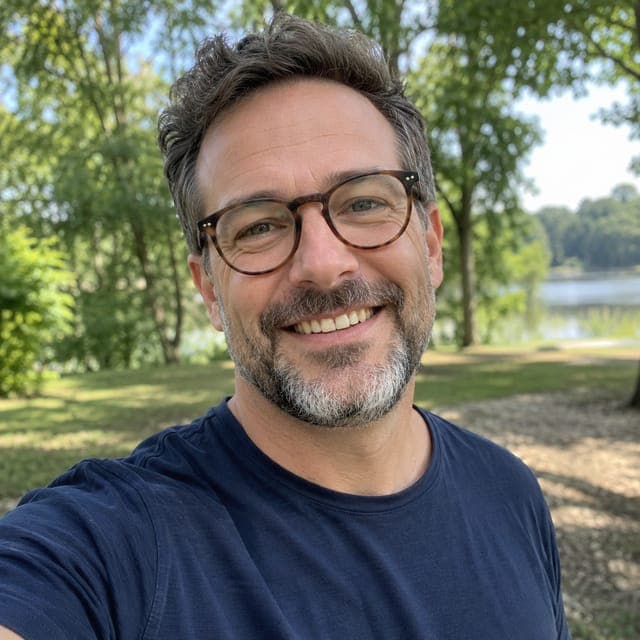
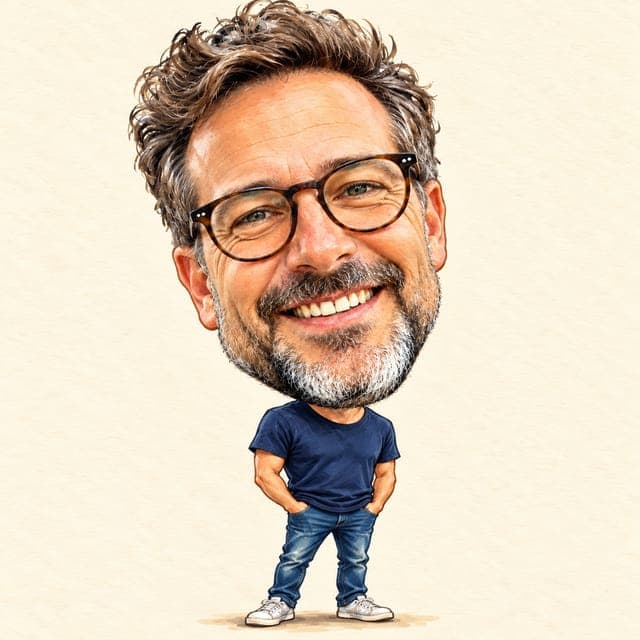
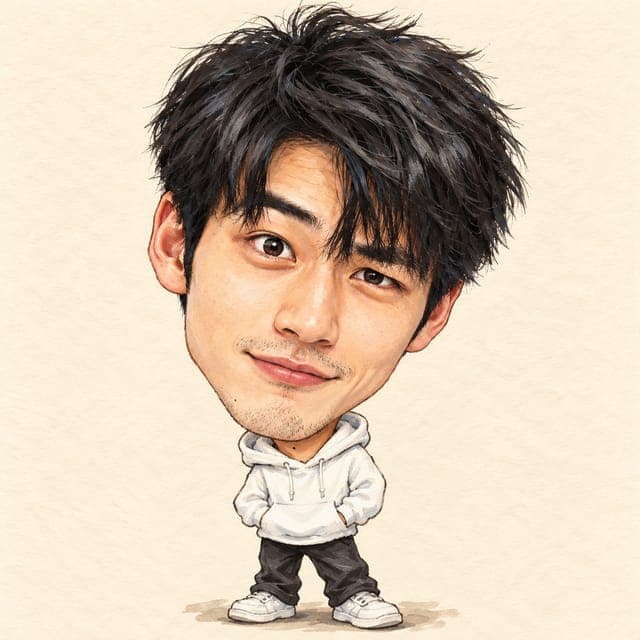
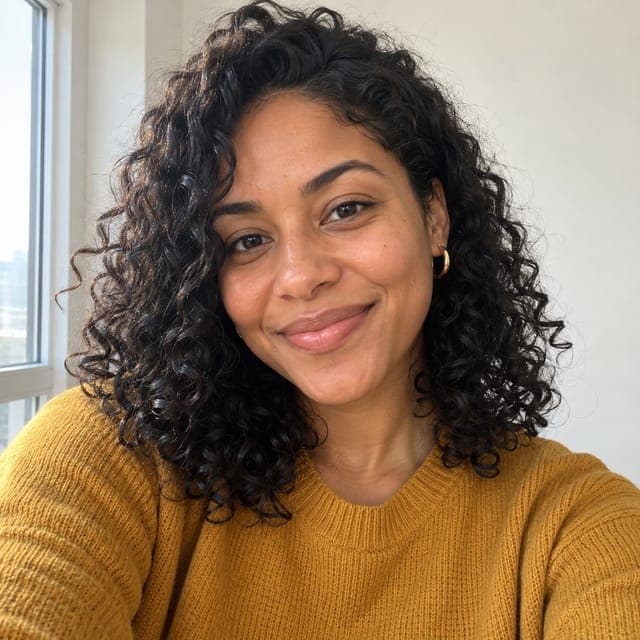
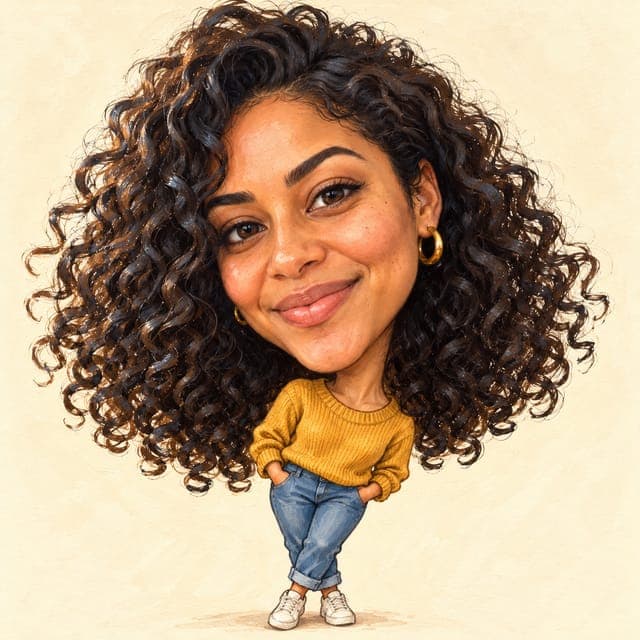
To make a caricature from an image with FaceTwin, tick the consent box and upload an image you already have: a JPG, PNG or WebP of up to 10 MB in which one face is clear and roughly facing the camera. It can be a phone photo, a screenshot, a scan of a printed photo or a crop of one person from a group shot. In about 15 seconds the AI draws a classic big-head caricature from it — oversized head, small body, a friendly exaggeration of the most distinctive features and a hand-painted look — and the first 1024×1024 image is free, with no watermark, no account and no prompt to write. $1.99 covers two more styles. The original image is not stored, and the result stays downloadable for seven days.
- Accepts JPG, PNG, WebP up to 10 MB
- First one free in HD 1024×1024, no watermark, in about 15 seconds
- 2 more portraits: $1.99
- Original image not stored; result kept 7 days
More caricature styles
Which images make a good caricature
Most caricature tools assume you will take a fresh selfie. Often the image you actually want to use already exists — the photo from a trip, the picture on a team page, a scan of a grandparent’s portrait. The AI only needs one thing from it: a face it can read. This table shows how common image types usually turn out.
| Image you have | Works? | How to get the best result |
|---|---|---|
| Recent phone photo | Best | Use the original from your gallery, not a compressed copy from a chat app |
| Screenshot of a photo | Yes | Zoom in until the face fills the screen before taking the screenshot |
| Group photo | Yes, one person | Crop to one head and shoulders first; the AI draws a single face |
| Scan or photo of a printed picture | Usually | Shoot it flat, in daylight, without glare; black-and-white prints come out in colour |
| Still from a video | Usually | Pause on a sharp, front-facing frame; motion blur weakens the likeness |
| Profile picture from social media | Often | These are small — use the largest version you can find |
| Side profile, sunglasses, mask | Weak | The AI has to guess hidden features, so the likeness drops |
The rule of thumb: if you can recognise the person at a glance when the image fills your phone screen, the AI can usually draw a recognisable caricature from it.
Turn an image into a caricature in three steps
- Tick the box to confirm you are 18 or older, that the image shows you or someone who agreed, and that it is sent to our AI provider to draw the caricature.
- Choose the image from your files or gallery. JPG, PNG and WebP up to 10 MB are accepted. If a file will not open — some HEIC photos or unusual formats — take a screenshot of it and upload the screenshot.
- Wait about 15 seconds: your first caricature is free in HD with no watermark. Download it, or copy a private link that opens on any device for seven days.
The image is resized in your browser before it is sent, and location data stored inside the photo (EXIF/GPS) is removed in the same step.
Preparing an old or low-quality image
Old photos and small images are where people expect caricature tools to fail. A little preparation goes a long way, and none of it needs editing software:
- Crop first. A face that fills a third of the image gives the AI far more detail than the same face in a wide shot.
- Photograph prints straight on, next to a window, with the phone parallel to the paper to avoid glare and keystone distortion.
- Skip filters and beauty modes. They smooth away the very features — lines, freckles, a crooked smile — that make a caricature recognisable.
- Faded colours are fine. The caricature is repainted in fresh colours, so a yellowed or black-and-white original still works.
- If the result looks like a stranger, try a second image of the same person; a different angle often fixes it.
Caricature from an image: FaceTwin compared with other options
| FaceTwin | General photo editors with a caricature filter | Hand-drawn online artist | |
|---|---|---|---|
| What you upload | One image with a clear face | An image, often plus a written prompt | Several photos and a brief |
| First result | Free in HD, no watermark, ~15 s | Varies; many need an account or credits first | A sketch after days |
| Price for one HD image | $1.99, one-time | Often bundled in a subscription | Typically $25–$60 per face |
| Account | Not needed | Usually required | Email and payment |
| Your original image | Not stored | Depends on the service | Kept by the artist |
Photo editors are a good choice if you are already paying for one and want to adjust the result by hand. An artist is the right choice for a framed original. FaceTwin is for getting a caricature from the image in front of you, now, without signing up for anything.
What the AI changes and what it keeps
The caricature style keeps the things people recognise — face shape, skin tone, eye shape, hairstyle, facial hair and accessories such as glasses or earrings — and enlarges the head on a small body. It then pushes the two or three most noticeable features a little further, the way a street artist would: a big smile gets bigger, strong brows get stronger. The exaggeration is meant to be affectionate. The background becomes a plain cream card, so busy backgrounds in the original image do not matter.
Using someone else’s image
A caricature from an image of a friend, partner or colleague makes a good gift, but only with that person’s agreement. The consent box asks you to confirm it. Do not upload images of children, strangers or public figures, and do not use the result to mislead anyone about who drew it or who is shown.
Frequently asked questions
How much does it cost?
The first caricature is free: full HD with no watermark, one per browser while the daily free quota lasts, no account needed. After that, $1.99 covers two more portraits. A $4.99 pack covers five portraits. These are one-time payments with no subscription, and a failed generation never uses credits.
What image formats can I upload?
JPG, PNG and WebP up to 10 MB. If your file is in another format, such as some HEIC photos from older iPhones, open it and take a screenshot, then upload the screenshot.
Can I make a caricature from a group photo?
Yes, one person at a time. Crop the image to one head and shoulders before uploading; the AI draws a single face, and with several faces in view it may pick the wrong one.
Will a blurry or old photo work?
Often, yes. Crop to the face, photograph prints in daylight without glare and avoid filters. The first caricature is free in HD, so you can see whether the likeness holds before paying anything.
Can I turn a cartoon or drawing into a caricature?
The style is designed for photos of real faces. A drawing or an existing cartoon usually produces a weaker result; a photo of the person works best.
How big is the final image?
The image is 1024×1024 pixels without a watermark — enough for a profile picture, a card or a small print. The $4.99 pack covers five portraits if you want several images or styles.
Do I need an account?
No. The free first caricature and the $1.99 pack work without signing in. Your result is linked to this browser, and you also get a private link that opens on any device for seven days.
Is my photo uploaded?
Not for local lookalikes or face analysis: the model runs in your browser, so your selfie, landmarks and descriptor stay on your device. AI portraits, including the first free one, and full reports send your photo through our server to the AI provider after a free first-portrait request or a credit purchase, and separate upload consent. Reports also send your numeric measurements. FaceTwin does not save the original photo; it is discarded from request memory after processing.
More from the same selfie
Related by topic
Caricatures and cartoons
The data behind the scores: FaceTwin facts · face shape statistics
Last updated 2026-10-18. FaceTwin is for entertainment and is not identity recognition, medical or cosmetic advice.