How do you use a photobooth online?
To use FaceTwin’s photobooth online, press Start camera and allow camera access, choose a layout — classic 4-photo strip, trio strip, 2×2 grid, 6-shot grid or a single instant photo — and press Start. A 3, 5 or 10-second countdown runs before each shot, with a flash and an optional shutter sound, so you have time to change poses. Then style the result: nine frames including Halloween, birthday, wedding, Y2K and film reel, eight filters such as black and white, sepia and film grain, a caption in four fonts, the date and draggable emoji stickers. Tap any photo to retake just that one. Download a PNG at real print size — 600×1800 px for a 2×6 inch strip, 1200×1800 px for a 4×6 inch grid — or a smaller JPG, or share it from your phone. Everything runs in your browser; no photo is uploaded.
- 5 layouts: 4-photo strip, trio strip, 2×2 grid, 6-shot grid, instant photo
- 3, 5 or 10-second countdown per shot, retake any single photo
- Print-ready PNG: 2×6 in or 4×6 in at 300 dpi, no watermark
- Camera, photos and strip stay on your device
More free tools from the same selfie
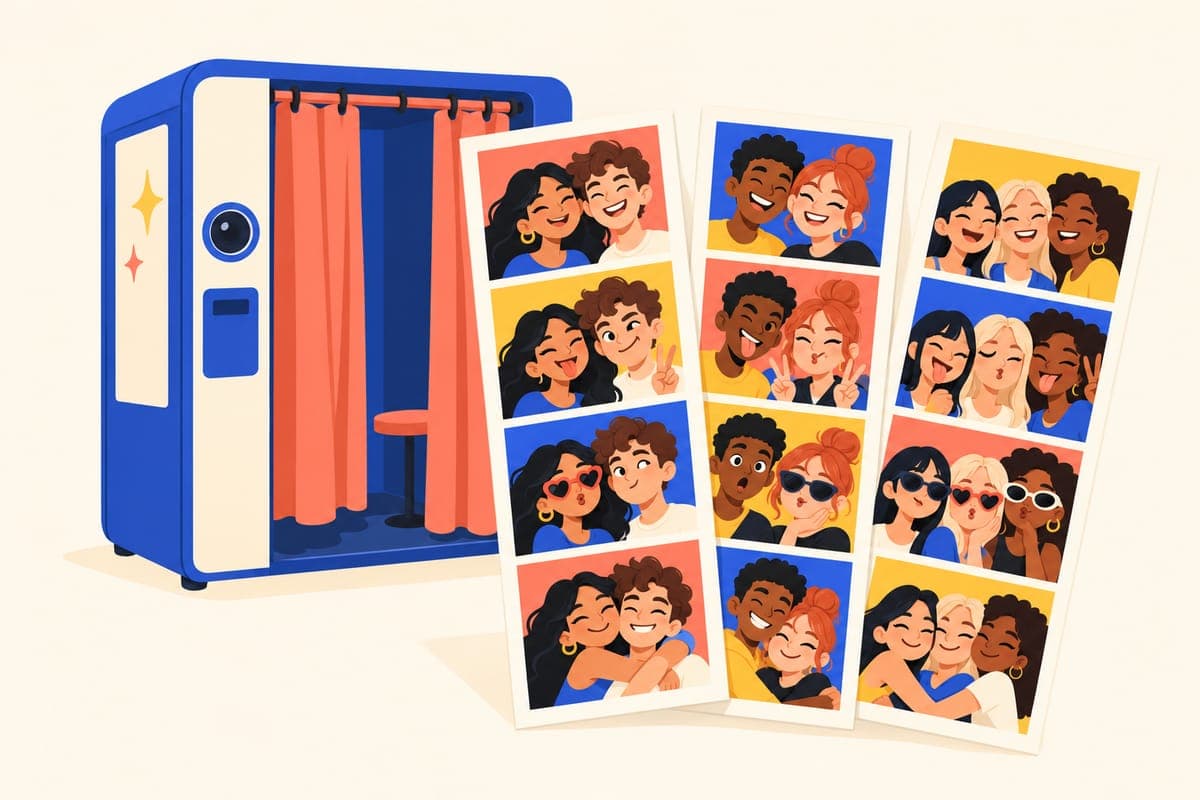
How to take photo booth pictures online
- Press Start camera and allow camera access when your browser asks. On a phone, the switch button flips between the front and back camera.
- Choose a layout. The number of shots follows the layout: four for the classic strip and the 2×2 grid, three for the trio strip, six for the 6-shot grid and one for the instant photo.
- Set the timer to 3, 5 or 10 seconds. Ten seconds is handy when the laptop is across the room or you are posing as a group.
- Press Start. The booth counts down, flashes and takes each shot in turn, then moves to the next one automatically.
- Missed a pose? Tap that thumbnail to retake only that photo — the others stay.
- Pick a frame and filter, type a caption, add the date and drop on stickers. Drag a sticker to move it; tap it to resize or remove it.
- Download the PNG, a lighter JPG, or use Share on your phone to send it straight to a chat or your camera roll.
No camera, or a browser that blocks it? Use Upload photos instead: pick up to six pictures from your device and they fill the strip in order. Uploaded photos are handled the same way as camera shots — inside your browser.
Layouts and print sizes
Every download is made at real print size, so it looks sharp on a phone and prints cleanly at a photo kiosk or on a home printer.
| Layout | Photos | Download size | Prints as |
|---|---|---|---|
| Classic strip | 4 | 600×1800 px | 2×6 in strip, the traditional booth format |
| Trio strip | 3 | 600×1800 px | 2×6 in strip with bigger square photos |
| 2×2 grid | 4 | 1200×1800 px | 4×6 in print |
| 6-shot grid | 6 | 1200×1800 px | 4×6 in print |
| Instant photo | 1 | 1080×1320 px | Square photo with a wide caption border |
Tip: two classic strips fit side by side on one 4×6 inch print. Place both PNGs on a 1200×1800 canvas, or simply print the 2×2 grid if you want one sheet per person.
Frames, filters, captions and stickers
The frames were illustrated for this booth and decorate the border while keeping your photos clear: Classic white, Midnight, Film reel with sprocket holes, Halloween, Birthday, Love & wedding, Y2K, Vintage paper and Christmas. Seasonal frames make the booth easy to use for a party theme without any design work.
- Filters: Original, Black & white, Noir, Sepia, Warm, Cool, Soft glow and Film grain. They are applied to the photos only, never to the frame, so the colours of the border stay true.
- Captions: up to 40 characters in Serif, Sans, Typewriter or Script, with an optional date line underneath. Long captions shrink to fit instead of being cut off.
- Stickers: 18 emoji stickers — hearts, sparkles, party poppers, pumpkins, ghosts, snowflakes and more. Add as many as you like, drag them anywhere on the strip and resize them.
- Rounded corners: switch on soft photo corners for a modern look, or keep the crisp square edge of a classic booth.
Why this online photo booth is private
Most online photo booths send your pictures to a server to build the strip, and some keep a gallery. FaceTwin does the opposite: the camera stream is read by your own browser, the photos are drawn onto a canvas in the page and the PNG is created on your device when you press Download. Nothing is uploaded, there is no account, and there is no gallery to delete later. You can confirm it yourself in your browser’s developer tools — taking and downloading a strip makes no network request with your photos.
Because nothing is stored, refreshing or closing the page clears your shots. Download the strip before you leave.
Ideas for using a free photo booth
- Long-distance friends and couples: take your own strip at the same time on a video call and swap the PNGs.
- Parties and Halloween: put a laptop on a table, set the timer to 10 seconds and switch on the Halloween or Birthday frame.
- Weddings and showers: the Love & wedding frame with a Script caption and the date makes a simple keepsake strip for guests.
- Profile pictures and stories: the instant-photo layout is square, ready for a profile picture or a story.
- Classrooms and team events: the 6-shot grid fits a whole sequence of poses on one 4×6 print.
Want something more playful? Pick your favourite booth photo and use Try AI style to turn it into an AI caricature. The strip itself always stays free; your first caricature is free in HD with no watermark, and more are from $1.99.
Camera not working? Quick fixes
- Permission blocked: click the camera icon in the address bar, allow the camera for this site, then press Try the camera again.
- “Another app is using the camera”: close video-call apps or other tabs that use the camera, then try again.
- Black preview on iPhone: make sure you are using Safari or Chrome directly, not a browser built into another app; in-app browsers often block cameras.
- No camera at all: use Upload photos to build the strip from pictures you already have.
Frequently asked questions
Is this photobooth online really free?
Yes. Taking photos, choosing layouts, frames, filters, captions and stickers, and downloading the PNG or JPG are free, unlimited and have no watermark. You do not need an account. Only the optional AI caricature of a single photo is paid in HD.
Are my photo booth pictures uploaded or saved?
No. The camera feed, every shot and the finished strip are processed inside your browser tab and never sent to FaceTwin or anyone else. Nothing is saved on our side; close the tab and the photos are gone unless you downloaded them. The only exception is optional: if you choose “Try AI style”, the one photo you pick is passed to our AI caricature tool, and it is sent to the AI provider only after you confirm a separate upload consent there.
Does it work on iPhone and Android?
Yes. The booth works in Safari and Chrome on iPhone and in Chrome and other modern browsers on Android. Use the switch button to choose the front or back camera, and Share to save the strip straight to your photos.
How many photos are in a photo booth strip?
A classic photo booth strip has four photos on a 2×6 inch strip, which is the default here. You can also choose three larger photos, a 2×2 or 6-shot grid on a 4×6 inch print, or a single instant photo.
Can I retake one photo without starting over?
Yes. After the burst, tap any thumbnail and the booth counts down and replaces only that photo. The other shots, the frame, filter, caption and stickers stay as they are.
What size is the download, and can I print it?
Strips download at 600×1800 pixels (2×6 inches at 300 dpi) and grids at 1200×1800 pixels (4×6 inches at 300 dpi), so they print sharply at a photo kiosk or at home. A smaller JPG is available for messaging.
Can I use photos I already took instead of the webcam?
Yes. Choose Upload photos and select up to six images. They fill the layout in order, and you can replace any single one later. They are processed in your browser like camera shots.
More from the same selfie
Related by topic
Caricatures and cartoons
The data behind the scores: FaceTwin facts · face shape statistics
Last updated 2026-10-18. FaceTwin is for entertainment and is not identity recognition, medical or cosmetic advice.