
How do I make a funny caricature from a photo?
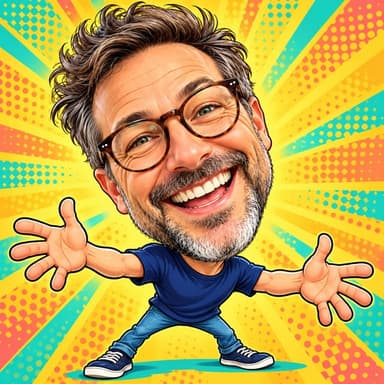
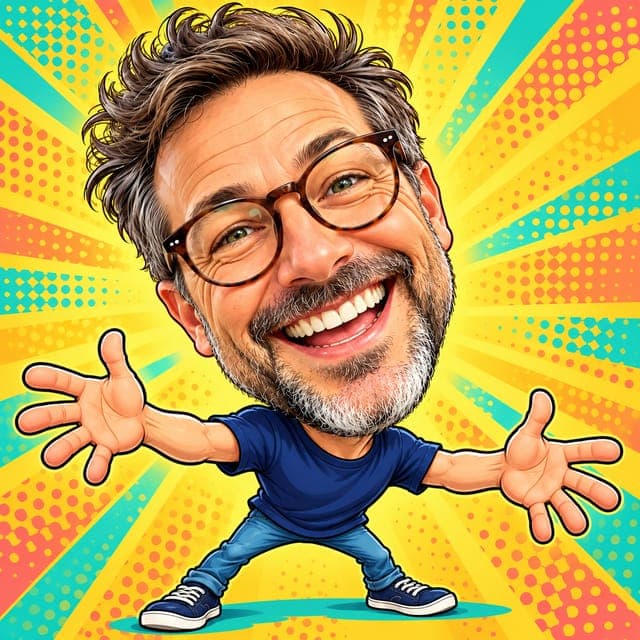
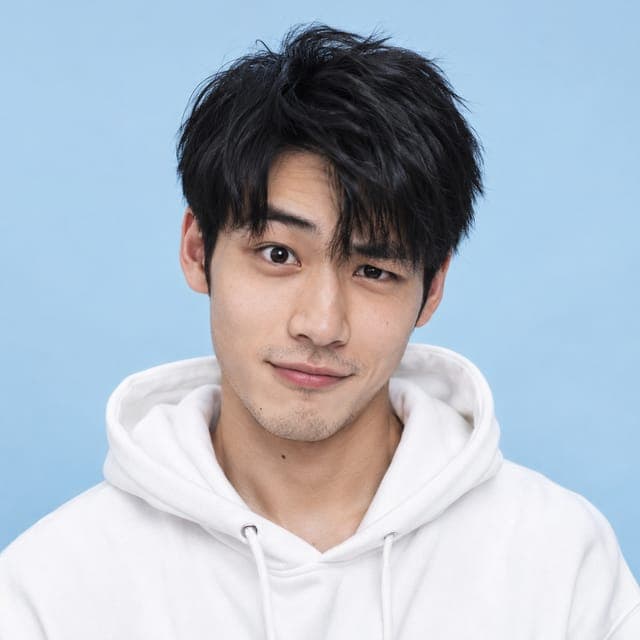
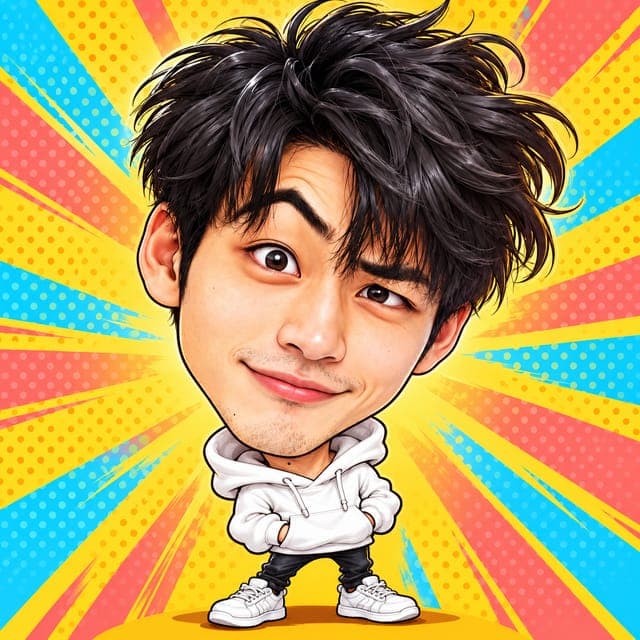
To make a funny caricature with FaceTwin, tick the consent box and upload one clear photo of your face. In about 15 seconds the AI draws an over-the-top version of you: a huge head on a tiny body, your biggest features — a wide grin, bold glasses, a raised eyebrow, big hair — pushed much further than in a classic caricature, with comic squash-and-stretch and bright, saturated pop-art colours. It stays good-natured: the style is tuned to be playful, never insulting, and to keep your face shape, skin tone and hairstyle recognisable. The first one is free in full HD with no watermark and no account; $1.99 covers two more styles. Funny caricatures work best with an expressive photo, so pull a face, grin widely or raise an eyebrow before you take it.
- Huge head, tiny body, wild exaggeration
- Bright pop-art colours
- First one free in HD; $1.99 for 2 more
- Expressive photos give the funniest results
More caricature styles
Funny vs classic caricature
| Funny caricature | Classic caricature | |
|---|---|---|
| Head size | Huge — several times the body | Big, about twice the body |
| Exaggeration | Wild, cartoon squash-and-stretch | Moderate and flattering |
| Colours | Bright, saturated pop-art | Hand-painted gouache on cream |
| Best for | Group chats, roasts, party invites | Gifts, profile pictures, cards |
If you want something you could frame for your grandmother, choose the classic photo-to-caricature style. If you want the group chat to laugh, this is the one.
How to get the funniest result
- Pull a face: a huge grin, puffed cheeks, crossed eyes or one raised eyebrow. The AI exaggerates whatever expression it sees.
- Keep your props on — big glasses, a hat or headphones become comic highlights.
- Use one person per photo, facing the camera, in good light.
- Upload, wait about 15 seconds, and download your free HD version if it makes you laugh.
Ideas for a funny caricature
- Birthday or retirement cards for a colleague (with their permission and photo).
- A profile picture that stands out in Slack, Discord or gaming lobbies.
- Bachelor and bachelorette party invites, roasts and team-building slides.
- Stickers, mugs and T-shirts for a family reunion — one caricature per person.
The HD image is 1024×1024 pixels. For a set of the whole team, the $4.99 pack covers five portraits.
Funny, not mean
Exaggeration can go wrong, so the funny style has firm rules: it exaggerates expressions and distinctive features, never weight, skin, age or anything a person might be sensitive about, and it never makes anyone look like a celebrity. Use only your own photo or one you have permission to use — never a stranger’s, a public figure’s or a child’s.
Privacy
Your photo goes through FaceTwin’s server to the AI provider only after you tick the consent box. FaceTwin does not save the original photo; the caricature is kept for seven days so you can download it, then deleted.
Frequently asked questions
How much does it cost?
The first caricature is free: full HD with no watermark, one per browser while the daily free quota lasts, no account needed. After that, $1.99 covers two more portraits. A $4.99 pack covers five portraits. These are one-time payments with no subscription, and a failed generation never uses credits.
Will a funny caricature still look like me?
Yes. The style keeps your face shape, skin tone, hairstyle and accessories and exaggerates your expression and most distinctive features. Your first one is free in HD, so you see it before paying anything.
Can I make a funny caricature of a friend?
Only with their permission and their photo. Never upload a stranger, a public figure or a child.
Which photo works best?
An expressive, front-facing photo of one person in good light. Big smiles and raised eyebrows give the funniest results.
Can I get the classic style instead?
Yes — use the photo-to-caricature page for the classic hand-painted look. $1.99 covers two more styles.
Is my photo uploaded?
Not for local lookalikes or face analysis: the model runs in your browser, so your selfie, landmarks and descriptor stay on your device. AI portraits, including the first free one, and full reports send your photo through our server to the AI provider after a free first-portrait request or a credit purchase, and separate upload consent. Reports also send your numeric measurements. FaceTwin does not save the original photo; it is discarded from request memory after processing.
More from the same selfie
Related by topic
Caricatures and cartoons
The data behind the scores: FaceTwin facts · face shape statistics
Last updated 2026-10-18. FaceTwin is for entertainment and is not identity recognition, medical or cosmetic advice.