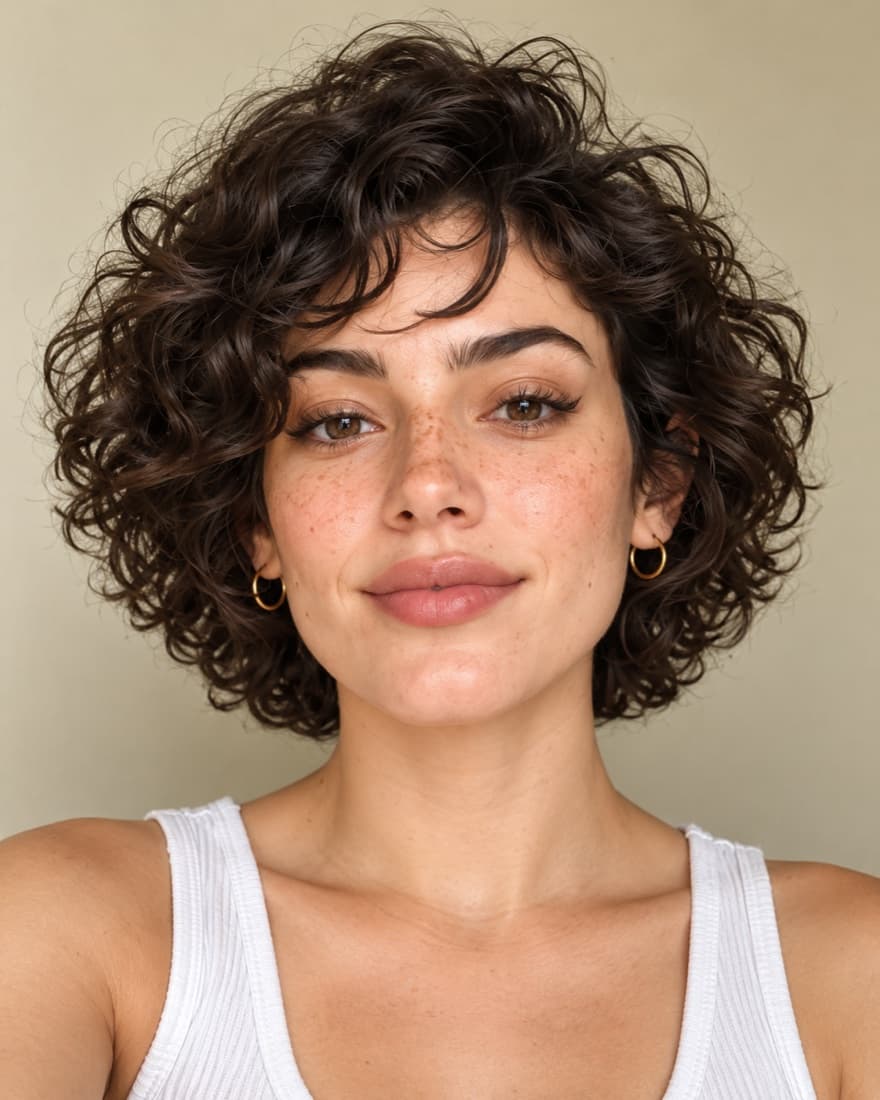
How does a PSL calculator work?
Short answer: FaceTwin’s PSL calculator measures one selfie on your device: symmetry 30%, golden ratio 20%, facial thirds 20%, canthal tilt 15% and jaw angle 15% make a 1–10 proportions score, which converts to PSL in half steps — 7.2 is 4, 7.7 is 4.5, 8.1 is 5. Free, no upload, and the same photo always gives the same result.
There is no official PSL formula, because the scale began as forum opinion. FaceTwin’s calculator measures instead. It places 68 landmarks on your selfie in your browser and scores five things from 0 to 100: symmetry (30% of the weight), golden-ratio proportions (20%), facial thirds (20%), canthal tilt (15%) and jaw angle (15%). The weighted result becomes a 1–10 proportions score, which is mapped onto the 1–8 PSL scale with fixed anchors and rounded to the nearest half step: 7.2 gives PSL 4, 7.7 gives 4.5, 8.1 gives 5, and 6.0 or lower gives 3 or below. In 1,196 reference faces of public figures the median is 7.2, so a typical result is 4. The same photo always gives the same answer. It is entertainment for adults using their own photo, not a measure of worth.
- 5 measurements, fixed weights
- 7.2 → 4 · 7.7 → 4.5 · 8.1 → 5
- Same photo, same result
- Runs in your browser, free
How to use it
- Upload a selfie or take one: a front-facing, well-lit photo of yourself, no glasses, neutral expression.
- Wait a few seconds: the face model finds 68 landmarks in your browser; the photo is not uploaded.
- Read your 1–10 proportions score and the estimated PSL (1–8, half steps).
- Check which measurements raised or lowered the estimate.
Related tools and guides
The PSL formula, step by step
Most online PSL calculators either ask you to rate yourself on a few sliders or return one number with no explanation. Here is every step this one takes, so you can check it:
- Landmarks: a face model runs in your browser and places 68 points on your brows, eyes, nose, lips and jaw. Head roll is corrected so a tilted phone does not skew the angles.
- Five sub-scores from 0 to 100: symmetry compares 26 left/right landmark pairs; golden ratio compares face length to width and nose-to-chin to lips-to-chin against 1.618; facial thirds compares brow-to-nose with nose-to-chin height; canthal tilt is the angle from the inner to the outer eye corner; jaw angle is the average angle at the jaw corners.
- Weighted composite: symmetry 30%, golden ratio 20%, thirds 20%, tilt 15%, jaw 15%.
- 1–10 score: the composite is placed on a gentle curve calibrated on 1,196 frontal faces, so most results land between about 5.5 and 8.5.
- PSL conversion: the 1–10 score is mapped through fixed anchor points and rounded to the nearest half step.
Convert a 1–10 score to PSL
If you already have a 1–10 rating from FaceTwin, use this table. Between anchors the calculator interpolates in a straight line before rounding:
| 1–10 proportions score | Estimated PSL |
|---|---|
| 4.0 or lower | 2 |
| 6.0 | 3 |
| 7.0 | 3.5–4 (3.75 before rounding) |
| 7.2 | 4 |
| 7.7 | 4.5 |
| 8.1 | 5 |
| 8.75 | 5.5–6 (5.75 before rounding) |
| 9.2 | 6–6.5 (6.25 before rounding) |
| 9.8 (maximum) | 6.5 |
A 1–10 rating from friends or another app is not the same scale. People tend to rate generously, so converting their number with this table will usually overstate the PSL.
Worked examples
| Example face | Five sub-scores | 1–10 score | PSL |
|---|---|---|---|
| Very symmetric, average proportions | High symmetry, others near median | about 7.7 | 4.5 |
| Typical face | All near the reference medians | 7.2 | 4 |
| Long face, downturned eyes | Lower golden ratio and tilt, average symmetry | about 6.5 | 3.5 |
These are illustrations of how the weights interact, not real people. The point is that no single feature decides the result: a strong jaw cannot lift the estimate much if symmetry and thirds are below the median, and vice versa.
What results to expect
Measured on 1,196 frontal faces of public figures, the calculator gives these results:
| Estimated PSL | All | Women | Men |
|---|---|---|---|
| 3 or below | 9.2% | 7% | 11% |
| 3.5 | 24.3% | 22.8% | 25.9% |
| 4 | 30.9% | 30.6% | 31.1% |
| 4.5 | 21.4% | 23.7% | 19.7% |
| 5 | 13.1% | 14.3% | 11.9% |
| 5.5 | 1.1% | 1.7% | 0.5% |
| 6 or more | 0% | 0% | 0% |
If your result is a 4, you are in the largest group, together with many well-known faces.
How this differs from other PSL calculators
- It measures your photo instead of asking you to rate yourself on sliders.
- Your selfie stays on your device. Many face-rating sites upload it to their server.
- It shows the inputs and the weights, so every half step can be traced to a measurement.
- It is deterministic: the same photo gives the same result every time.
- One upload also fills the face shape, symmetry, golden ratio, thirds and look-alike tabs.
Getting a fair measurement
- Hold the phone at eye level, about an arm’s length away. Close-up selfies widen the nose and narrow the face.
- Face the camera straight on with a neutral expression; a big smile changes the lower third and the jaw.
- Use soft, even light from the front and pull hair off the forehead and jawline.
- Take two or three photos and compare. A half-step difference between good photos is normal.
Whatever the number says, it describes a few lines on one photo. It is not a medical or cosmetic assessment, it cannot see what makes a person attractive in real life and it is not a measure of your worth.
Frequently asked questions
Is the PSL calculator free?
Yes. The photo measurement and the PSL estimate are free and unlimited, with no sign-up.
Is there an official PSL formula?
No. PSL started as a forum rating. FaceTwin uses its own published formula: five measured sub-scores, fixed weights, a 1–10 score and a fixed conversion table.
What PSL is a 7 out of 10?
On FaceTwin’s scale a 7.0 proportions score is 3.75 before rounding, so it shows as 3.5 or 4 depending on the decimals. A 7.2 is a 4.
What PSL is an 8 out of 10?
An 8.0 proportions score is about 4.9 before rounding, so it shows as PSL 5. An 8.1 is exactly 5.
Why did my PSL change between two selfies?
Landmarks move with lens distance, lighting, angle and expression. A half step between photos is normal; use the same setup when comparing.
Can I calculate PSL without a photo?
You can convert an existing 1–10 FaceTwin score with the table on this page. Without a photo there is nothing to measure, so any slider-based number is just a self-rating.
Does it consider skin, hair or body?
No. It measures facial geometry only. Skin, hair, style, expression, height and body are outside what a landmark model can see.
Is the result the same as a forum rating?
No. Forum ratings are opinions that vary by rater. This is a geometric estimate converted onto the PSL vocabulary, for curiosity only.
Does it work for men and women?
Yes, with the same formula. In our reference data women’s estimates sit slightly higher on average; see the PSL scale for women page.
Who is it for?
Adults (18+) curious about their own face. Use your own photo only. It is entertainment, not a measure of worth.
Is my photo uploaded?
Not for local lookalikes or face analysis: the model runs in your browser, so your selfie, landmarks and descriptor stay on your device. AI portraits, including the first free one, and full reports send your photo through our server to the AI provider after a free first-portrait request or a credit purchase, and separate upload consent. Reports also send your numeric measurements. FaceTwin does not save the original photo; it is discarded from request memory after processing.
More from the same selfie
Related by topic
PSL and looks rating
The data behind the scores: FaceTwin facts · face shape statistics
Last updated 2026-10-18. FaceTwin is for entertainment and is not identity recognition, medical or cosmetic advice.