What is a good alternative to Pixlr face swap?
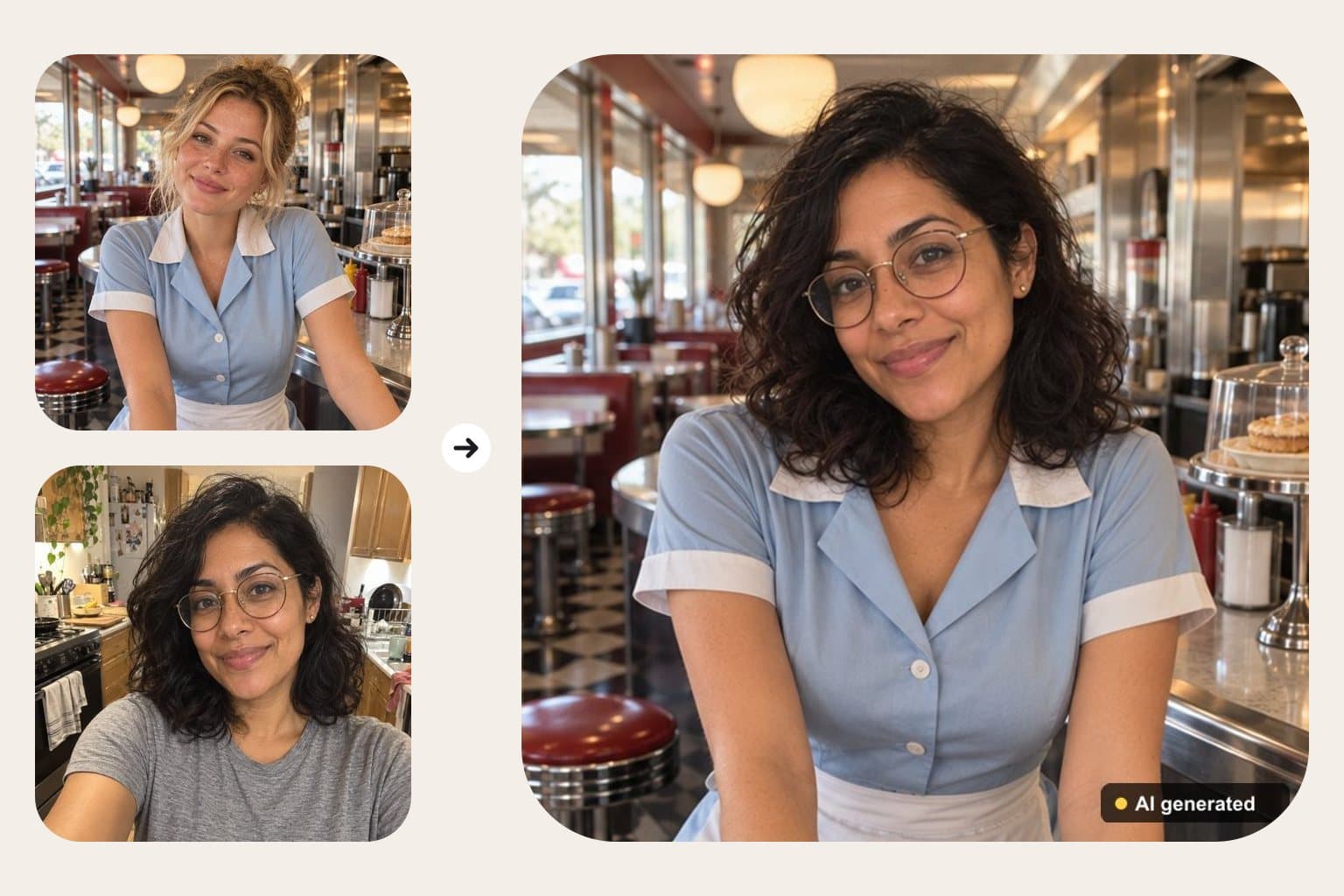
Short answer: FaceTwin is a Pixlr face swap alternative for one-off swaps: upload the photo you want to be in and a selfie, and the AI swaps your face in about 15 seconds. The first HD swap is free with no account; more are $1.99 each with no subscription. Minors, nudity and public figures are blocked and results are labelled and deleted within 24 hours.
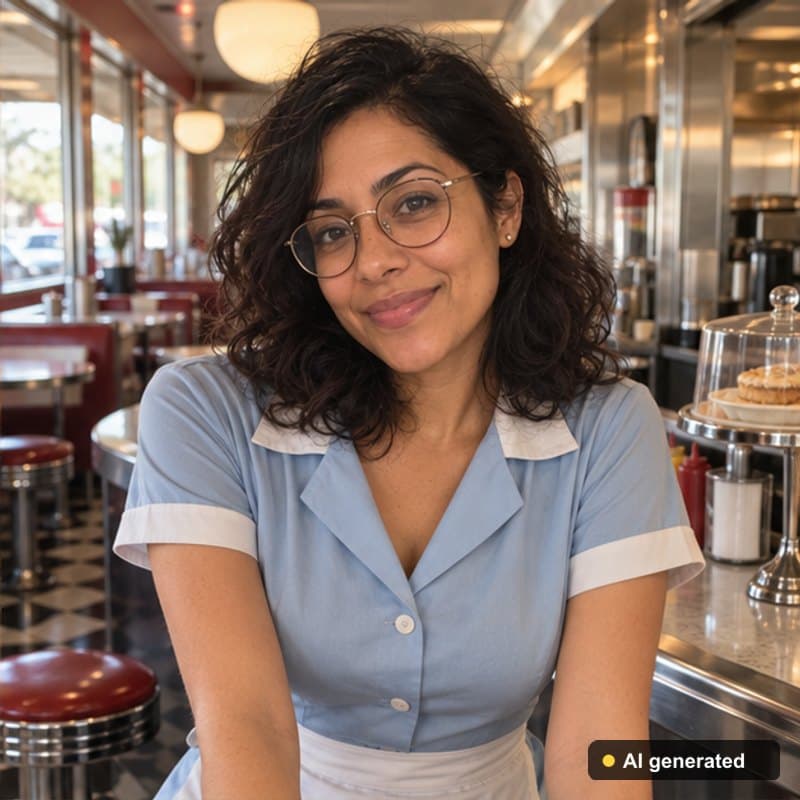
Pixlr is an online photo editor; its face swap page lets you upload a face photo and a target image or pick from its template library, and heavier AI use runs on monthly AI credits in the Plus ($2.49/month), Premium ($9.99/month) and Ultra (from $24.99/month) plans, as listed on pixlr.com in November 2026. FaceTwin is a single-purpose alternative: tick the consent box, upload the photo you want to be in and a clear selfie, and get an HD swap in about 15 seconds. The first swap is free with no account or e-mail; more cost $1.99 each or $4.99 for five, as one-time payments. Before anything is made, an AI safety check refuses photos that may show a minor, nudity or a recognisable public figure, and every result carries a visible “AI generated” label and is deleted within 24 hours.
- First HD swap free, no account
- Then $1.99 each or 5 for $4.99 — no subscription
- Minors, nudity and public figures blocked
- “AI generated” label; deleted within 24 h
Related
Pixlr face swap vs FaceTwin at a glance
What each product publicly states, checked on 3 November 2026 on pixlr.com/face-swap/ and pixlr.com/pricing/. Plans and prices change, so check the current page. FaceTwin is independent and not affiliated with Pixlr.
| Pixlr face swap | FaceTwin | |
|---|---|---|
| What it is | One tool inside a full online photo editor | A single face swap tool |
| Input | Your face photo + a target image, or a template | The photo you want to be in + your selfie |
| Templates | Template library offered | No templates — your own photos only |
| Paid plans | Plus $2.49/mo, Premium $9.99/mo, Ultra from $24.99/mo (AI credits) | No subscription: $1.99 per swap, 5 for $4.99 |
| Free use | Advertised as free to try | First HD swap free, no account or e-mail |
| Consent and safety check | Not described on the face swap page | Required consent tick; minors, nudity and public figures blocked |
| AI label on result | Not described | Visible “AI generated” label on every swap |
| How long results are kept | See Pixlr’s privacy policy | Uploads never stored; result deleted within 24 h |
When Pixlr is the better choice
- You also want to retouch, crop, add text or remove backgrounds in the same editor — Pixlr is a full photo editor, FaceTwin is not.
- You want ready-made templates (costumes, movie-poster style scenes) instead of bringing your own photo.
- You already pay for a Pixlr plan and swap faces often; monthly credits are cheaper per swap at high volume.
FaceTwin fits better when you want one or a few swaps, don’t want an account or a subscription, and care about where your face ends up afterwards.
How to swap faces here in three steps
- Tick the consent box: you are 18+, and the photos are yours or the people in them agreed.
- Upload photo 1 — the picture you want to be in, with one clear adult face — then a front-facing selfie.
- Get the swap in about 15 seconds. Download it or press Delete now. The first HD swap is free; another is $1.99, or five for $4.99.
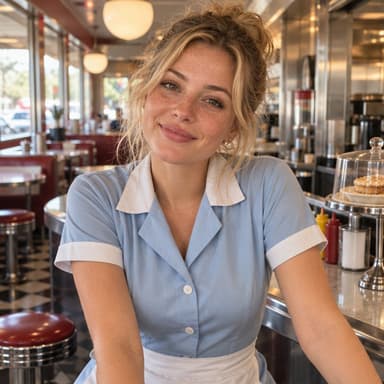
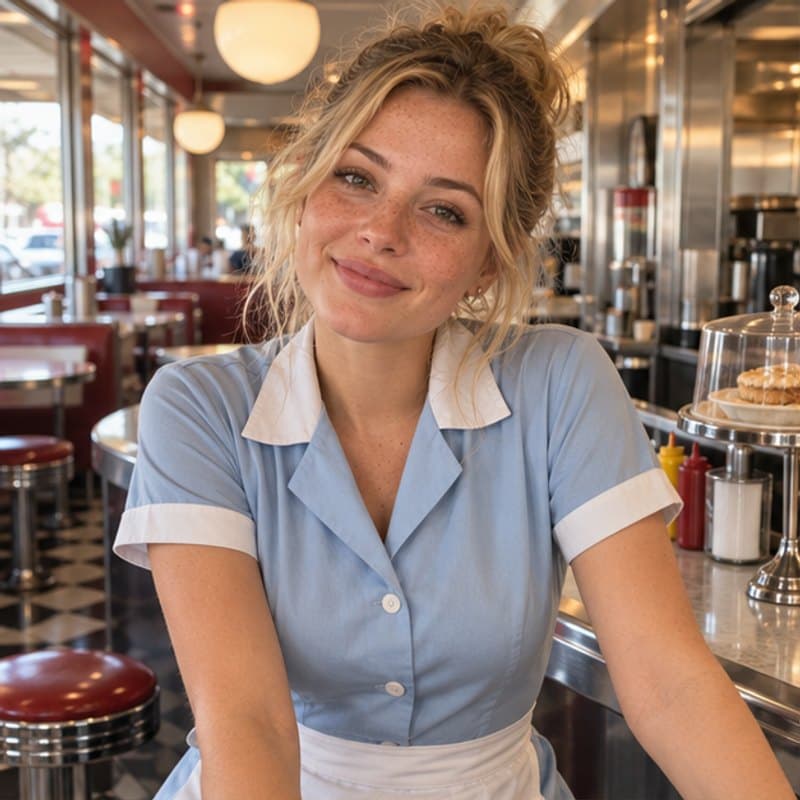
The swap keeps the original photo’s pose, clothes, background, light and framing, and repaints only the face and hair to match your selfie.
Tips for a natural-looking swap (in any tool)
- Match the angle: a three-quarter selfie swaps best into a three-quarter scene; front-on into front-on.
- Match the light: a daylight selfie for an outdoor scene, a warm indoor selfie for an evening photo.
- Keep the face big enough: if the face in the scene is smaller than a thumbnail, crop the photo closer first.
- No sunglasses, masks or hands over the face in either photo.
- Keep your glasses on in the selfie if you want them in the result.
The rules: what face swap is for
Face swapping is fun with your own photos and with adult friends who said yes. It turns harmful when it fakes someone. On FaceTwin the rules are enforced, not just written: the safety check refuses photos that may show a child, any nudity, or a recognisable celebrity or politician, and nothing is charged when a photo is refused. Every result carries a visible “AI generated” label — please don’t crop it off to pass the image off as real. If someone made a swap of you, use the Report link under any result and we remove it.
Frequently asked questions
Is FaceTwin free like Pixlr face swap?
Your first HD face swap is free with no account or e-mail, one per browser. After that each swap is $1.99, or $4.99 for five, as one-time payments with no subscription. If the safety check refuses a photo or a swap fails, nothing is charged.
Does FaceTwin have face swap templates like Pixlr?
No. You bring the photo you want to be in. That keeps swaps to pictures you have the right to use and avoids celebrity or copyrighted templates.
Can I swap faces in a group photo?
Not yet: photo 1 must contain exactly one clear adult face. Crop the group photo to the one person first, swap, then place it back in an editor.
Can I swap a celebrity’s face?
No. The safety check blocks recognisable celebrities, politicians and other public figures, as well as anyone who may be under 18 and any nudity.
Is FaceTwin affiliated with Pixlr?
No. FaceTwin is an independent product. Pixlr is a trademark of its owner; we mention it only to compare publicly listed features, checked in November 2026.
Is my photo uploaded?
Not for local lookalikes or face analysis: the model runs in your browser, so your selfie, landmarks and descriptor stay on your device. AI portraits, including the first free one, and full reports send your photo through our server to the AI provider after a free first-portrait request or a credit purchase, and separate upload consent. Reports also send your numeric measurements. FaceTwin does not save the original photo; it is discarded from request memory after processing.
More from the same selfie
Related by topic
Headshots and profile pictures
The data behind the scores: FaceTwin facts · face shape statistics
Last updated 2026-10-18. FaceTwin is for entertainment and is not identity recognition, medical or cosmetic advice.