How do I make a good profile picture from my own photo?
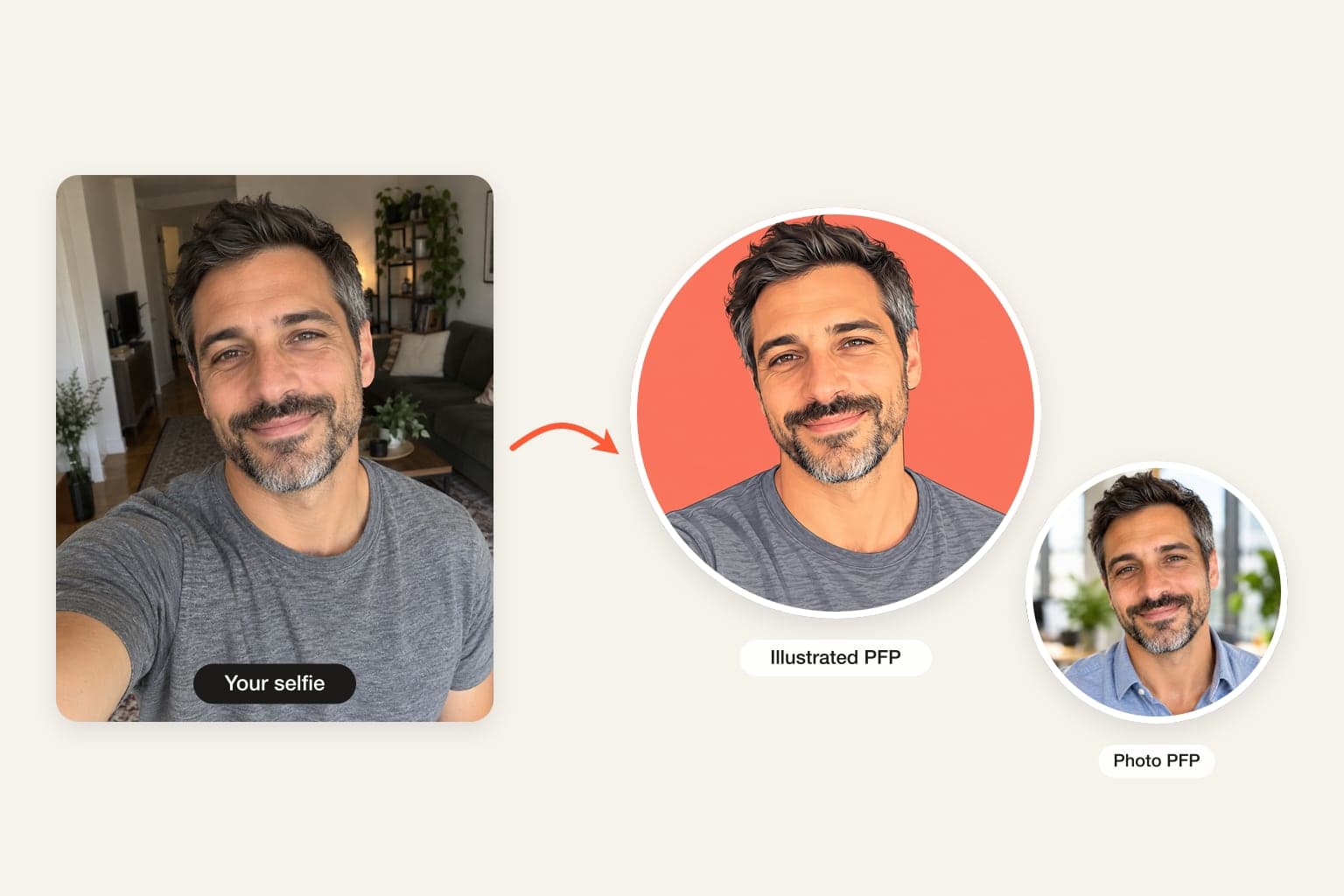
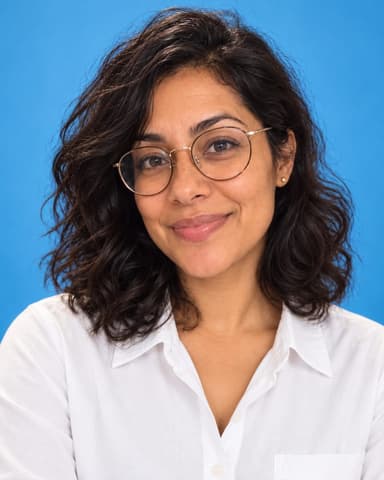
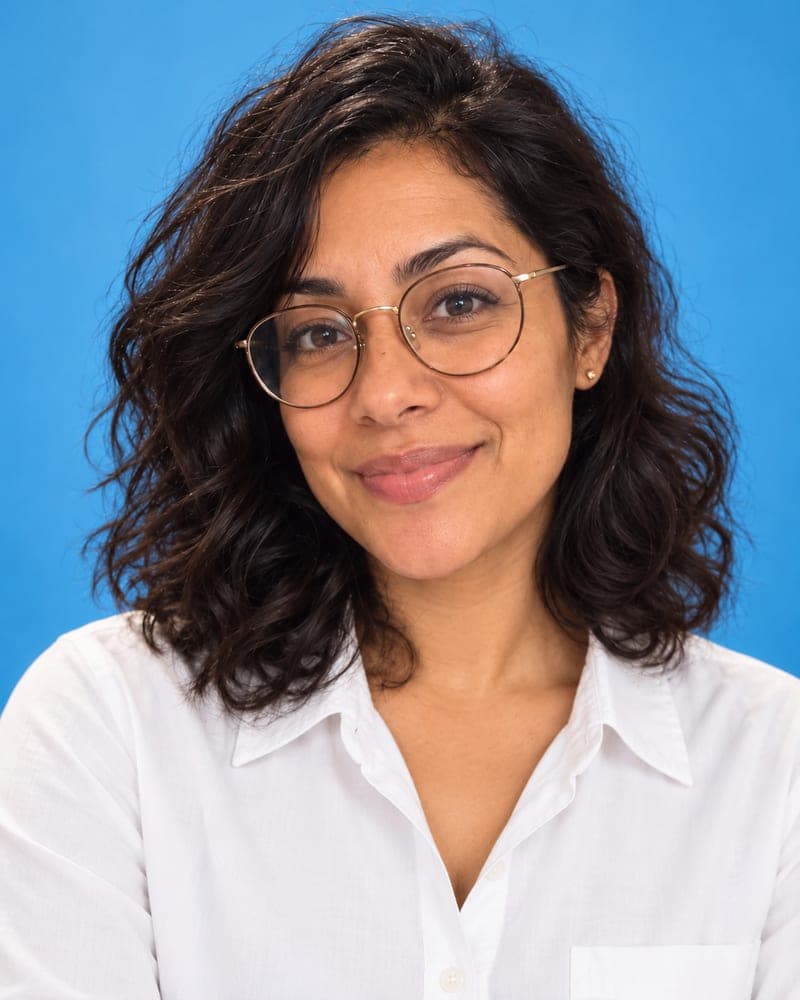
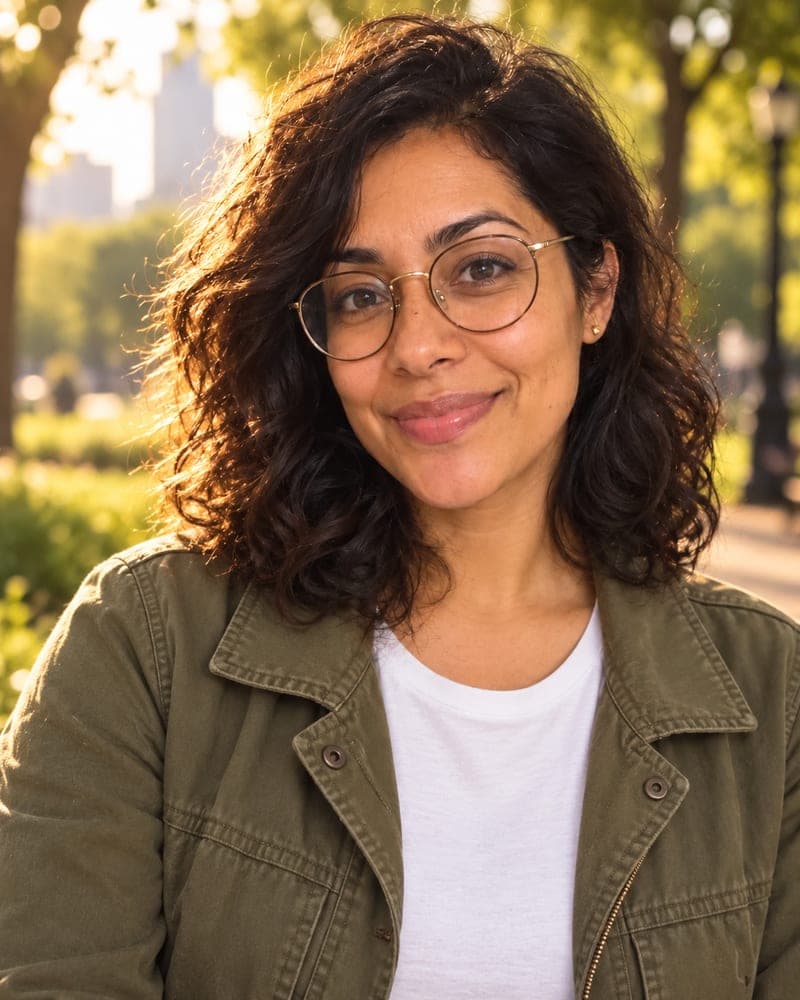
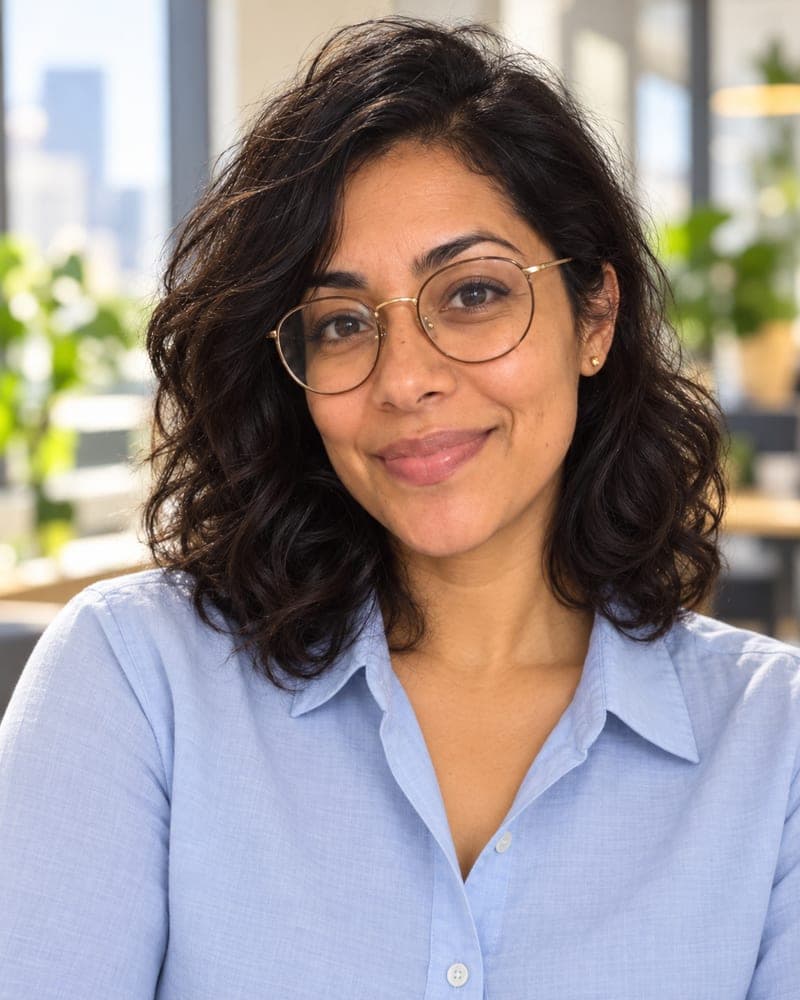
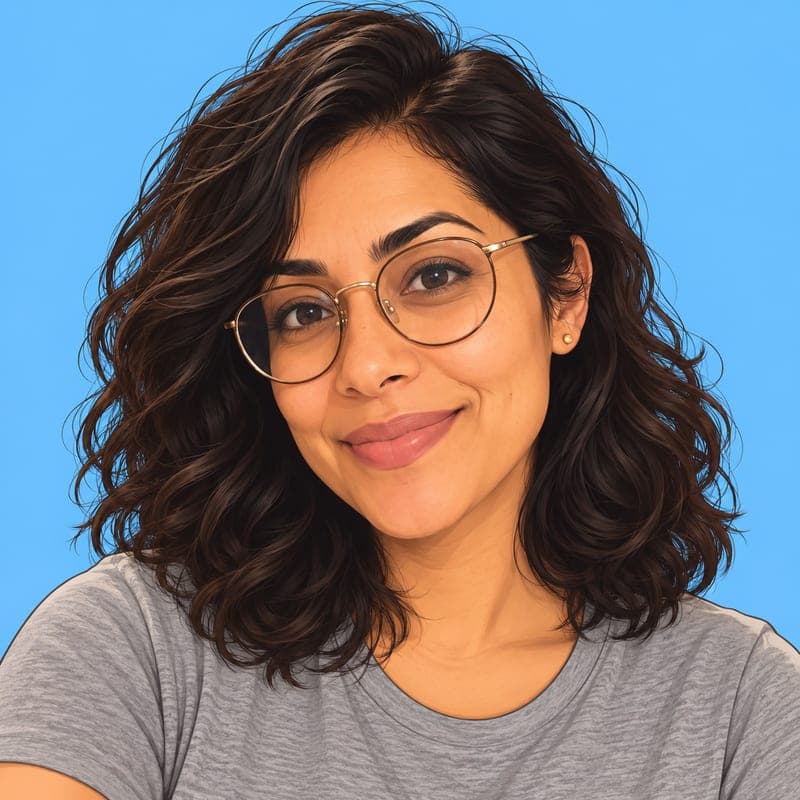
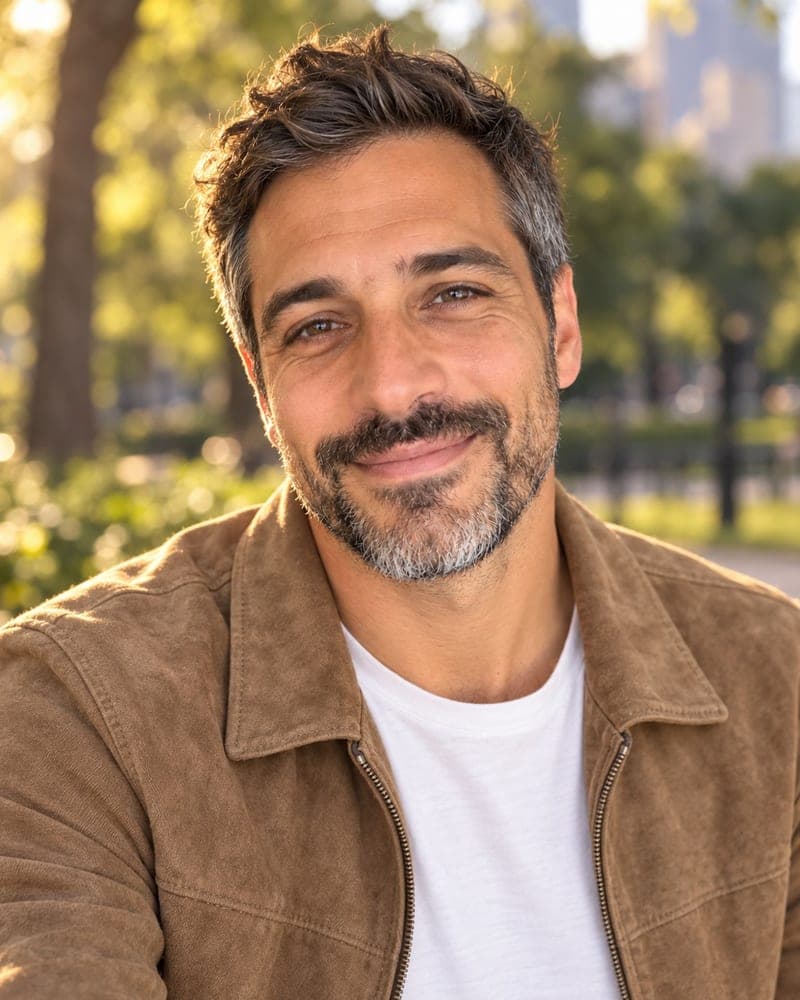
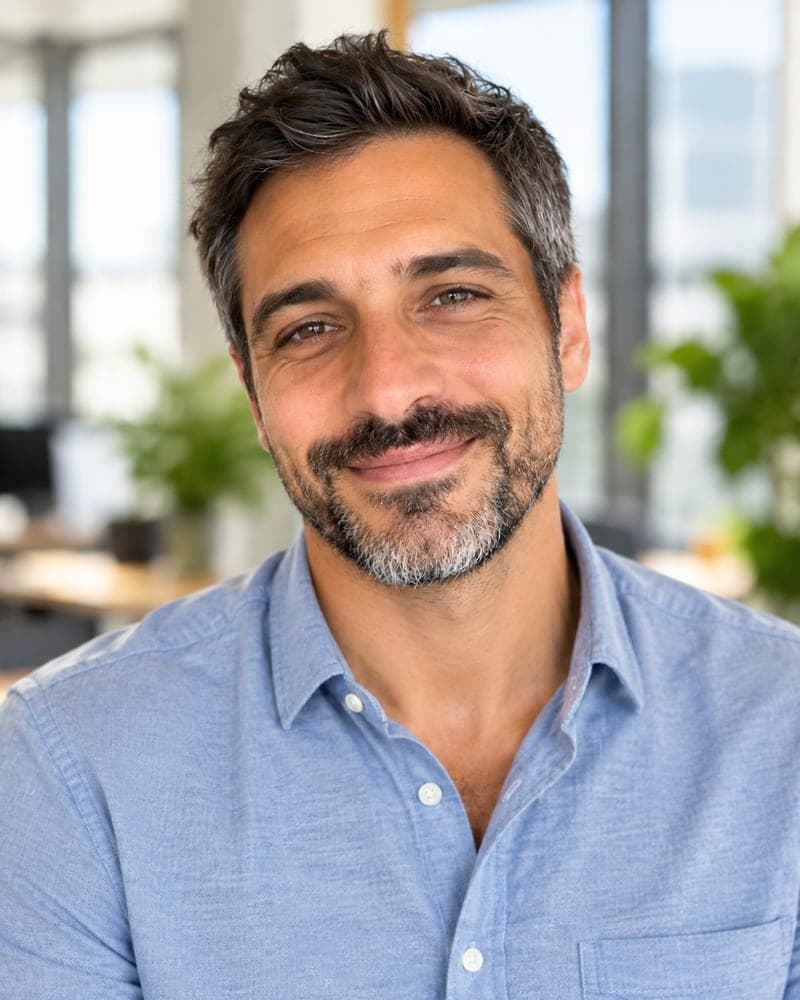
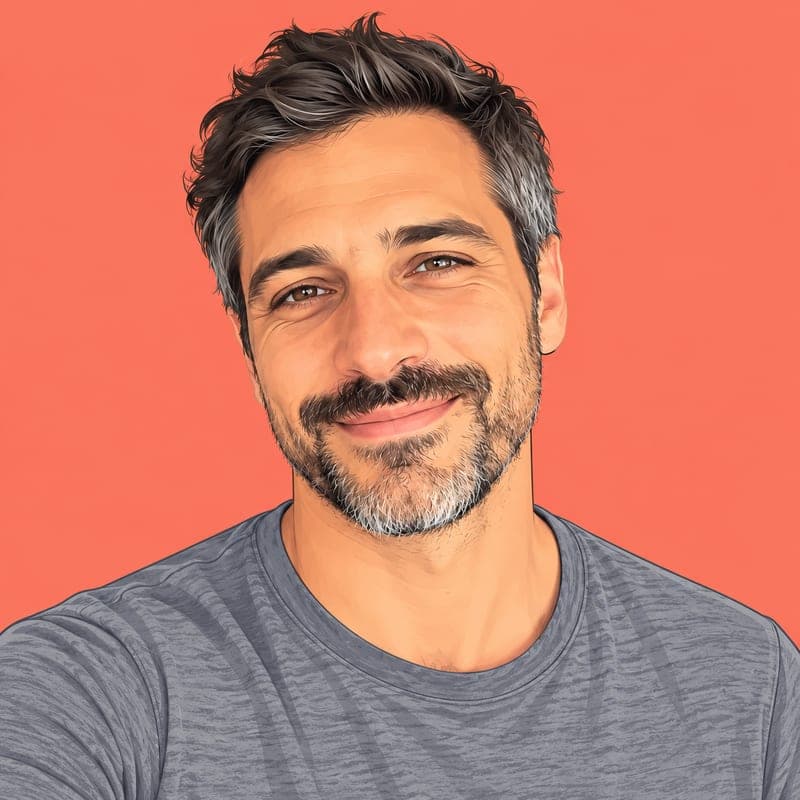
A good profile picture is mostly light, background and framing — and an AI profile picture maker can fix all three without changing your face. On FaceTwin, choose a look: Sky-blue colour for a bold, clean backdrop, Golden hour for warm outdoor light, LinkedIn office for work apps, or Illustrated PFP for a drawn avatar. Tick the consent box and upload one clear photo of yourself. In about 15 seconds you get your first one free in HD with no watermark, framed head and shoulders so it crops neatly into a circle or square on any app. If you want more, $1.99 covers two more looks from the same photo, so you can have a work picture and a social one. There is no account or subscription. FaceTwin does not keep your original photo, and the result stays downloadable for seven days.
- 4 looks: colour, golden hour, office, illustrated
- First one free in HD, no watermark, no account
- 2 more looks for $1.99
- Fits circle and square crops
More AI headshot and profile picture tools
Make a profile picture in three steps
- Pick a look above. Sky-blue colour is preselected because a solid colour backdrop stands out best in small circles.
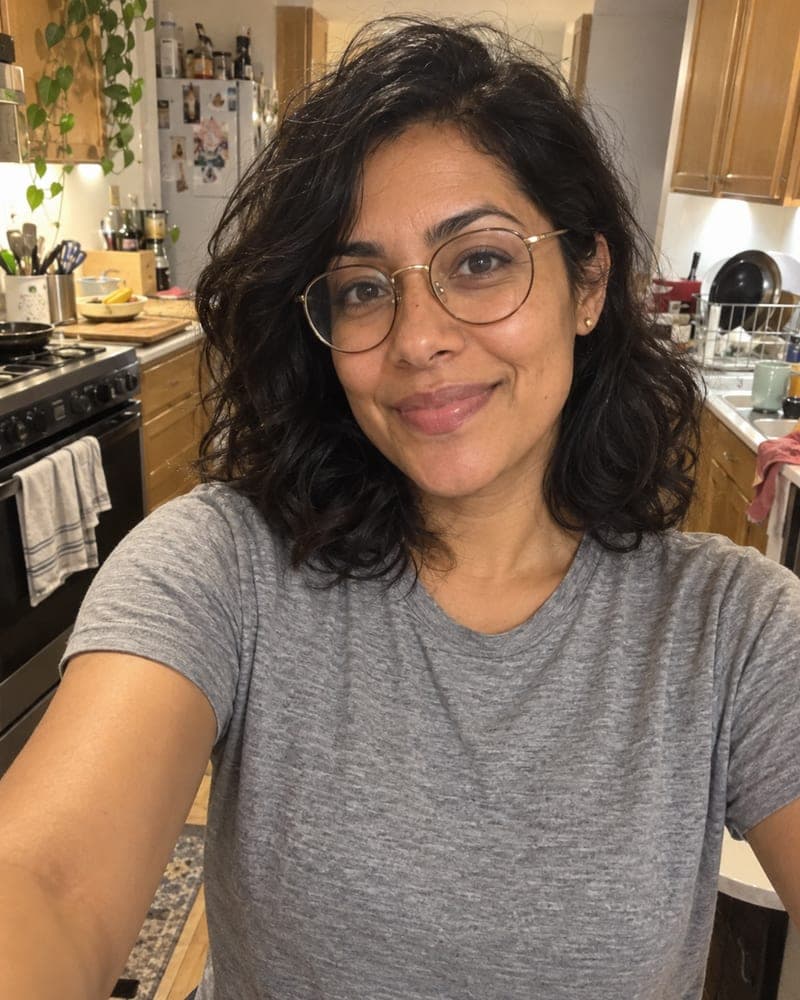
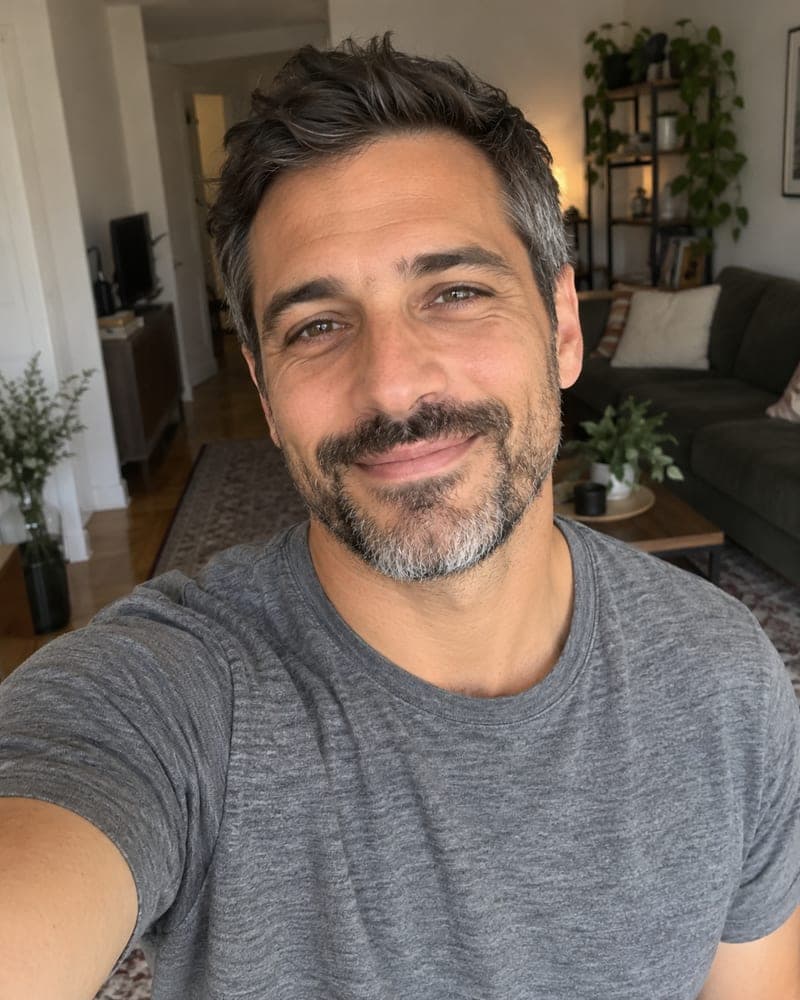
- Tick the consent box and upload one photo of yourself — a selfie is fine — or take one now.
- Download your free HD picture. Want a second look from the same photo? $1.99 covers two more.
Which profile picture for which app
| App | Best look | Tip |
|---|---|---|
| LinkedIn, Teams, Slack (work) | LinkedIn office or Sky-blue colour | Smile, look at the camera |
| Instagram, Facebook, Threads | Golden hour | Warm light reads friendly in a feed |
| X, Bluesky, Reddit | Sky-blue colour or Illustrated PFP | High contrast survives tiny avatars |
| Discord, Twitch, gaming | Illustrated PFP | A drawn avatar keeps some privacy |
| Dating apps | Golden hour | Natural light, recent photo, no heavy edits |
Most apps crop to a circle. All FaceTwin looks keep your head centred with space around it, so nothing important is cut off.
Why AI instead of a background remover or a filter
Background removers leave a cut-out edge and keep the original light, so the face still looks like it was shot in a kitchen. Filters change colour but not light direction. The AI rebuilds the whole picture — clothes, light on your face, background and depth of field — around your unchanged features, which is what makes it look like a real photo taken somewhere better.
Tips for the photo you upload
- One person only, face clearly visible, looking roughly at the camera.
- Daylight from a window beats indoor bulbs; avoid backlight.
- Recent hair and glasses — friends should recognise you instantly.
- No sunglasses, masks or heavy beauty filters.
- A sharp photo matters more than an expensive camera.
Photo profile picture or illustrated avatar?
Use a photo look wherever people need to recognise you — work, dating, marketplaces. Choose the illustrated PFP where a little distance is welcome — gaming, forums, public social accounts. The illustrated style keeps your face shape, hair, skin tone and glasses so friends still know it is you. For a full drawn avatar with more styles, see the PFP maker and the cartoon portrait pages.
Privacy: what happens to your selfie
Your selfie is sent through FaceTwin’s server to the AI image provider only after you tick the consent box. FaceTwin does not save the original photo: it is used once in memory to make the headshot and then discarded. The result is kept for seven days so you can download it, then deleted. It is never used to train a model, never shown in a gallery and never sold. Use only your own photo — you must be 18 or older.
Frequently asked questions
How much does the profile picture maker cost?
The first headshot is free: full HD with no watermark, one per browser while the daily free quota lasts, no account needed. After that, $1.99 covers two more headshots from the same selfie. A $4.99 pack covers five pictures. These are one-time payments with no subscription, and a failed generation never uses credits.
Will it still look like me?
That is the main rule in the prompt: keep the same face shape, eyes, nose, mouth, skin tone and texture, hairline, hairstyle, facial hair, glasses and age, and change only the outfit, background, lighting and framing. No face slimming or heavy smoothing. Your first headshot is free in HD, so judge it before you pay; if one scene misses, $1.99 covers two more scenes.
What size is the profile picture?
Photo looks are a 4:5 portrait about 1024 pixels wide; the illustrated PFP is a 1024×1024 square. Both are large enough for every major app, which will crop them to a circle or square for you.
Can I make a profile picture for my business or brand?
For a personal brand, yes — it is your face. For a company logo or mascot, this tool is the wrong fit; it only edits photos of the person uploading them.
Can I make a headshot of someone else?
Only of yourself, and you must be 18 or older. The consent box asks you to confirm the photo is of you. Do not upload a colleague, a stranger, a public figure or a child — for a team page, ask each person to make their own.
Is my photo uploaded?
Not for local lookalikes or face analysis: the model runs in your browser, so your selfie, landmarks and descriptor stay on your device. AI portraits, including the first free one, and full reports send your photo through our server to the AI provider after a free first-portrait request or a credit purchase, and separate upload consent. Reports also send your numeric measurements. FaceTwin does not save the original photo; it is discarded from request memory after processing.
More from the same selfie
Related by topic
Headshots and profile pictures
The data behind the scores: FaceTwin facts · face shape statistics
Last updated 2026-10-18. FaceTwin is for entertainment and is not identity recognition, medical or cosmetic advice.