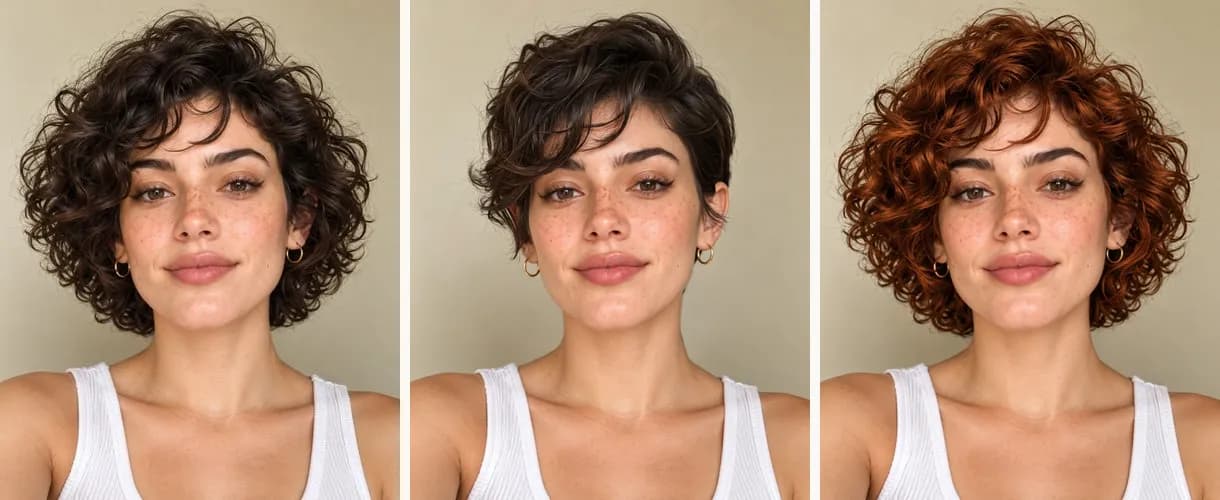
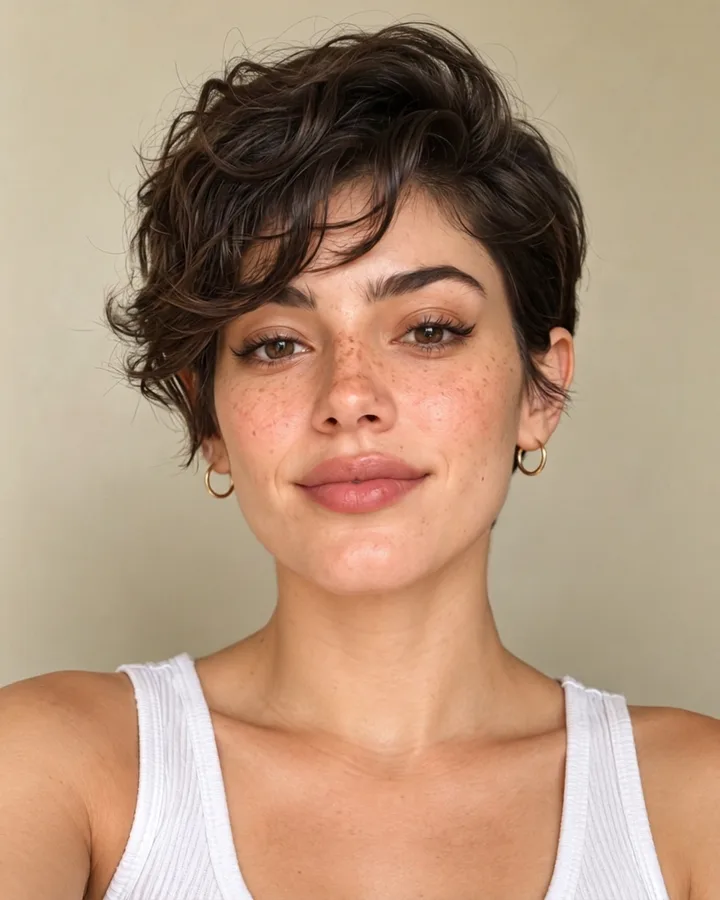
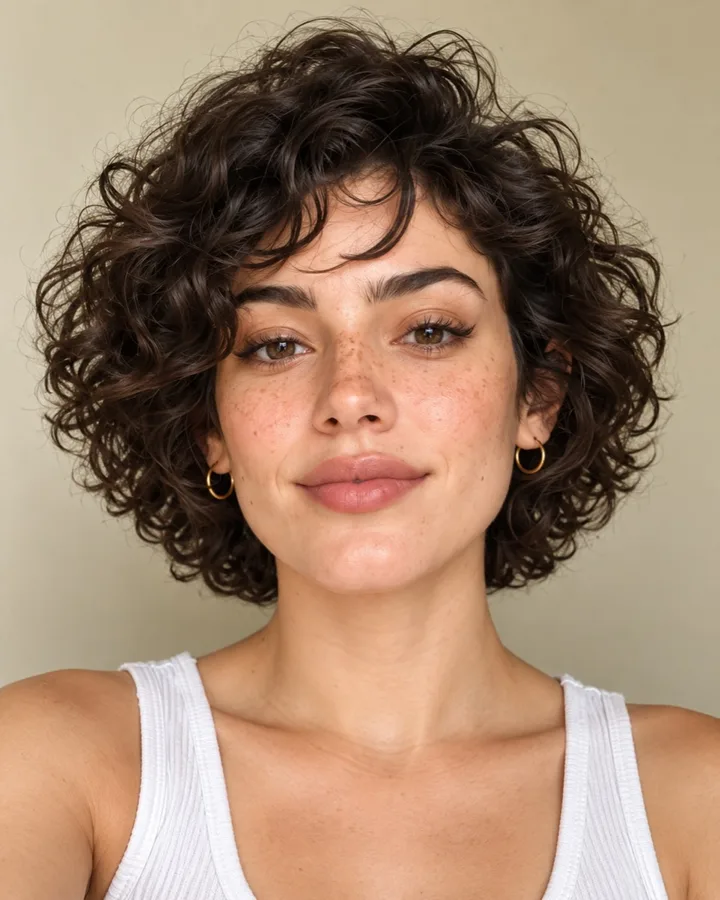
How do I use Gemini AI to try a new hairstyle?
Short answer: To try a hairstyle with Gemini, attach a front-facing daylight selfie, name the cut like a stylist would, and add: keep my face exactly the same and change only the hair. Start each new style from the original photo. FaceTwin’s try-on does a hair-only edit with 23 cuts and 4 colours, suggests cuts for your measured face shape, and the first try is free.
Open the Gemini app, attach a clear, front-facing selfie taken in soft daylight with your hair visible, and ask it to edit the photo with a named haircut — for example “give me a shoulder-length layered cut with curtain bangs”. The most important part of the prompt is the second half: tell it to keep your face shape, eyes, nose, mouth, skin tone, expression, age and background exactly the same and to change only the hair. Without that, image models tend to slim the face, add makeup or change the smile, and the preview stops being useful. Name the cut the way a stylist would, ask for one change at a time, and compare the result side by side with your original. If you would rather not write prompts, FaceTwin’s try-on below edits only the hair with 23 cuts and 4 colours, suggests cuts for your measured face shape, and the first try-on is free.
- Attach a front-facing daylight selfie
- Say “keep my face exactly the same, change only the hair”
- Name the cut like a stylist would
- FaceTwin: 23 cuts + 4 colours, first try-on free
Related
Why Gemini hairstyle edits sometimes change your face
General image models redraw the whole picture, not just the hair, so small changes creep in: a narrower jaw, smoother skin, bigger eyes, a different smile. That is fine for fun, but it defeats the point of a haircut preview — you are judging the cut on a face that is not quite yours.
- Put the “keep my face exactly the same” rule in every prompt, not just the first one.
- Change one thing at a time: cut first, then colour, then fringe.
- Start each new style from your original selfie, not from the last edit, or the drift adds up.
- Compare side by side at the same size. If the eyes or jaw moved, regenerate.
Gemini vs a dedicated hairstyle try-on
| Gemini with a prompt | FaceTwin hairstyle try-on | |
|---|---|---|
| How you choose a cut | Describe it in words | Pick from 23 cuts and 4 colours |
| Face kept the same | Depends on the prompt; drift is common | Hair-only edit; face, skin and background kept |
| Face-shape advice | A guess from the photo | Measured from 68 landmarks, free, in your browser |
| Cost | Depends on your Gemini plan and limits | First try-on free, then 10 credits |
| Best for | Any style you can describe | Quickly comparing realistic salon cuts |
Hairstyles to try first, by face shape
| Face shape | Try in your prompt | Go easy on |
|---|---|---|
| Round | Long layers, side part, curtain bangs, a lob past the jaw | Chin-length blunt bobs, heavy volume at the cheeks |
| Square | Soft waves, wispy curtain bangs, textured ends | Blunt jaw-length lines |
| Oval | Almost anything — bobs, pixies, long layers | Very heavy fringes that hide the forehead |
| Heart | Jaw-length bob, side-swept fringe | Lots of volume at the crown |
| Oblong | Bangs, volume at the sides, shoulder length | Very long straight hair with no fringe |
| Diamond | Fringe, chin-length cuts, tucked-behind-ear styles | Slicked-back styles |
Not sure of your face shape? The detector below measures it from 68 points on your face without uploading the photo, then suggests cuts to try.
Getting a photo that works with any AI hairstyle tool
- Face the camera, chin level, in soft window light.
- Pull your current hair back from the face, or at least away from the cheeks.
- No hat, hood or heavy filter — filters blur the hairline the model needs.
- Use a recent photo: the preview is only useful if the face is how you look today.
Frequently asked questions
Can Gemini change my hairstyle?
Yes. Gemini can edit a photo you attach when you describe the change, such as a new haircut, fringe or colour. Results are best when you ask it to keep your face and background exactly the same and change only the hair, one change at a time.
Why does Gemini change my face when I ask for a new haircut?
General image models regenerate the whole image, so features can drift. Add an explicit rule to keep your face shape, eyes, nose, mouth, skin tone, expression and age the same, start from your original photo each time, and regenerate when it drifts.
Is Gemini free for hairstyle edits?
That depends on Google’s current plans and daily limits, which change. FaceTwin’s first hairstyle try-on is free; further try-ons cost 10 credits each. FaceTwin is not affiliated with Google.
What is the best prompt for an AI hairstyle?
Name the cut the way a stylist would (length, layers, fringe), say to match your natural texture and colour, and end with: keep my face exactly the same and change only the hair. The six prompts on this page follow that pattern.
Is my photo uploaded on this page?
The face-shape check runs entirely in your browser and never uploads the photo. The AI try-on sends your selfie to the image provider only when you start a try-on; the original is not stored and is never used for training.
Is my photo uploaded?
Not for local lookalikes or face analysis: the model runs in your browser, so your selfie, landmarks and descriptor stay on your device. AI portraits, including the first free one, and full reports send your photo through our server to the AI provider after a free first-portrait request or a credit purchase, and separate upload consent. Reports also send your numeric measurements. FaceTwin does not save the original photo; it is discarded from request memory after processing.
More from the same selfie
Related by topic
Hairstyles by face shape
- Hairstyles for oval faces
- Hairstyles for round faces
- Hairstyles for square faces
- Hairstyles for heart-shaped faces
- AI hairstyle try-on
- French bob try-on
- AI outfit try-on
- Face shape detector
- Face shape + hairstyles
- Hairstyles for oblong faces
- Hairstyles for diamond faces
- Hairstyles for triangle faces
- Glasses for face shape
- Eyebrow shape for face shape
- AI hair color changer
The data behind the scores: FaceTwin facts · face shape statistics
Last updated 2026-10-18. FaceTwin is for entertainment and is not identity recognition, medical or cosmetic advice.